
Connect an AI assistant
Let an MCP client search, read and edit your recipes
The Model Context Protocol (MCP) lets an AI assistant work with your recipe collection directly — searching, reading, and with the right token creating, editing and deleting — instead of you copying ingredients back and forth by hand. Rezepte serves an MCP endpoint at https://<your instance>/mcp, and it uses the same credential as the REST API: an API token.
Create a token
Follow API tokens to issue one from Settings → API. What the assistant may do follows the Recipes level you choose:
- Read — search and read recipes and their comments, and list the tags; nothing else.
- Write — also create and edit recipes, star them as favorites, mark them tasty and write comments.
- Delete — also delete recipes.
Give it the least it needs.
Connect a client
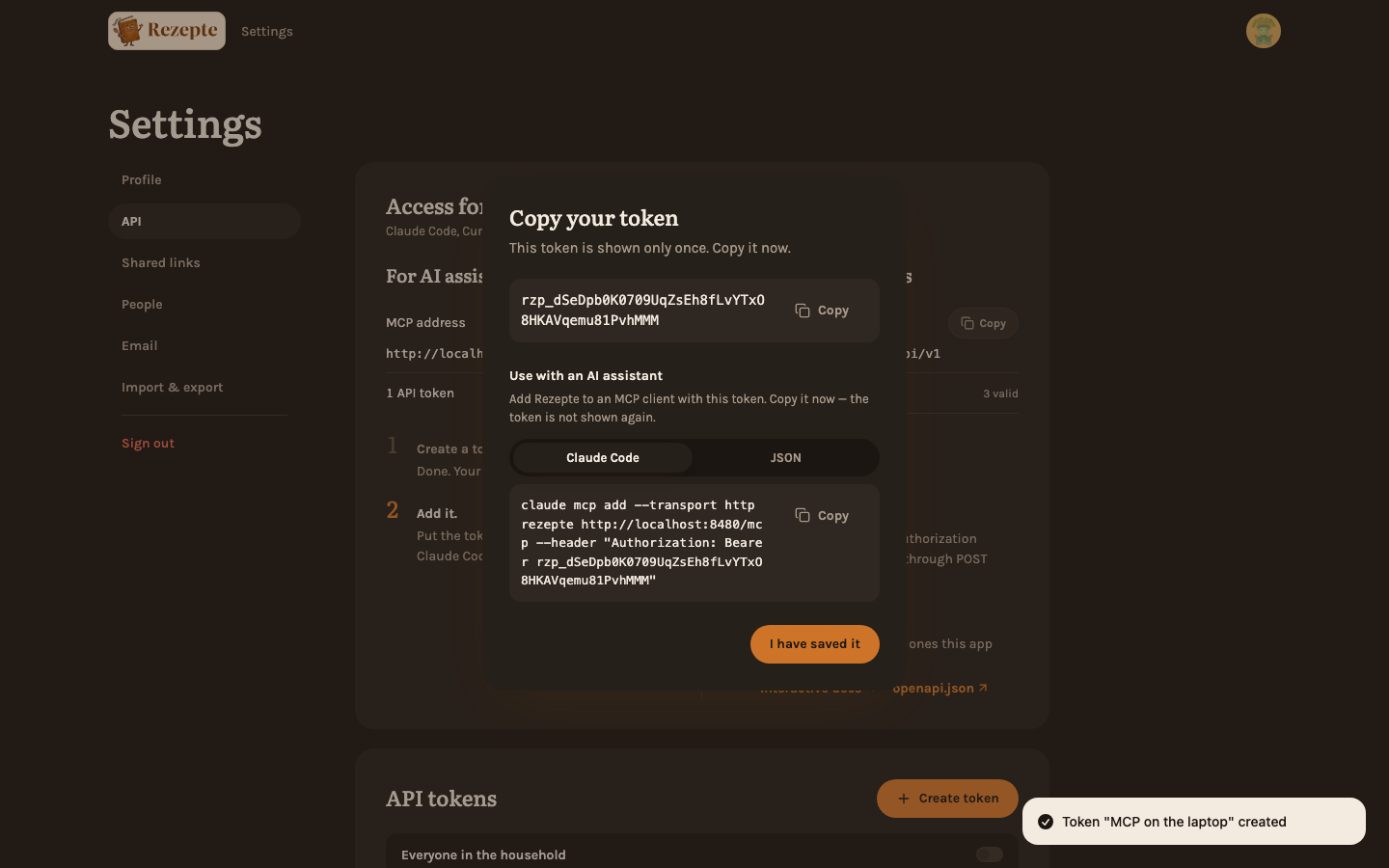
Once the token is created, its dialog offers two ways to connect, both already filled in with your token and this instance's address — copying them from there is easier than typing them out.
With a command
Claude Code registers the instance with one command, which the dialog's "Claude Code" tab holds:
claude mcp add --transport http rezepte https://<your instance>/mcp --header "Authorization: Bearer rzp_..."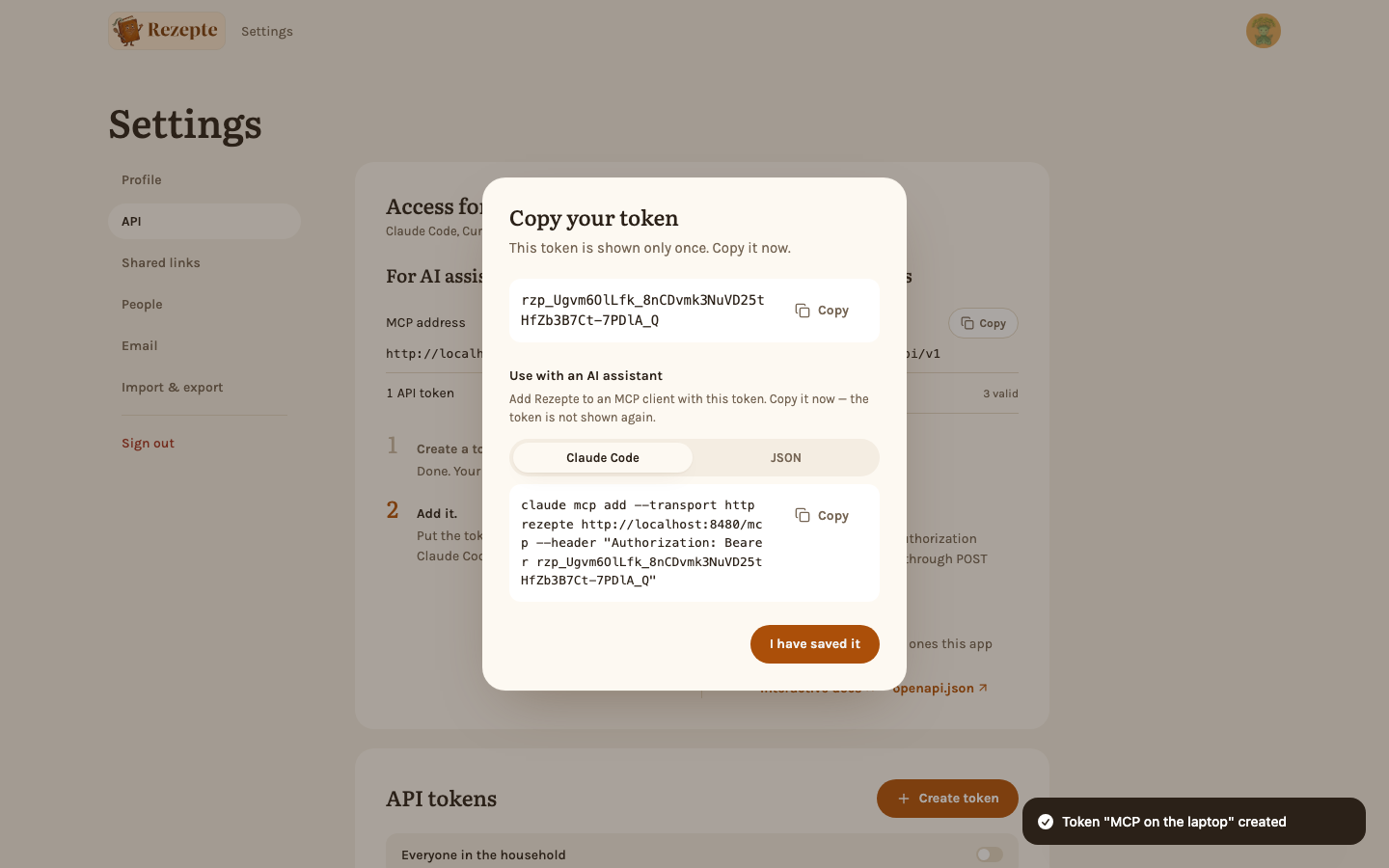
With a JSON configuration
Most MCP clients, such as Cursor, read an mcpServers block from a configuration file instead, as does a project's .mcp.json. The dialog's "JSON" tab holds this one:
{
  "mcpServers": {
    "rezepte": {
      "type": "http",
      "url": "https://<your instance>/mcp",
      "headers": { "Authorization": "Bearer rzp_..." }
    }
  }
}
VS Code's mcp.json expects the same entry under a top-level servers key instead of mcpServers.
What the assistant can do
Twelve tools, each reaching as far as the token's scopes allow. The assistant acts as the admin who issued the token, under the same editing rights as in the app:
- Search the collection by keyword, tag, time, favorites or author, and sort it by the most tasty marks.
- Read one recipe in full — ingredients, steps, tags, whether you have starred it, and who marked it tasty.
- List the tags already in use, so it reuses yours instead of inventing new ones.
- Create a recipe.
- Edit a recipe — it replaces the whole document, the same as saving in the editor, including who may edit it.
- Delete a recipe and its photos, with a Delete token only. This cannot be undone.
- Star or unstar a recipe as a favorite.
- Mark a recipe tasty, or take the mark back — never on a recipe the token's admin wrote.
- Read a recipe's comments, and see which ones are new for you — reading it does not clear the dot in the app.
- Write a comment on a recipe, as the token's admin. It cannot edit or delete comments.
What it cannot do
- It cannot upload or see photos. Recipe images are not part of MCP.
- It cannot do anything about members, passwords or anyone else's account.
- It can never do more than the token's scopes allow — a Read token cannot create, edit or delete, and only Delete can delete.
Clients that need OAuth
Clients that only connect through OAuth, such as claude.ai's custom connectors, are not supported yet — Rezepte does not implement OAuth. Every client that accepts a static header works today. See Roadmap.