
v1.2.0 — Comment on recipes, import them from a link
Everyone can comment on a recipe and import one from a website or pasted text, steps show where they wait, and once the owner connects a mail server Rezepte mails invitations and links for a forgotten password.
Released
Rezepte 1.2.0 changes nothing you have to adapt: back up your data directory, pull ghcr.io/s-frei/rezepte:1.2.0 and start it, as Updates describes. Mail is off until you set it up.
Talk about a recipe
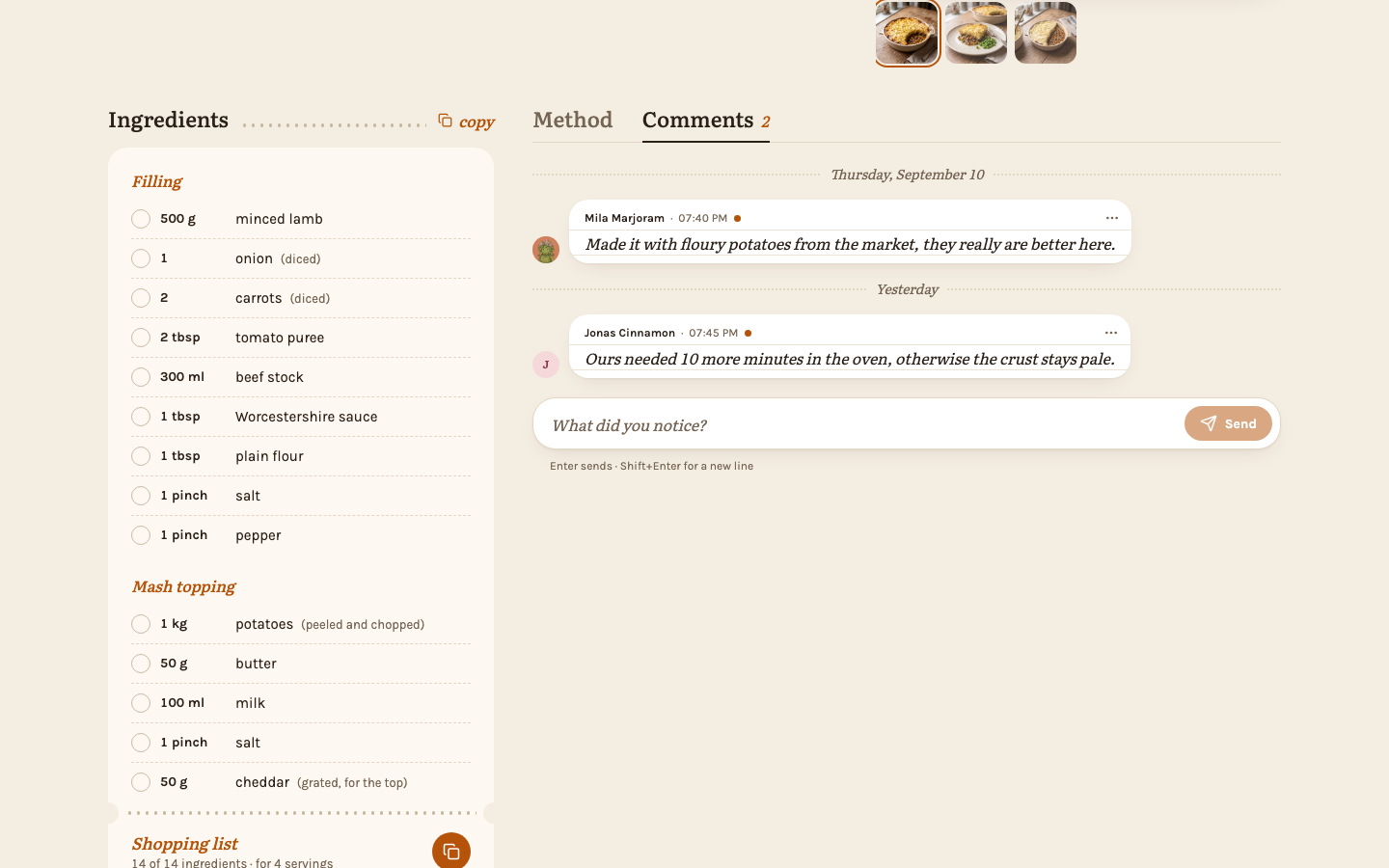
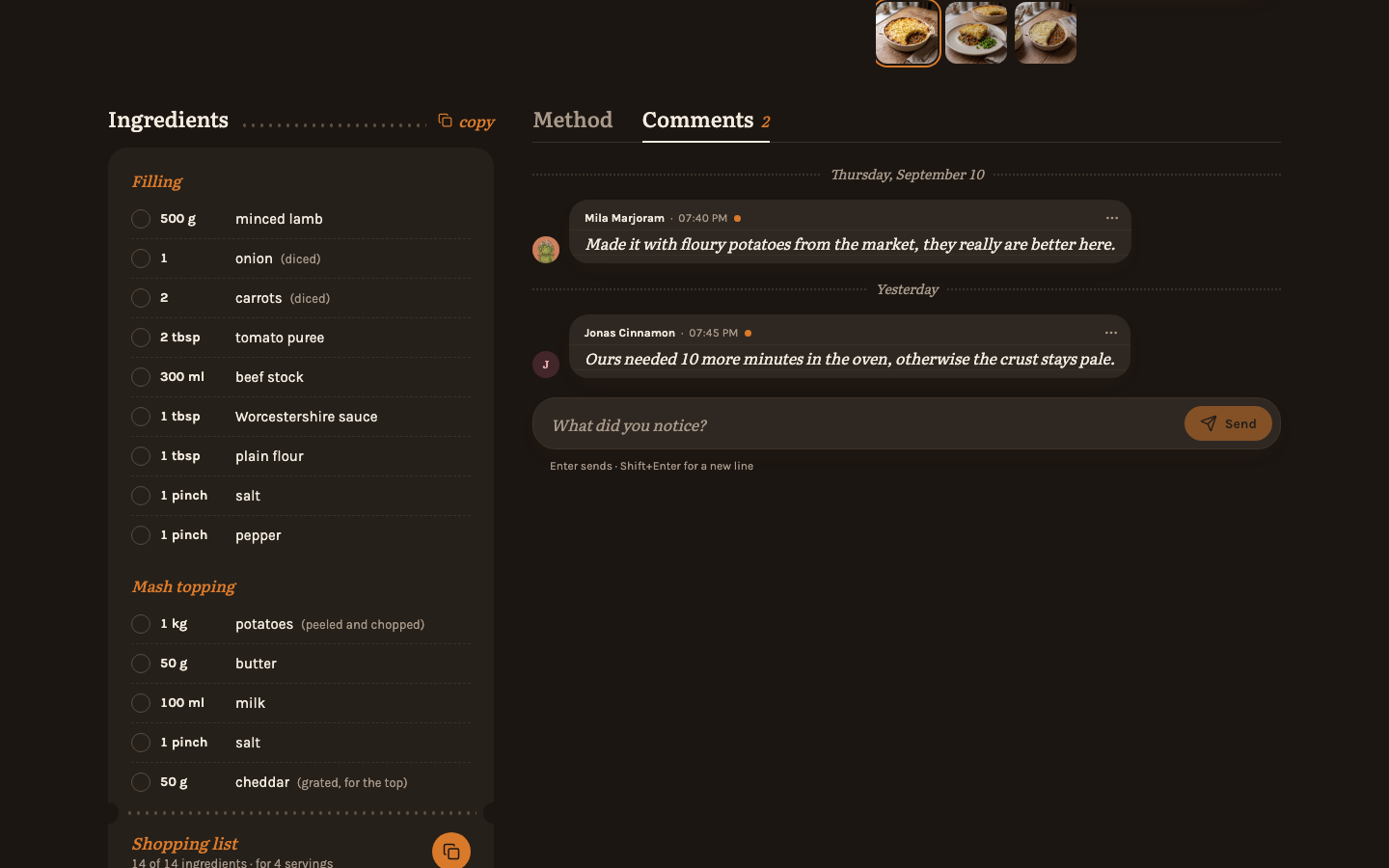
Every recipe has comments now, behind a tab beside "Method": the place for what the household learned cooking it - "Ours needed 10 more minutes in the oven." Everyone can read and write them on every recipe, locked ones included; you edit your own, and admins can delete any. When somebody else comments on a recipe you added or commented on, its card in the overview and its "Comments" tab get a small dot until you open the tab. Comments stay in the household: they are not on public links, shared images or in a zip export. See Comments.
Import a recipe from a link or text
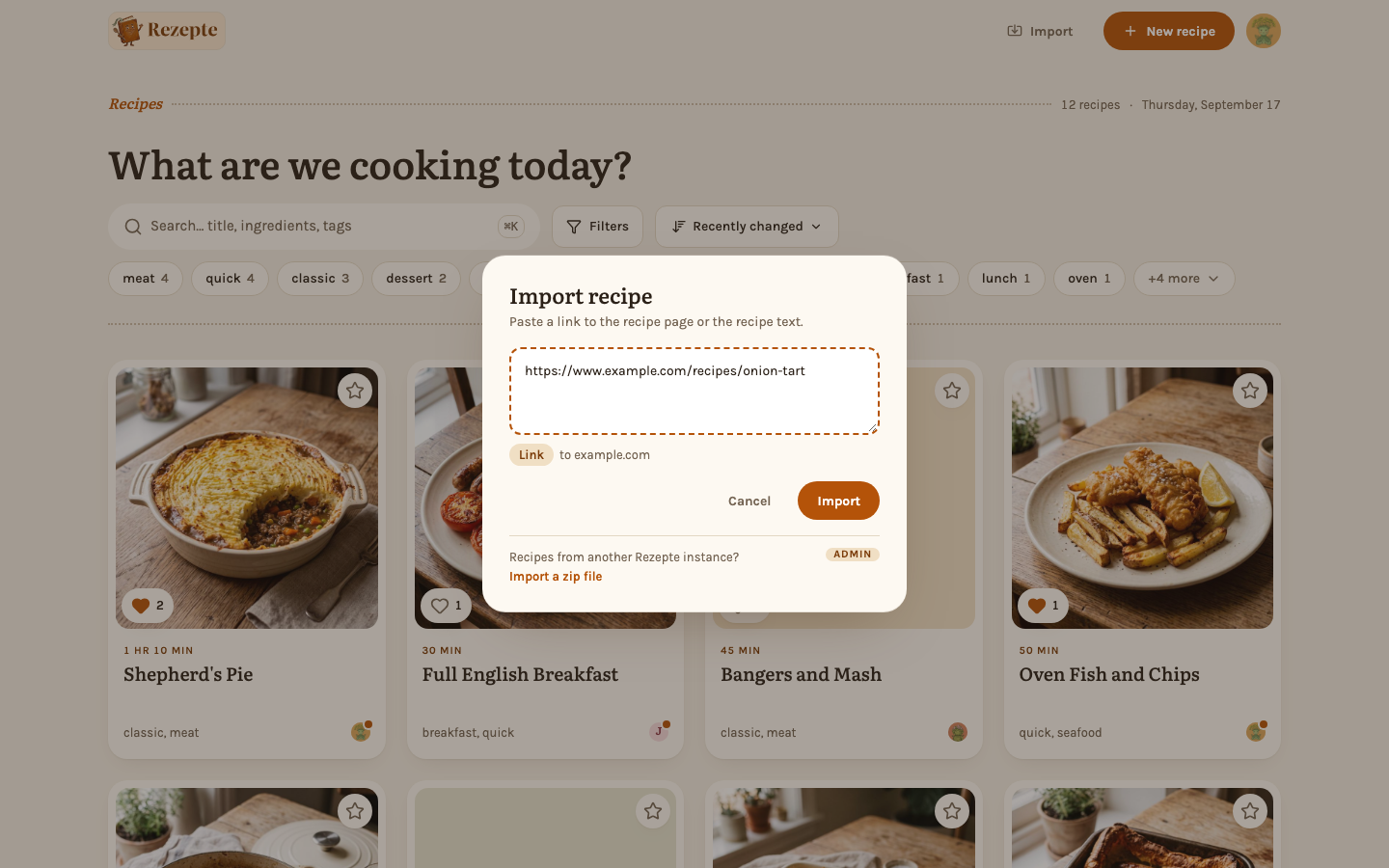
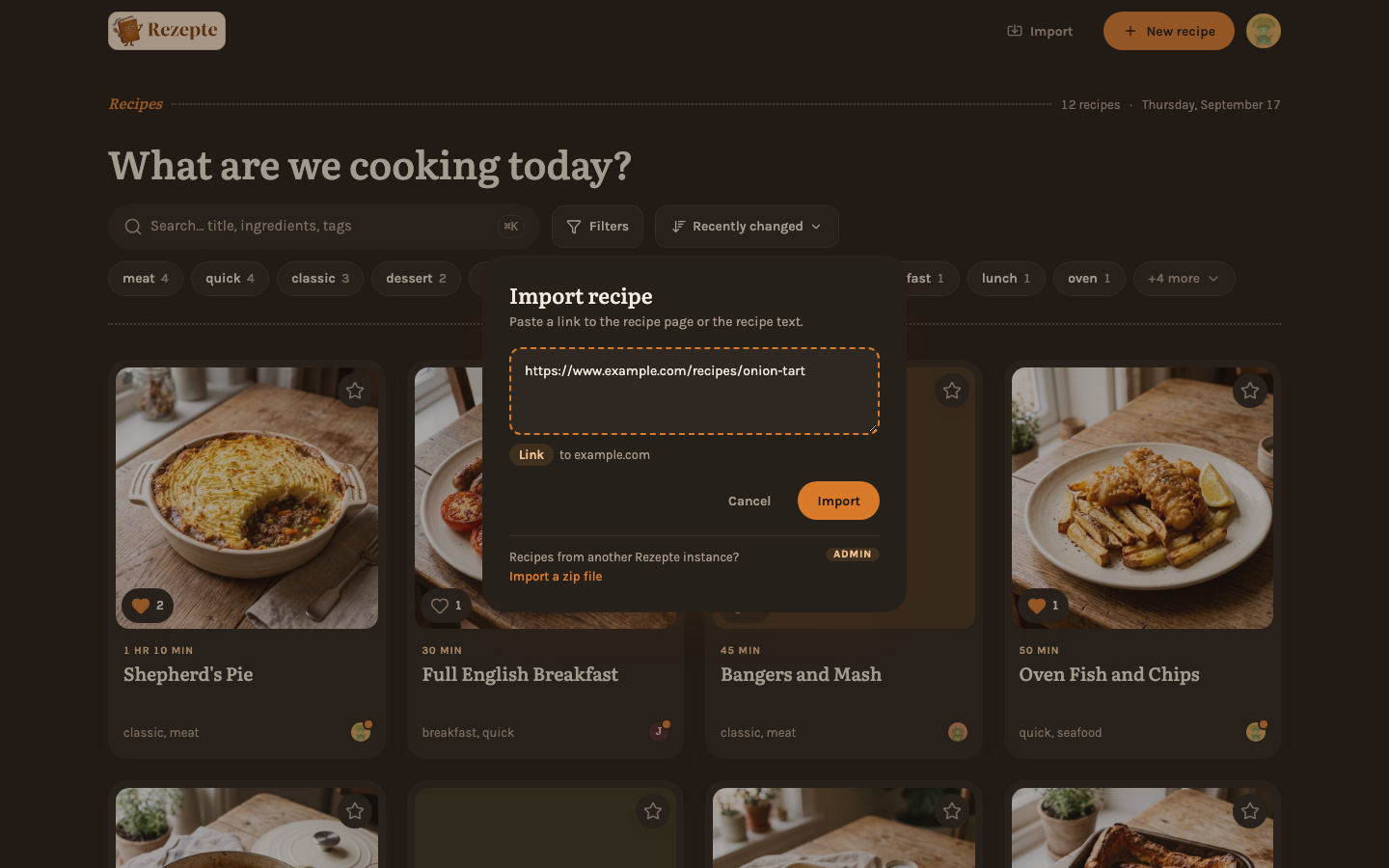
Paste a link to a recipe page, or the recipe copied out of a mail or a chat, and Rezepte fills in a new recipe for you to check before you save: title, servings, times, ingredients, steps, tags, the source and usually the photo. Ingredient lines it was unsure about are marked Please check, new tags are only suggested, and a recipe already imported from the same page is pointed out before you make a second one. Everyone can import: Import in the top bar, "Import recipe" in the command palette, or + and then Import on a phone. See Importing a recipe.
The page is fetched by the Rezepte server, which opens only addresses on the public internet - never your router or other machines in its own network.
Steps show where they wait
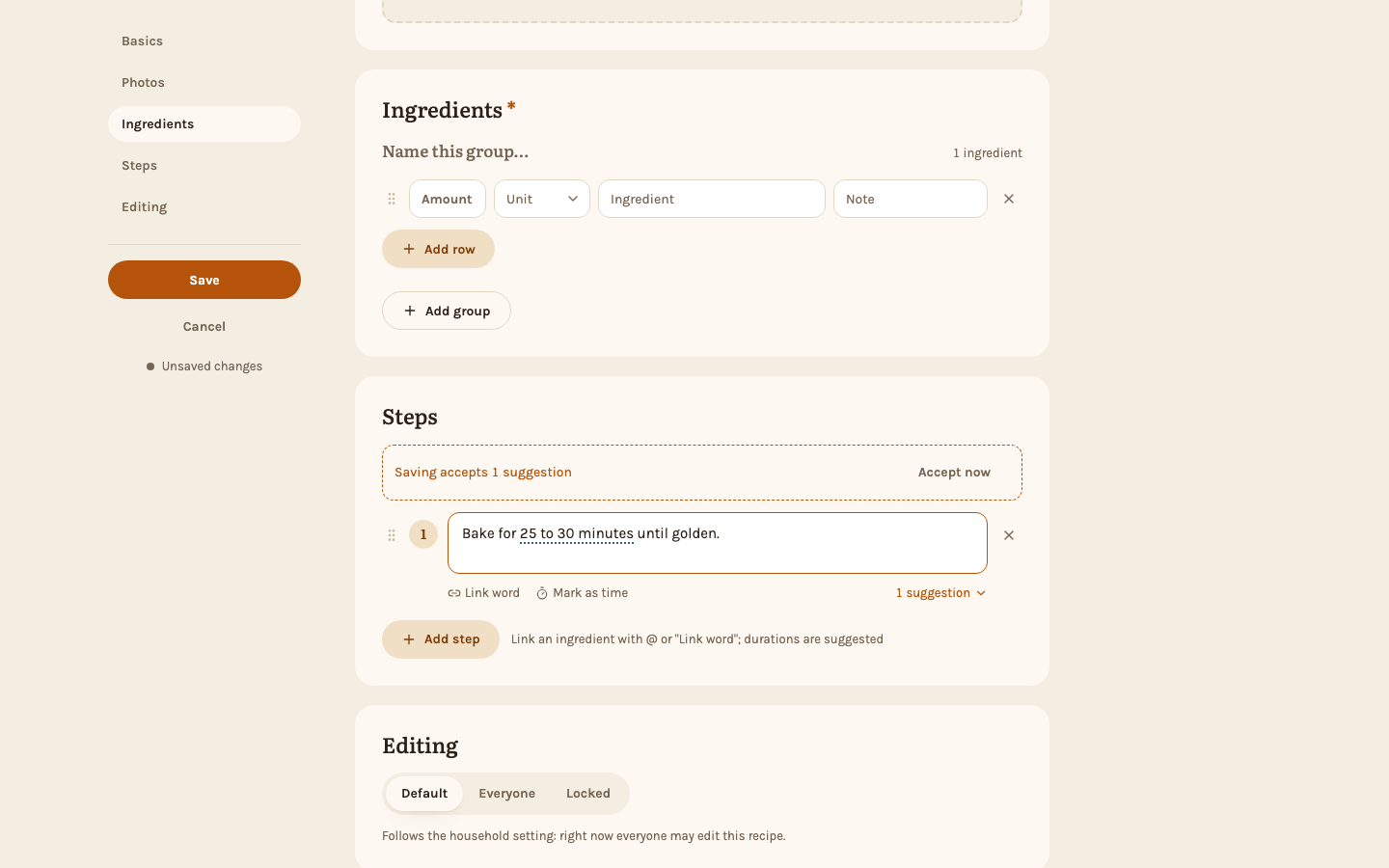
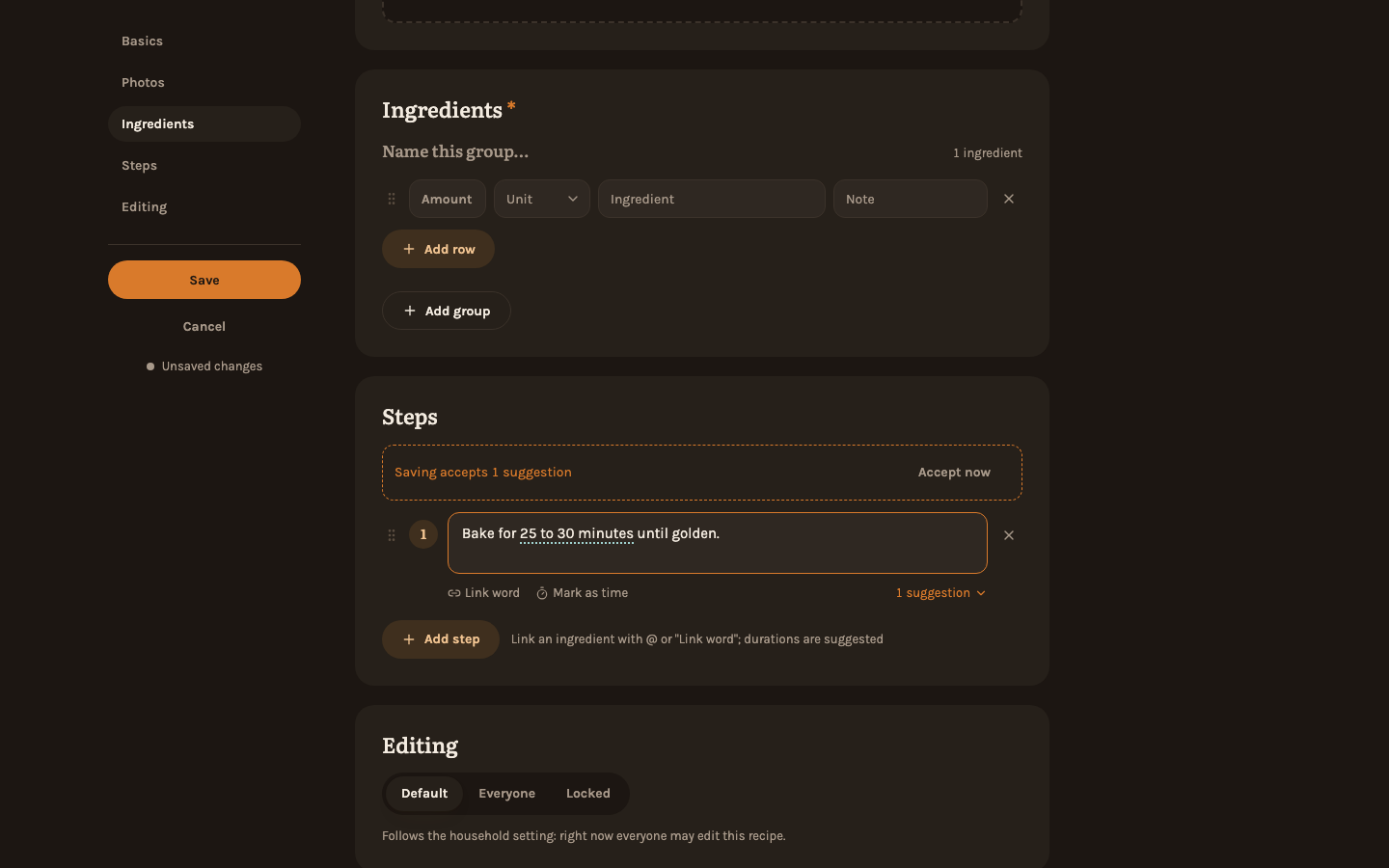
Durations in a step - "25 to 30 minutes", "1 hour 30 minutes" - can be marked as times, and the recipe page and cook mode then show them underlined with a small clock. The editor suggests them as you type, in English and German; accept or dismiss each one, or select a duration it missed and choose "Mark as time". Recipes you saved earlier get times the next time you save them in the editor. See Mark times in a step.
Invitations and passwords by mail
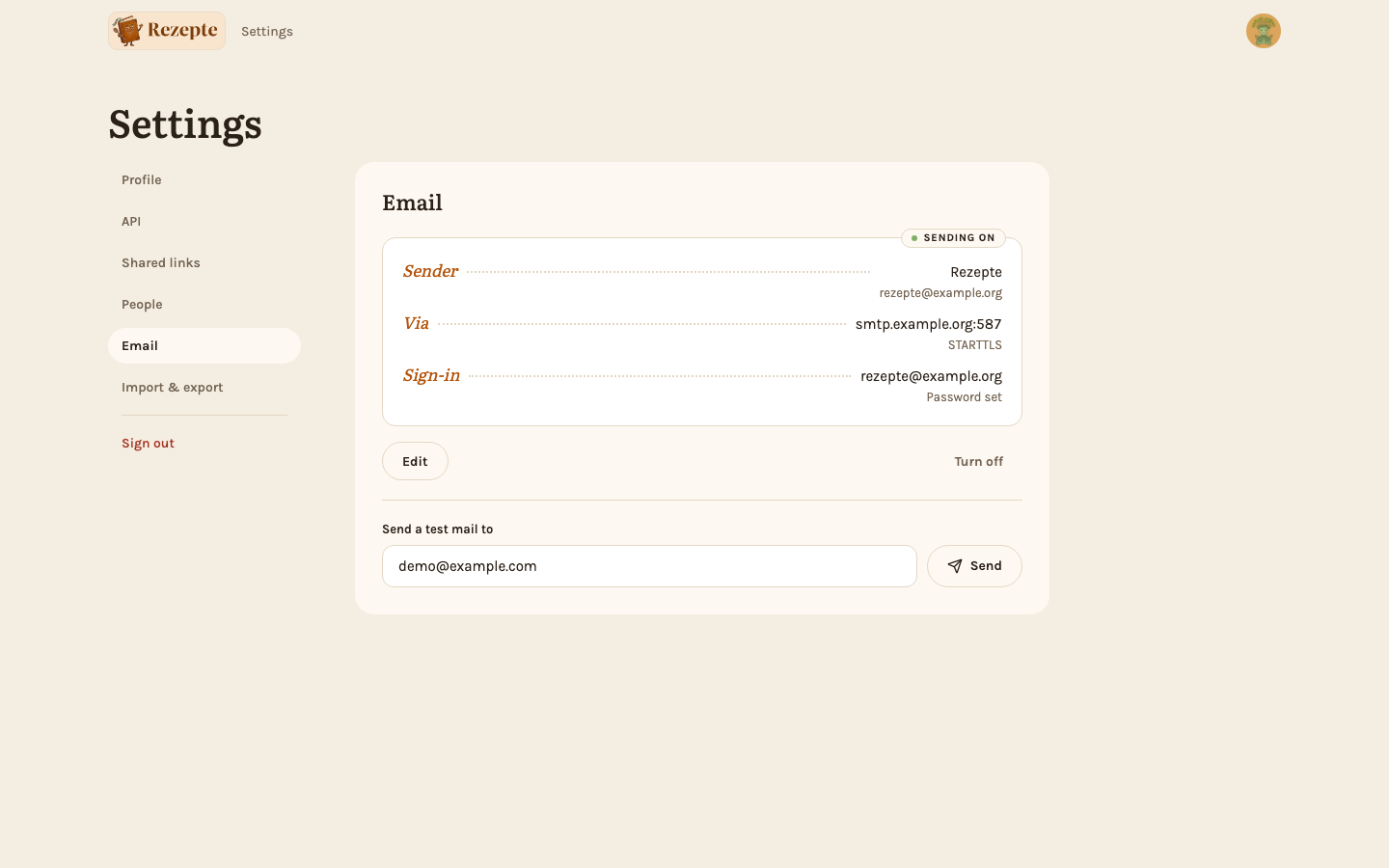
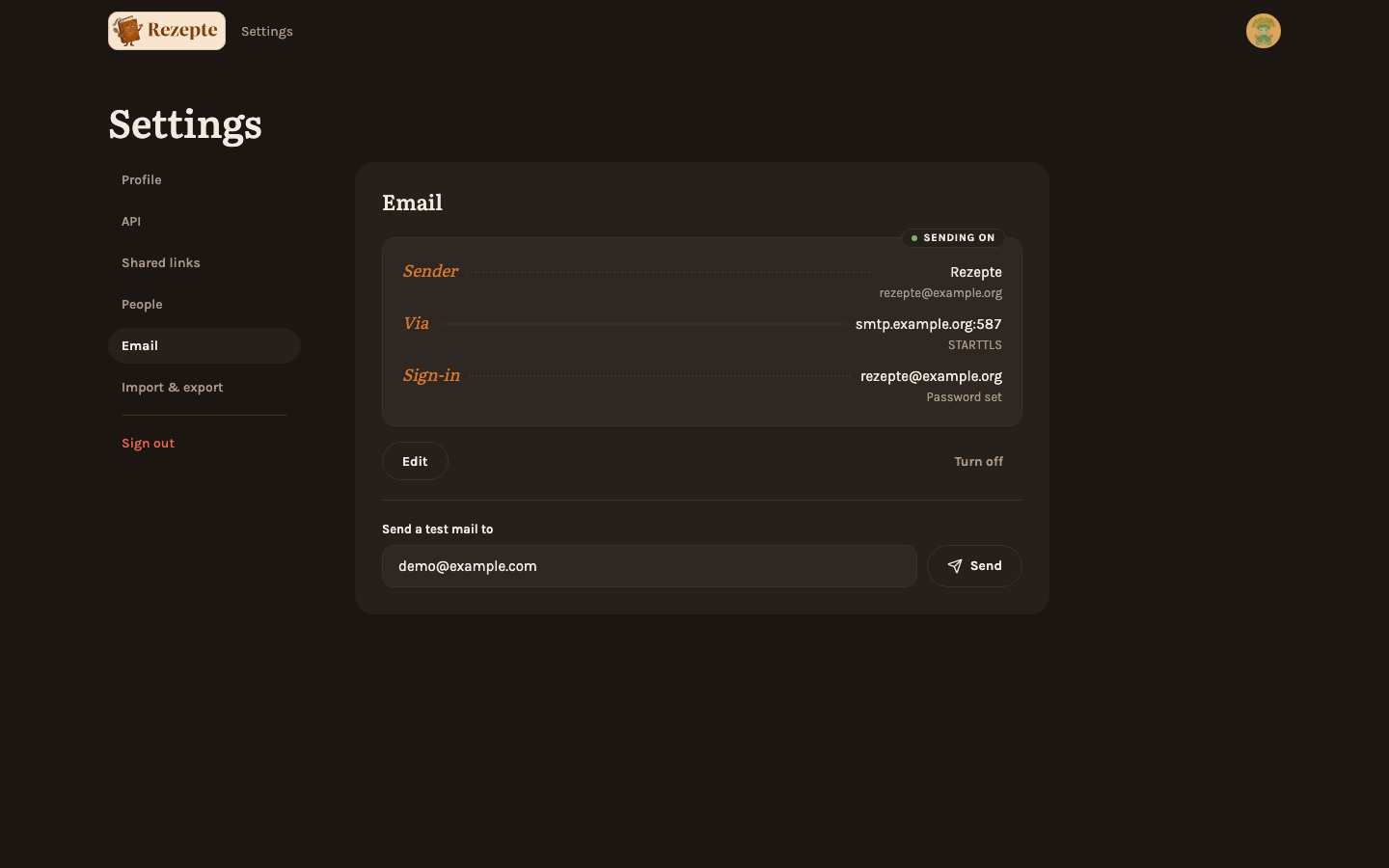
Connect Rezepte to the SMTP server of your mail provider - in the app under Settings → Email, a page only the owner has, or with the new REZEPTE_SMTP_* variables together with REZEPTE_PUBLIC_URL - and the owner can send a test mail to check it. A password entered in the app is stored unencrypted in rezepte.db, so keep your backups private. See Mail and Configuration.
- Invitations. "Add account" gets an optional email field; fill it in and the setup link goes to that address, while the window shows where it went and keeps the link to pass on by hand if sending fails. The row's "Setup link" can mail a fresh link the same way.
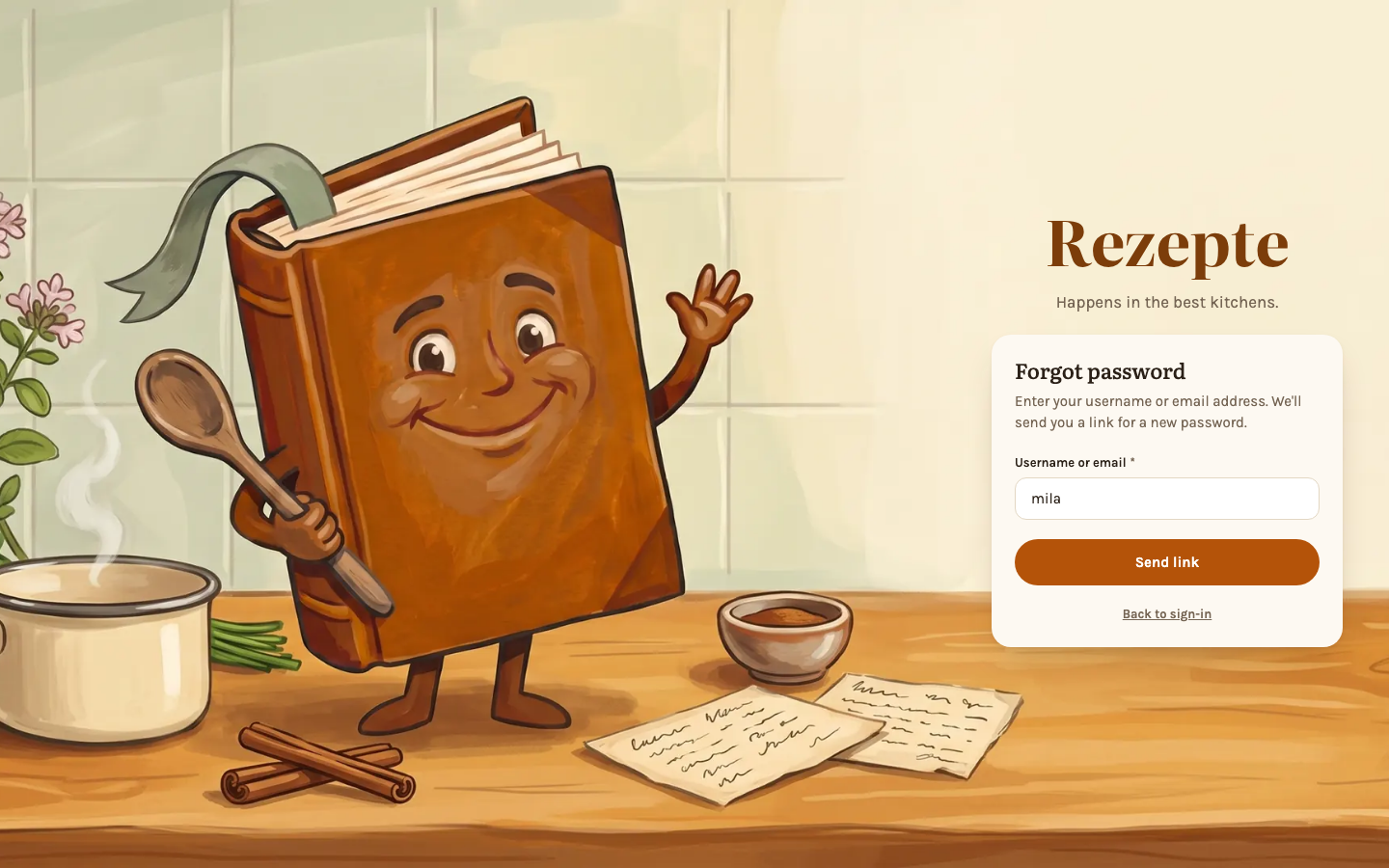
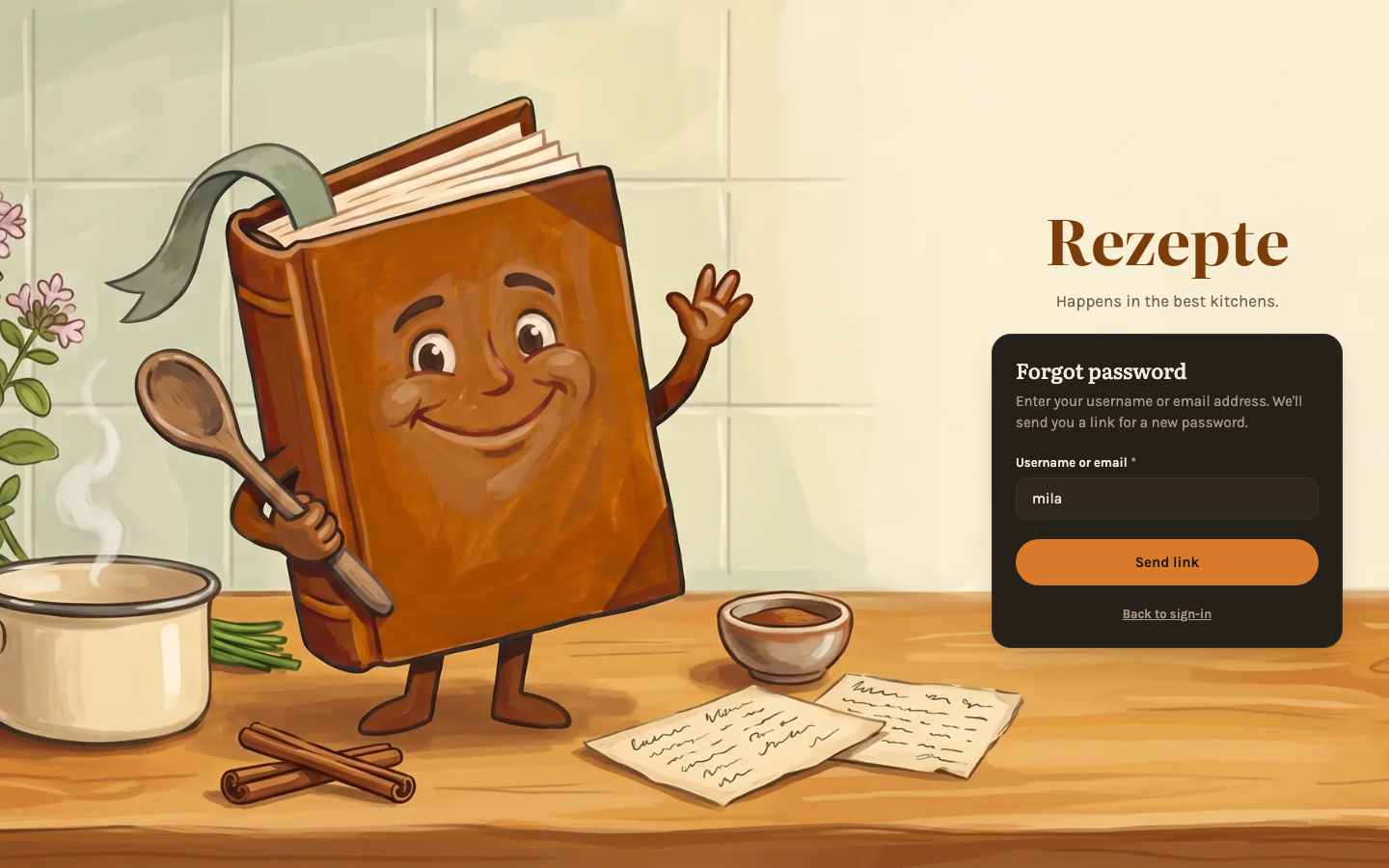
- Forgot password. The login page shows Forgot password?. Enter a username or a confirmed email address and Rezepte mails a link for a new password, valid for one hour and good once; setting the password signs the account out everywhere else. The page answers the same whether or not an account exists, a second request within five minutes mails nothing, and the owner cannot be reset by mail. An account that signs in only through an identity provider gets a mail saying so instead. See First login.
- Confirmed addresses. Only a confirmed address receives a password link. An address entered in a profile, or set by an admin, is confirmed through a mailed link valid for 7 days; until then the profile says Not confirmed yet with Send again. An address opened from a mailed invitation, or vouched for by your identity provider, counts as confirmed, and Settings → People shows whose address is. See Profile.
API
- Comments:
GET /api/v1/comments?recipeId=…lists a recipe's comments, each withnew,canEditandcanDelete;POST /api/v1/recipes/{id}/commentswrites one (1 to 2000 characters of plain text),PATCHandDELETE /api/v1/comments/{commentId}change and remove one, andPUT /api/v1/recipes/{id}/comments/seenwith{"upTo": …}clears the dot. Reading and marking seen takerecipes:read, writingrecipes:write. Recipe cards carrynewComments. - Import:
POST /api/v1/recipe-draftswith{"url": "…"}or{"text": "…"}returns an unsaved draft -recipe,review,suggestedTags,photo,duplicateandtruncated- forPOST /api/v1/recipesto save;GET /api/v1/recipe-drafts/photoserves the draft's photo for two minutes. Both takerecipes:write. - Step times: a step carries an optional
timeslist of{phrase, seconds, maxSeconds}besidereferences, in recipes, zip exports and public shares.phrasemust stand in the step's text and hold a number;secondsruns from 1 to 604800 (a week), andmaxSecondsis there only for a range. A client that saves a recipe withouttimesdrops its step times, as it already did withreferences. - MCP: two new tools,
list_commentsandadd_comment. The tools that write recipes now ask fortimeson every step, as they do forreferences. - Mail:
GET,PUTandDELETE /api/v1/settings/mailandPOST /api/v1/settings/mail/testread, save, clear and try the mail server, for the owner with a session only; the password is never returned, onlypasswordSet.GET /api/v1/settingscarriesmailEnabled. - Invitations:
POST /api/v1/usersaccepts an optionalemail;POST /api/v1/users/{id}/setup-linkaccepts{"mail": false}to skip sending. The setup link in either answer carriesmailedToand, when sending failed,mailError.PATCH /api/v1/users/{id}acceptsemailfrom a signed-in session, andGET /api/v1/userscarriesemailandemailVerified. - Passwords and addresses:
POST /api/v1/auth/password/forgotalways answers204, andGET /api/v1/auth/passwordsays whether the login page offers it;/api/v1/auth/setup/inspectnames a link'spurpose,setuporreset.POST /api/v1/auth/email/confirmanswers with the confirmedaddress, andPOST /api/v1/auth/me/email/confirmationsends the confirmation again, at most once a minute (429withRetry-After)./api/v1/auth/meandPATCH /api/v1/auth/me/profilecarryemailConfirmationPending. - API tokens carry
ownerDisplayNameandownerColor.
The API reference lists every endpoint.
Also in this release
- New: Settings → API reads like two recipes, one for AI assistants and one for your own scripts, each with what it needs and its steps. See API.
- New: API tokens and shared links hang in their lists like key tags, with a bar for how much of their lifetime has passed; admins can switch the token list to "Everyone in the household". See API tokens.
- New: Admins can set a member's email address in their edit dialog (the pencil in their row), and the owner anyone's.
- Improved: The recipe page sets ingredients and method side by side only where both fit, and on a tablet splits a long ingredient list into two columns.
- Improved: A few icons answer what you did: the heart beats when you mark a recipe tasty, the star turns for a favorite, a check appears once something is copied, and the send icon flies off with a test mail.
- Improved: "Add account" fits a phone and, on a computer, sets its fields in two columns instead of scrolling.
- Improved: On a phone, a person card opens as a sheet from the bottom of the screen.
- Improved: Every scrolling area has the same thin scrollbar in the app's colors.
- Improved: After a dialog in Settings → People closes, keyboard focus returns to the person's row.
- Fixed: A step in cook mode no longer runs off both sides of a narrow phone.
- Fixed: The
@ingredient picker in the editor closes when you press outside it. - Fixed: The command palette and the phone's "You" sheet no longer close by themselves when opened while the overview is still loading.
- Fixed: The export list under Import & export no longer breaks when a recipe is saved while it loads.
Changelog
What changed in each release, and what to do before you upgrade
v1.1.0 — Sign in with Google, invite with a link
Members sign in with Google or your own identity provider and join through a setup link instead of a handed-over password, recipes go out as an image or move between instances as a zip, and everyone can have a profile photo.