
v1.1.0 — Sign in with Google, invite with a link
Members sign in with Google or your own identity provider and join through a setup link instead of a handed-over password, recipes go out as an image or move between instances as a zip, and everyone can have a profile photo.
Released
Rezepte 1.1.0 changes nothing you have to adapt: back up your data directory, pull ghcr.io/s-frei/rezepte:1.1.0 and start it, as Updates describes. Profile photos live in a new avatars/ folder beside images/; if your backup copies only images/, switch to copying the whole data directory, as the backup page now shows.
Invite people with a link
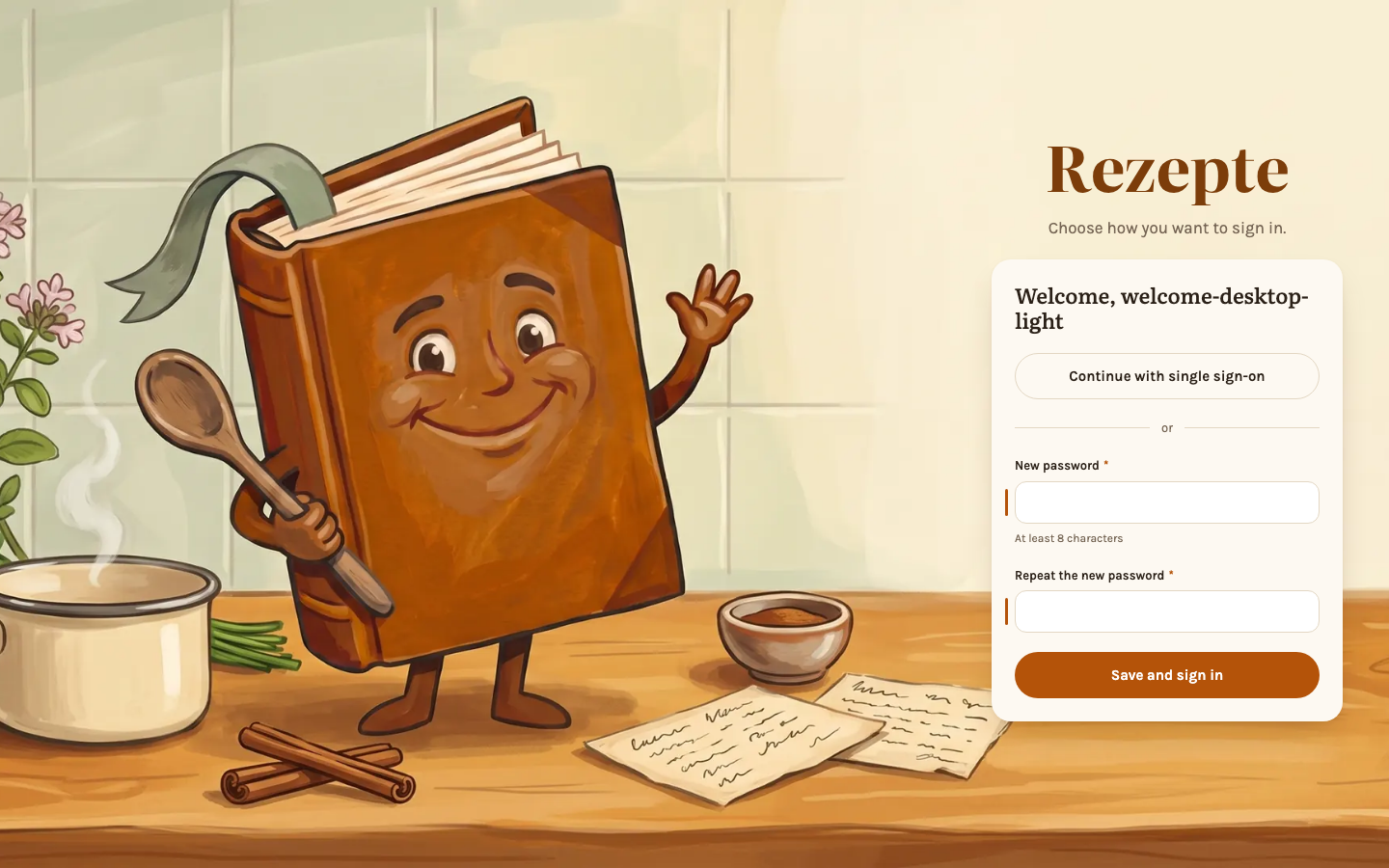
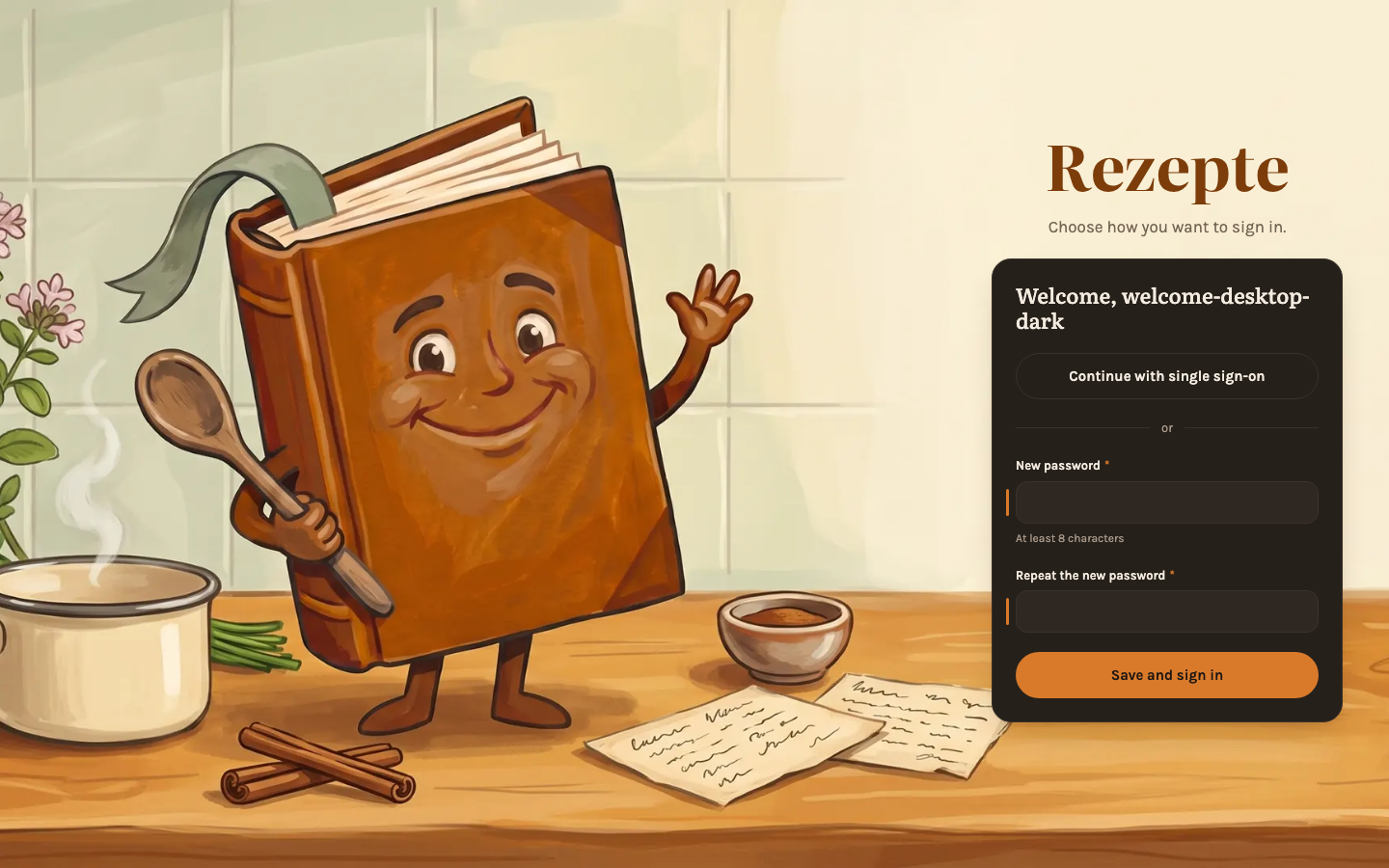
"Add account" no longer asks you to choose a password for someone else. Leave "Send a setup link" selected and you get a one-time link to send them however you like; opening it greets them by name and lets them pick their own password. The link works for a week, and the list of people shows who has not set up their account yet. "Set a password now" is still there for setting an account up together in person. See People.
Sign in with Google or your own provider
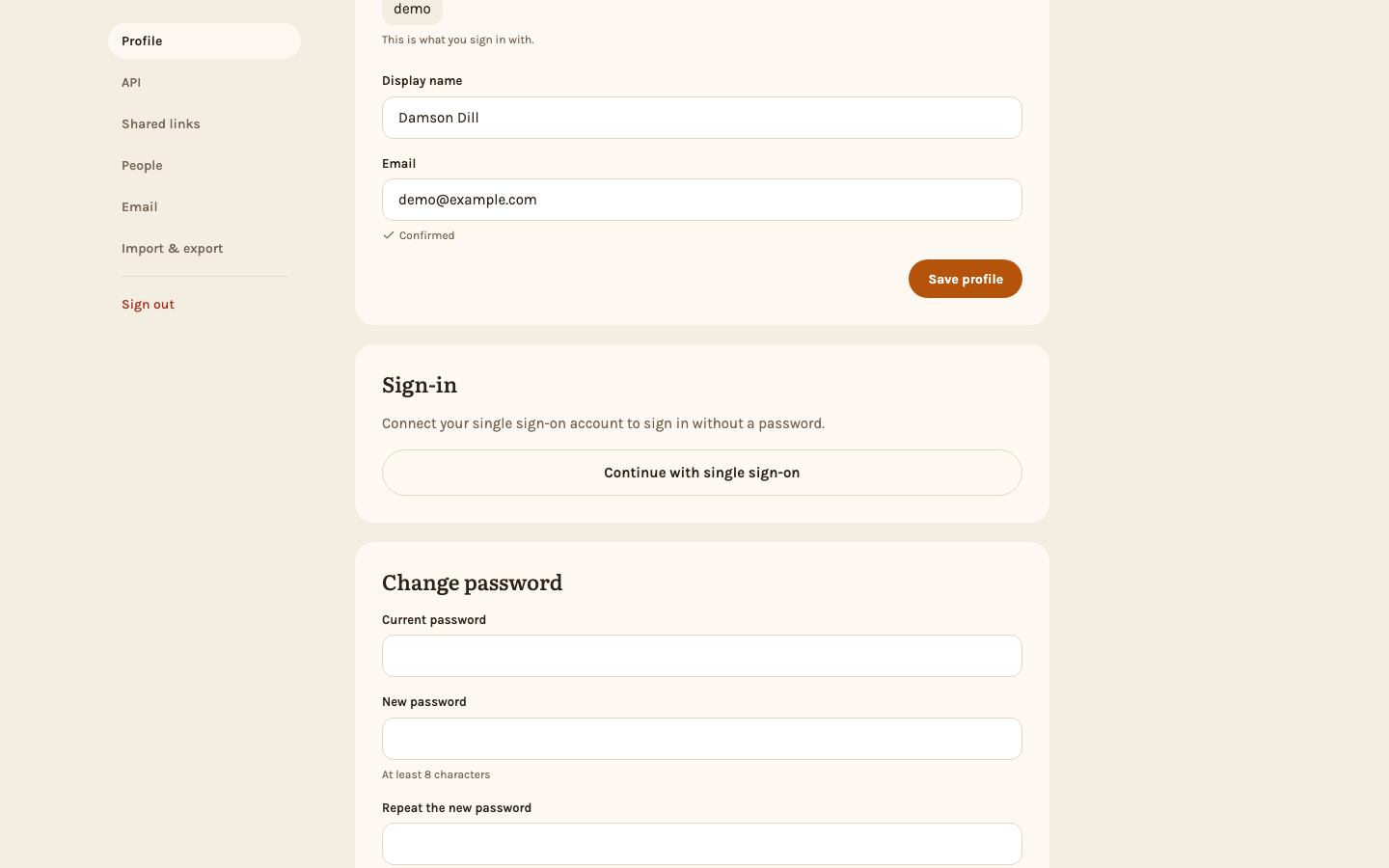
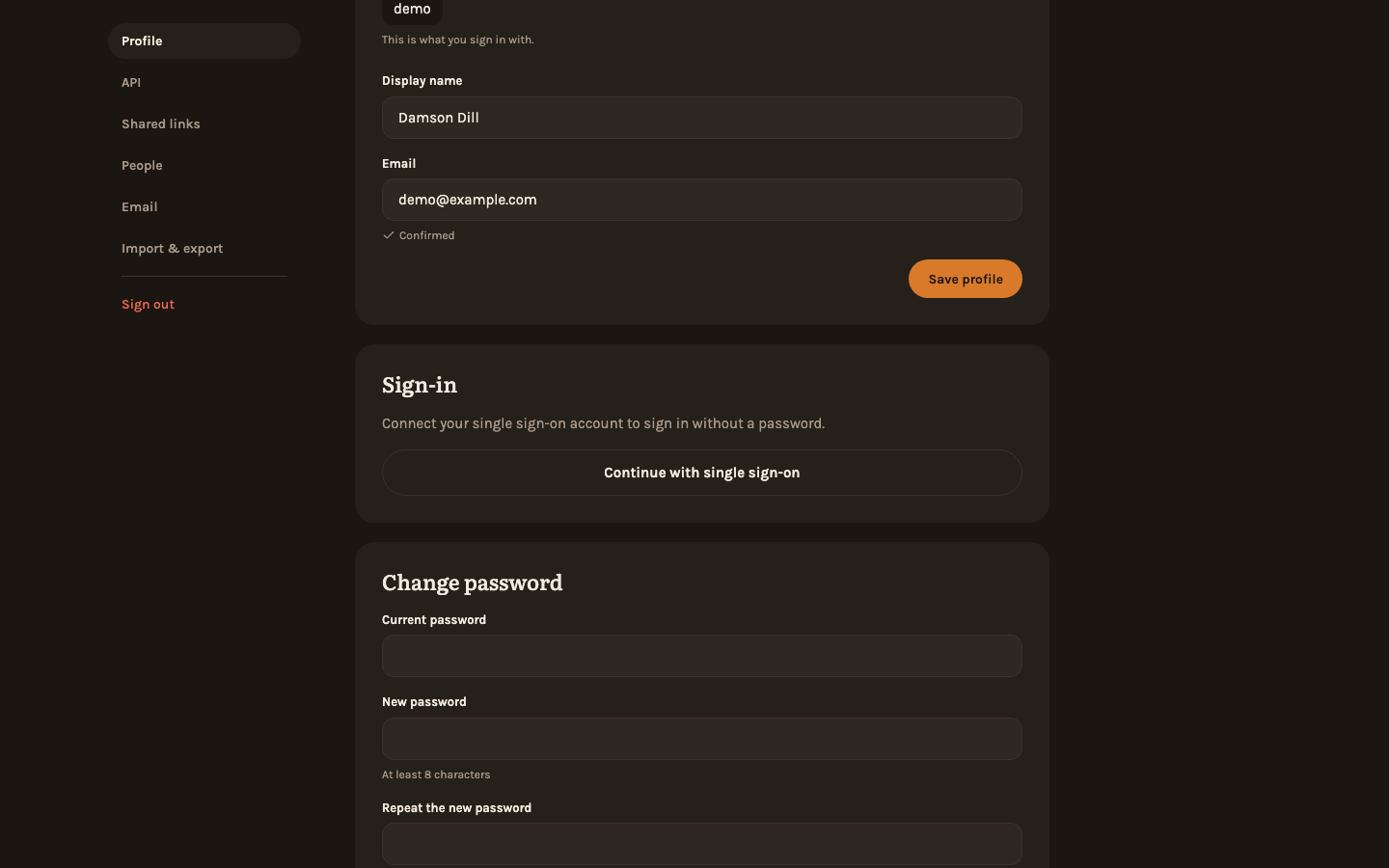
An instance can name one OpenID Connect provider - Google, or a self-hosted one such as Authelia, Authentik, Pocket ID or Keycloak - and members who connect their account sign in with "Continue with …" instead of a password. Nobody gets an account just by having one at the provider: an existing member connects it under Settings → Sign-in, or chooses it when opening their setup link. Admins see who signs in through the provider and can disconnect it. Single sign-on walks through setting it up; it takes three new settings and is off until you set them.
Pass a recipe on as an image
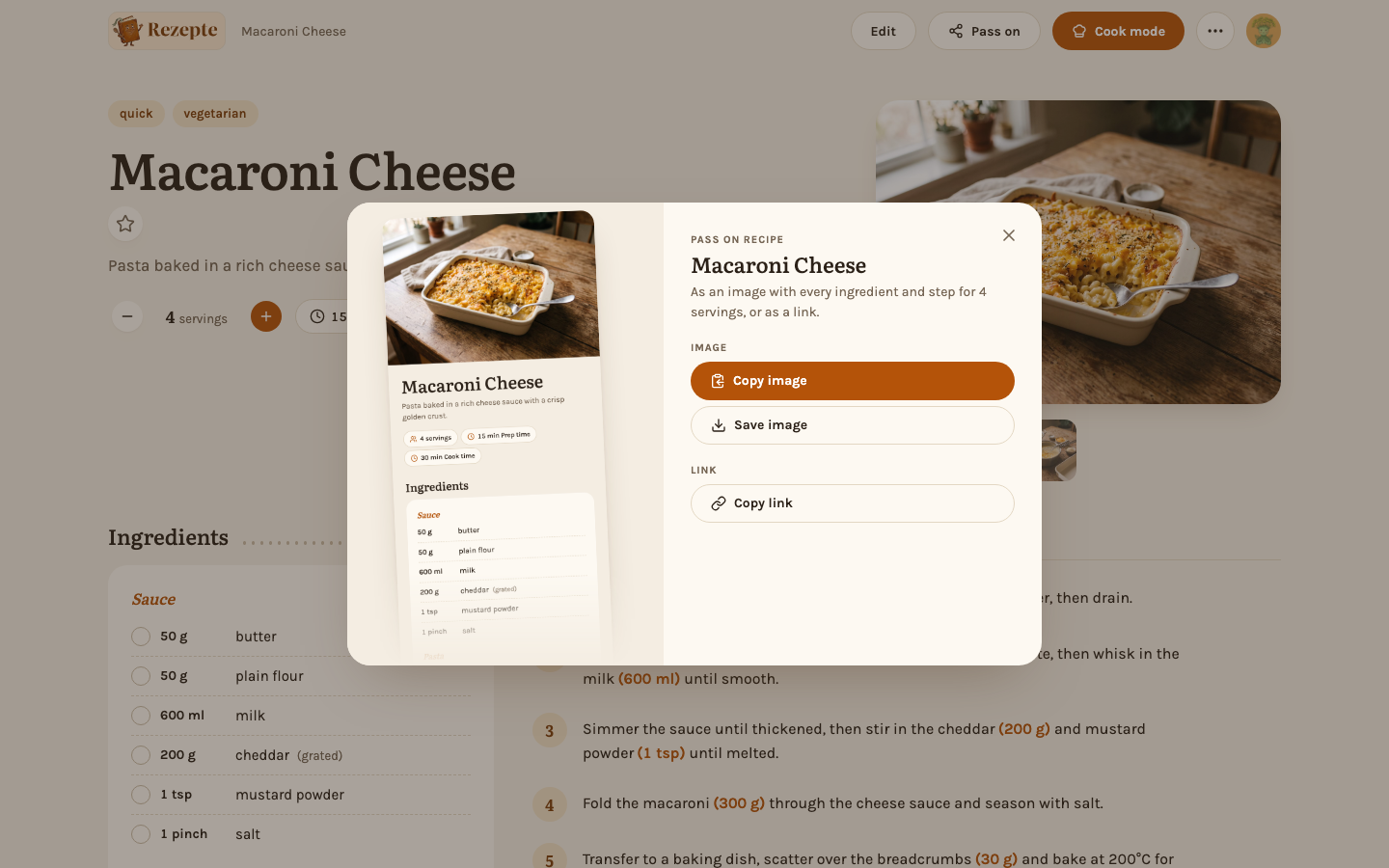
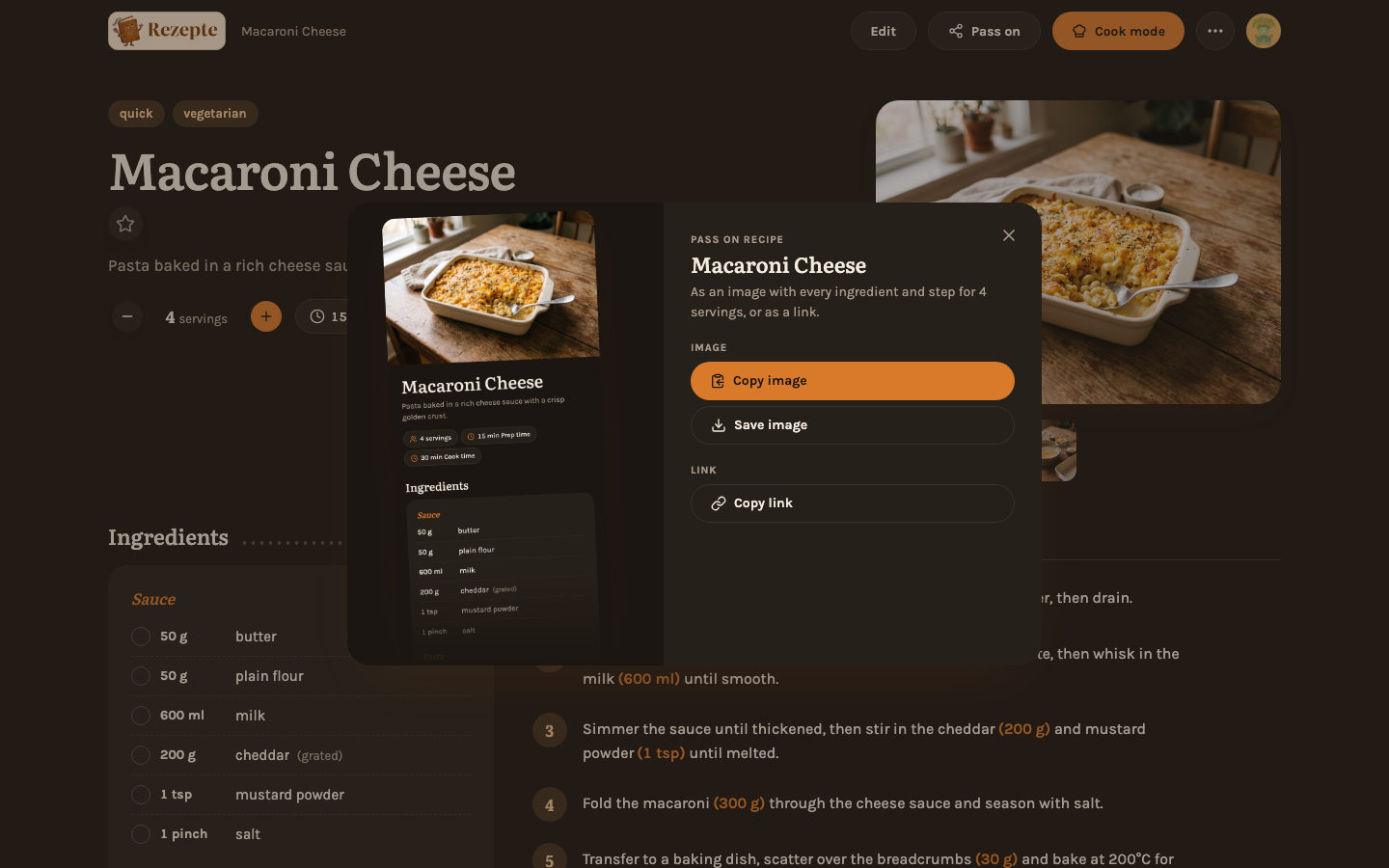
Pass on turns a recipe into one picture - cover photo, ingredients at the servings you set, and every step - for WhatsApp, Signal or any messenger. Whoever gets it needs no account and no link to your instance. On a phone it opens the share sheet; on a computer you copy or save it. See Pass on as an image.
Move recipes to another Rezepte
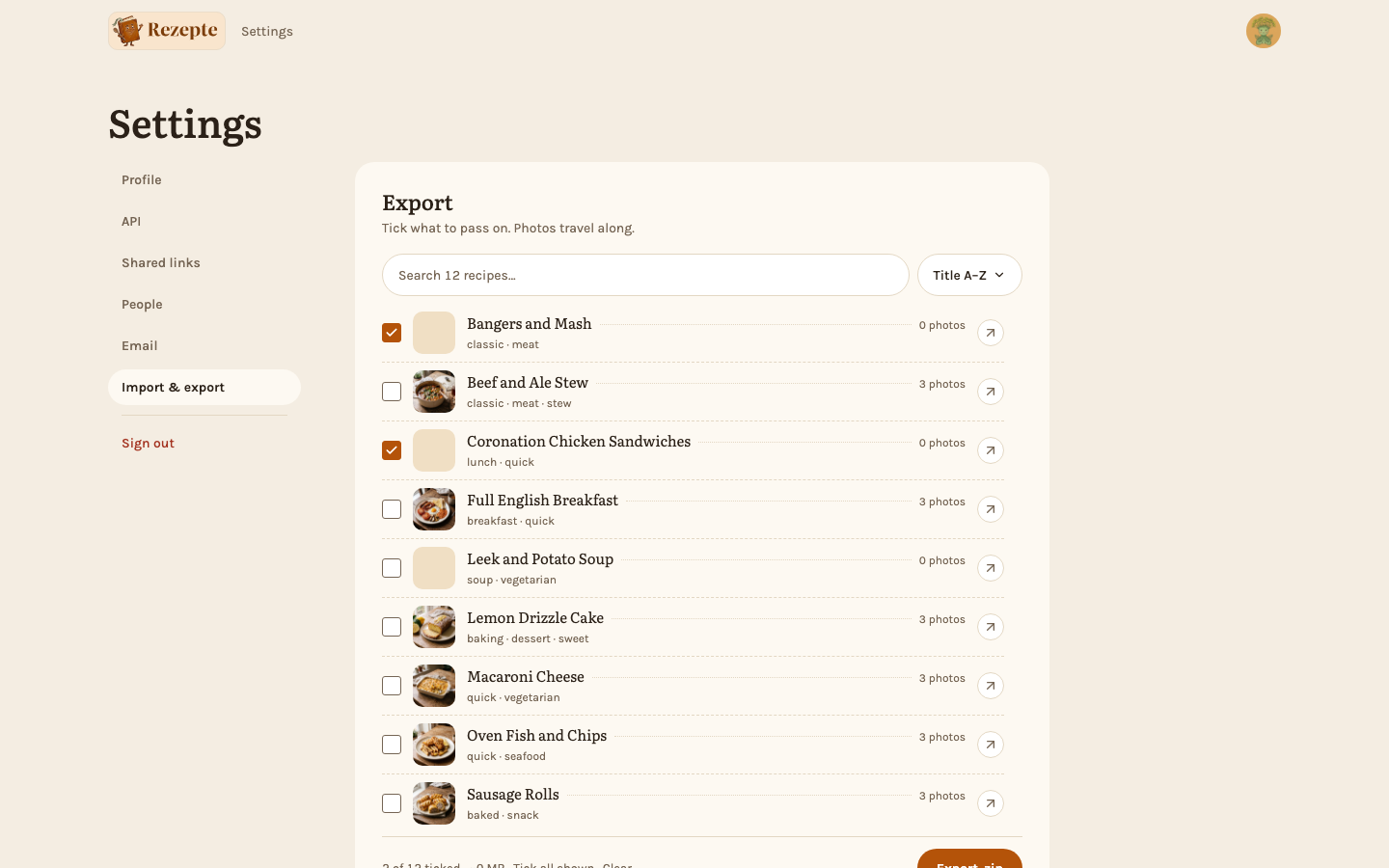
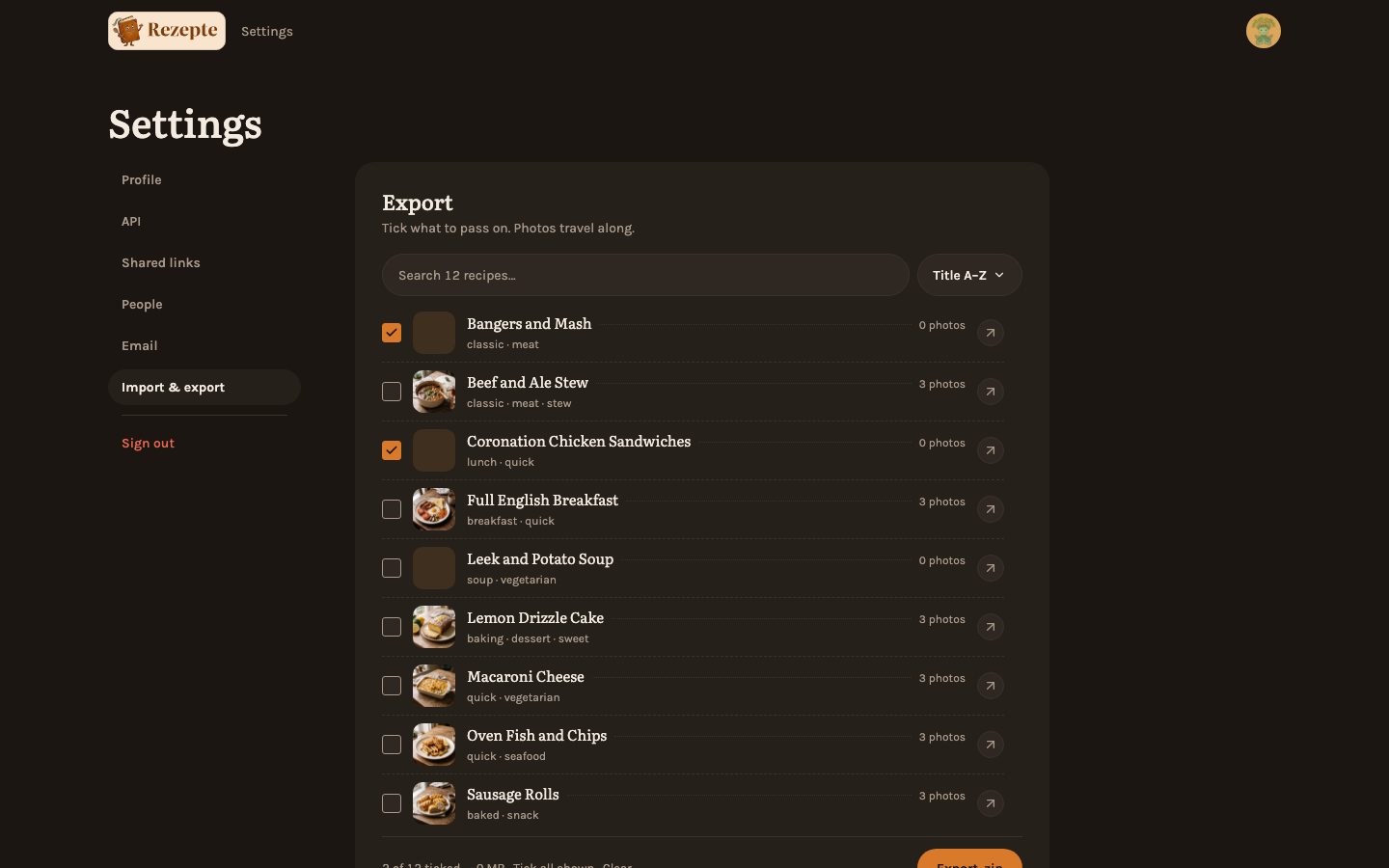
Admins find a new Import & export tab in Settings. Tick the recipes to pass on and download them with their photos as one zip; on the other instance, the import lists what is in the file and marks recipes that are already there before anything is saved. It is for moving recipes, not a backup. See Import and export.
Faces for the household
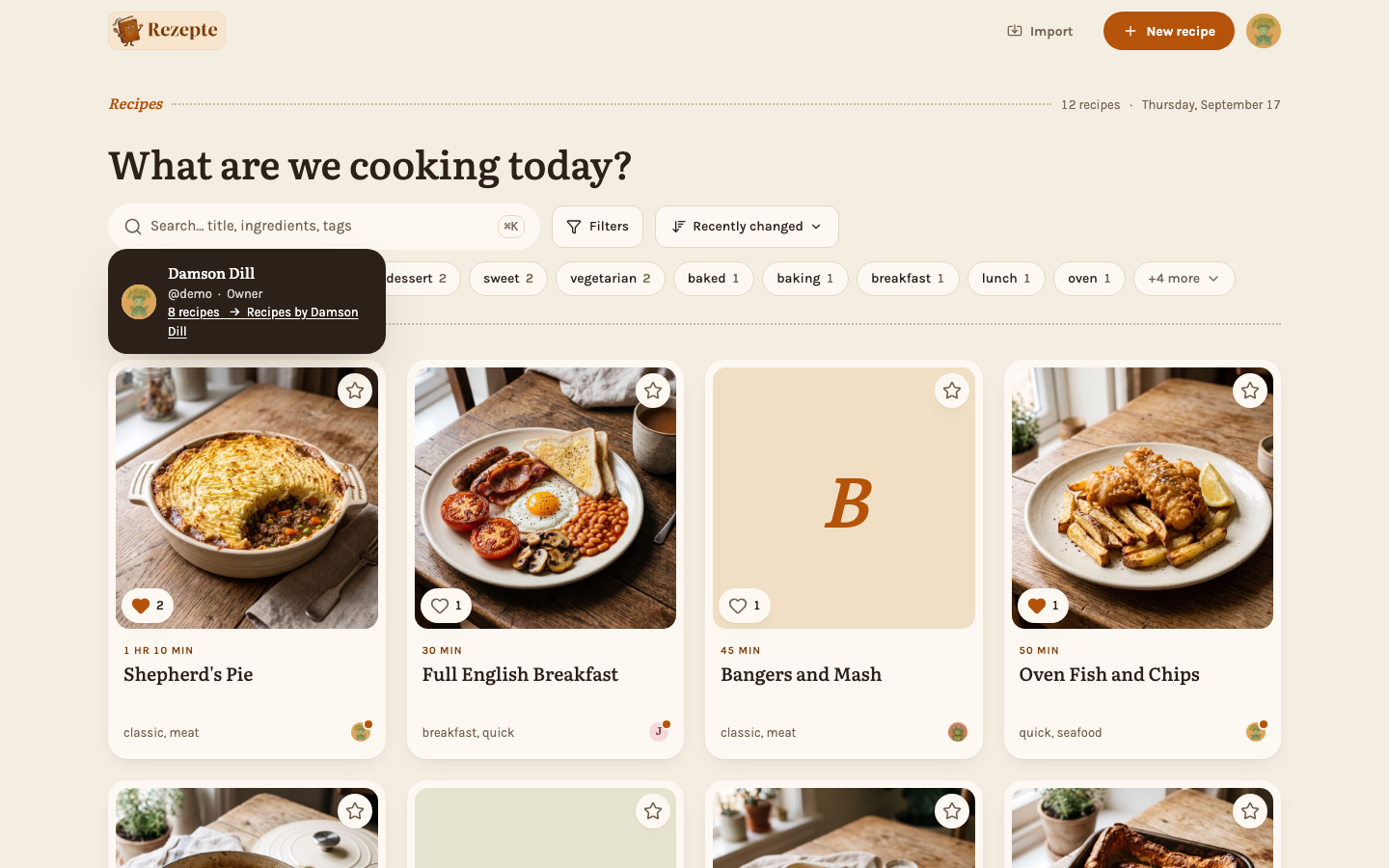
Everyone can add a profile photo and frame it in a round window; it shows wherever Rezepte shows you, and your initial in your color stays the fallback. Every person circle now opens a person card with name, role and "Recipes by …", which narrows the overview to that person. See Profile and Person cards.
API
- Setup links:
POST /api/v1/usersaccepts an account withoutpasswordand returns a setup link with it (only with a session; an API token still has to send a password)./api/v1/users/{id}/setup-linkissues and revokes one,/api/v1/auth/setup/*redeems it. - Single sign-on:
/api/v1/auth/oidcsays whether it is offered, and/api/v1/auth/me/identityand/api/v1/users/{id}/identityshow and disconnect a connected provider. Accounts carryhasPassword,hasIdentityandsetupLinkExpiresAtin the list of users. - Profiles have an optional
emailwithemailVerified; people and authors carry anavatarId, set and removed through/api/v1/auth/me/avatarand/api/v1/users/{id}/avatar. GET /api/v1/exportandPOST /api/v1/importmove recipes with their photos as a zip; recipes carryimageCountandimageBytes.- The OpenAPI document now also describes the photo, profile-photo, public-image, link-preview and MCP routes.
The API reference lists every endpoint.
Also in this release
- New: "Shopping list" at the end of the ingredients copies everything you have not ticked off, one item per line, at the servings you chose; "copy" beside the heading copies the whole list. See Copy a shopping list.
- New: Public pages and shared images name Rezepte at their foot; the owner can switch that off under Name Rezepte when sharing.
- New: An optional email address on your profile. It is not used for anything yet.
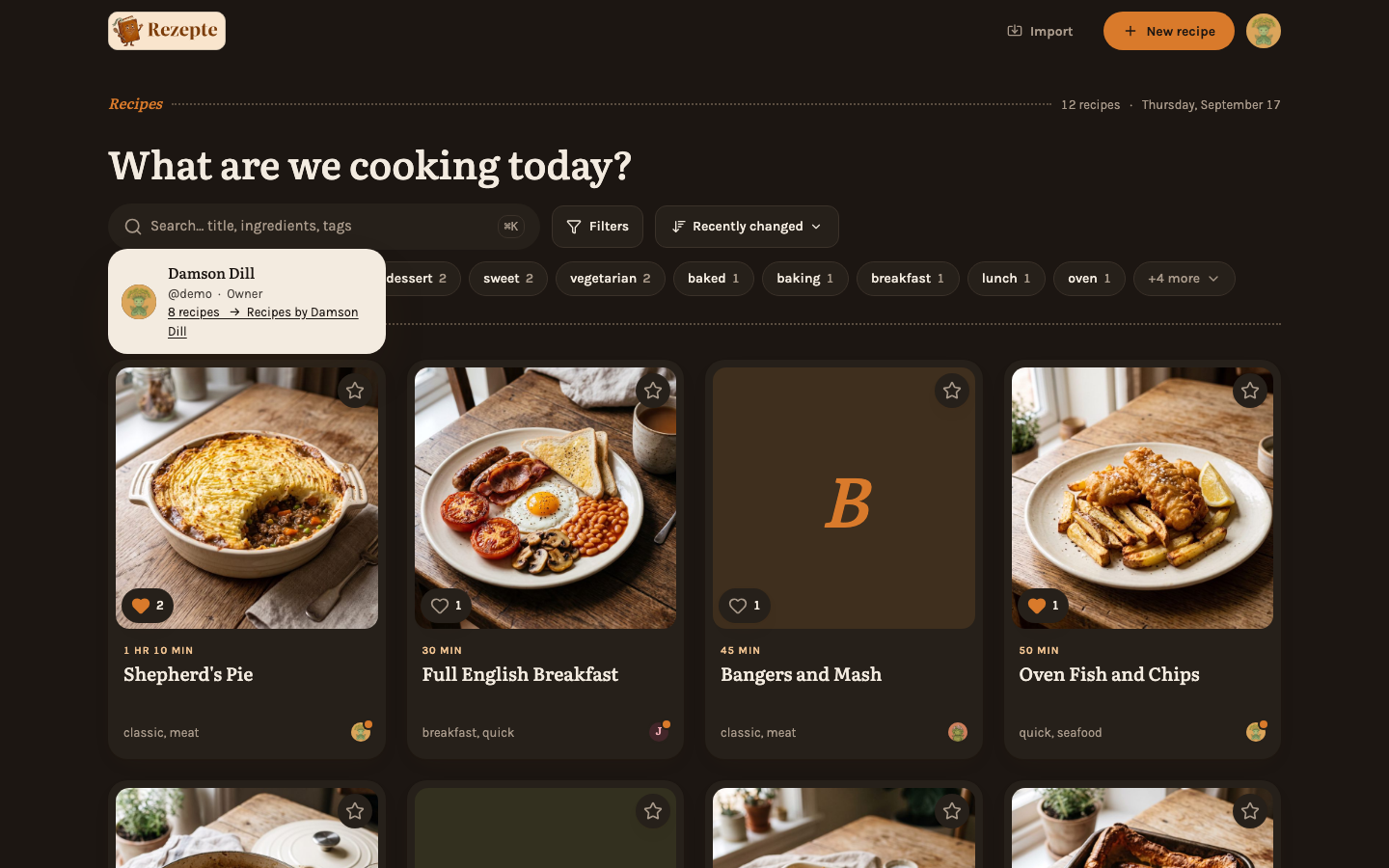
- New: The theme switch sits in the account menu, in the "You" sheet on a phone and on shared pages.
- New: A waving cookbook replaces the onion as the logo, and the login page and the setup link's page are set in a kitchen scene.
- New: The demo's people go by made-up pantry names and include one with an open setup link.
- Improved: A recipe card shows its time as a label above the title, so it no longer breaks onto two lines on a phone.
- Fixed: Dropdown menus stand apart from the page in dark mode.
v1.2.0 — Comment on recipes, import them from a link
Everyone can comment on a recipe and import one from a website or pasted text, steps show where they wait, and once the owner connects a mail server Rezepte mails invitations and links for a forgotten password.
v1.0.0 — Your household's recipes, now stable
The first stable release of Rezepte: your household's recipes on your own server, in English or German, with cook mode, an API and an MCP endpoint, public links and link previews for sharing, and tasty marks.