
Cook mode
A full-screen, step-by-step view for cooking at the stove
Start cooking
On a recipe's detail page, click "Cook mode" in the top bar on desktop. On a phone, "Start cook mode" is the wide button right under the servings; once you have scrolled past the photo, a round chef's-hat button in the header at the top does the same.
Move through the steps
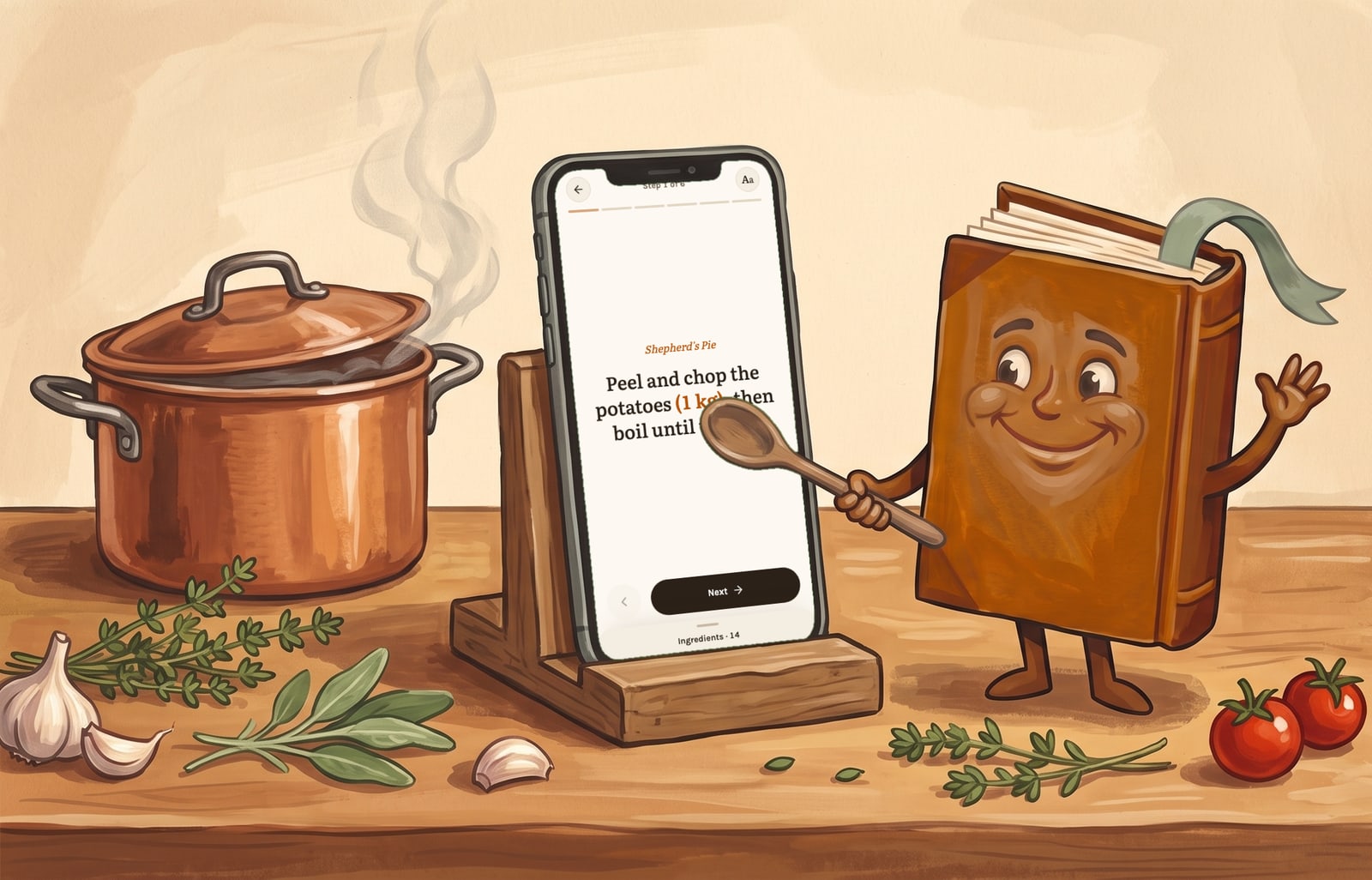
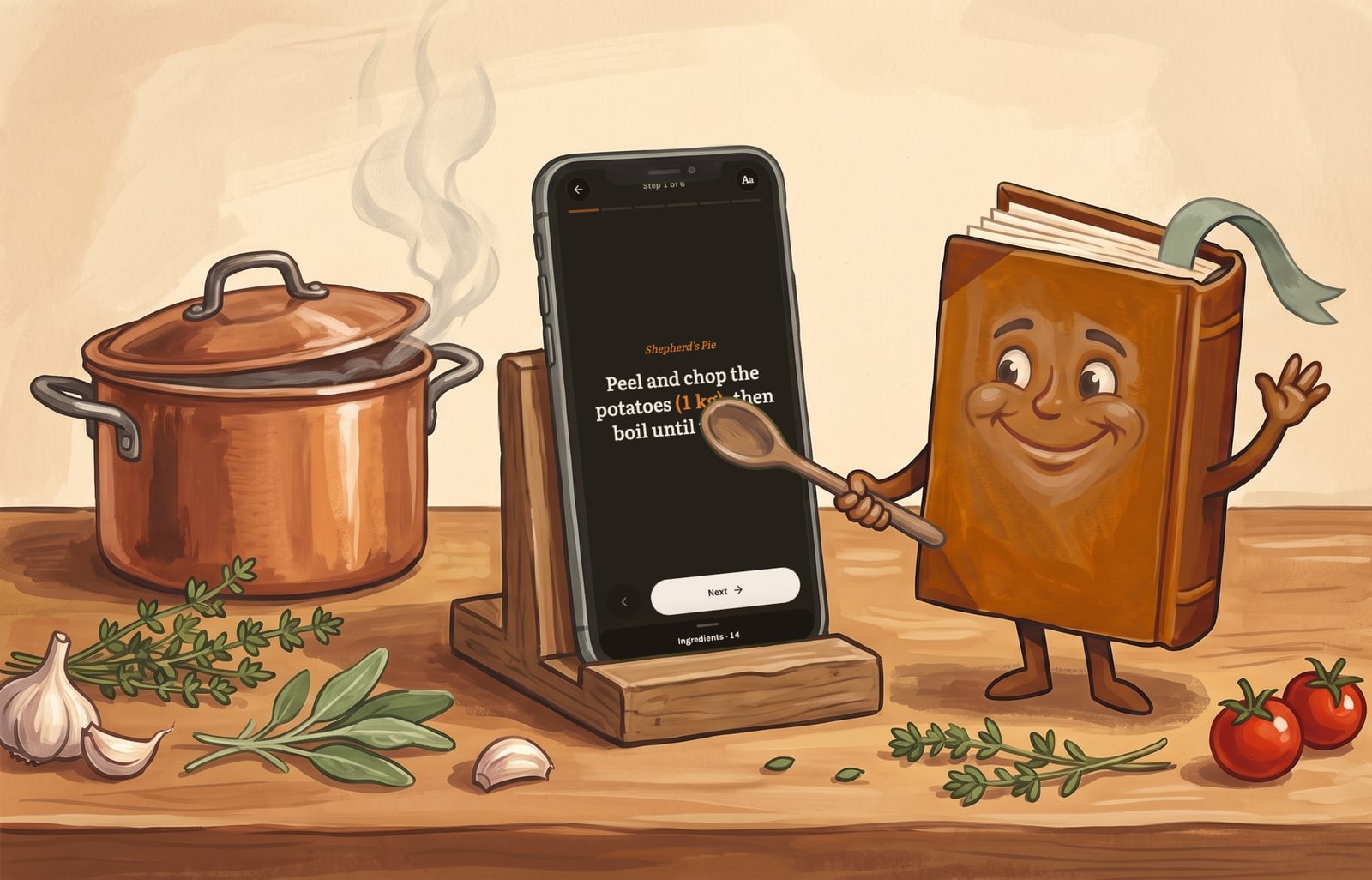
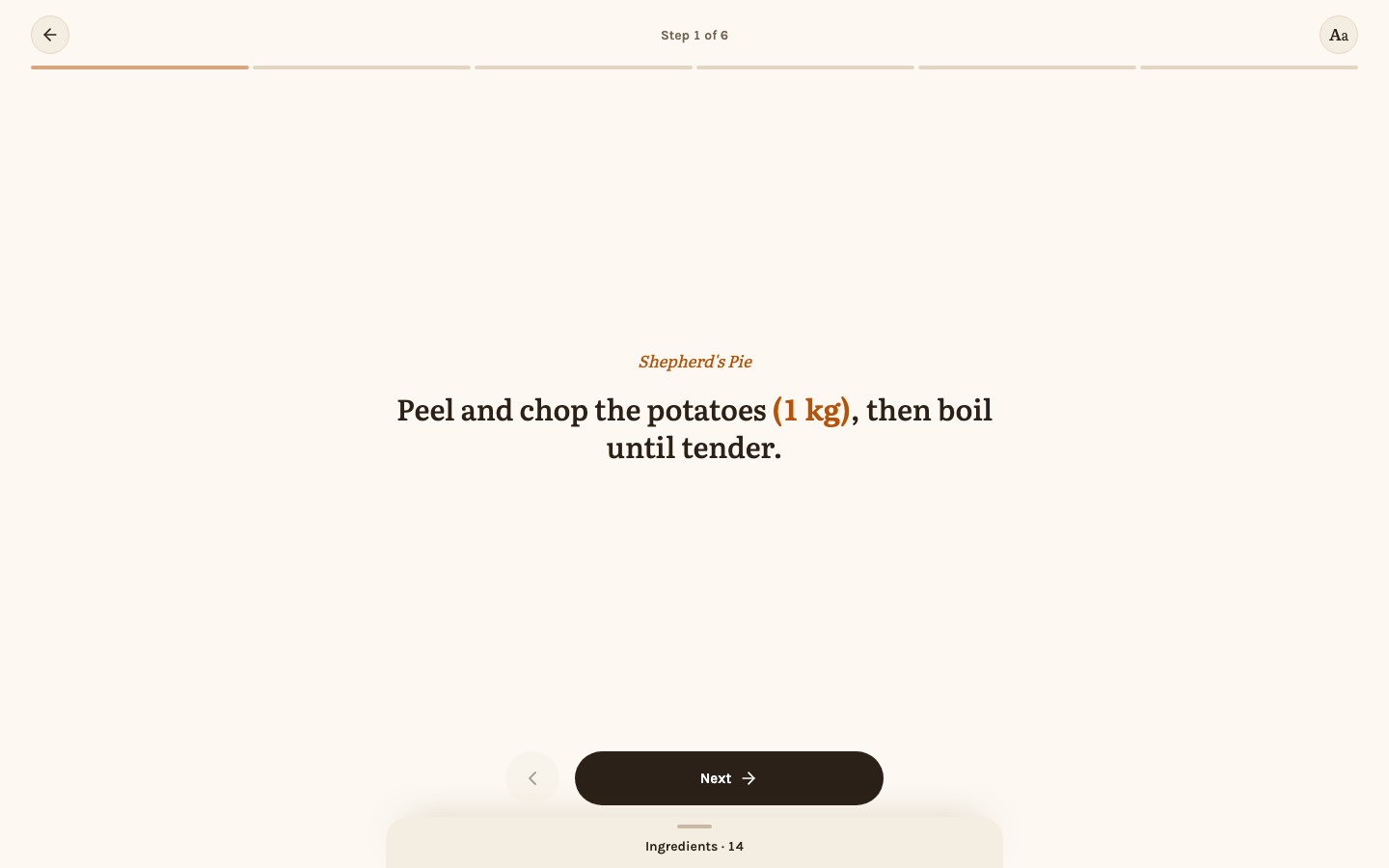
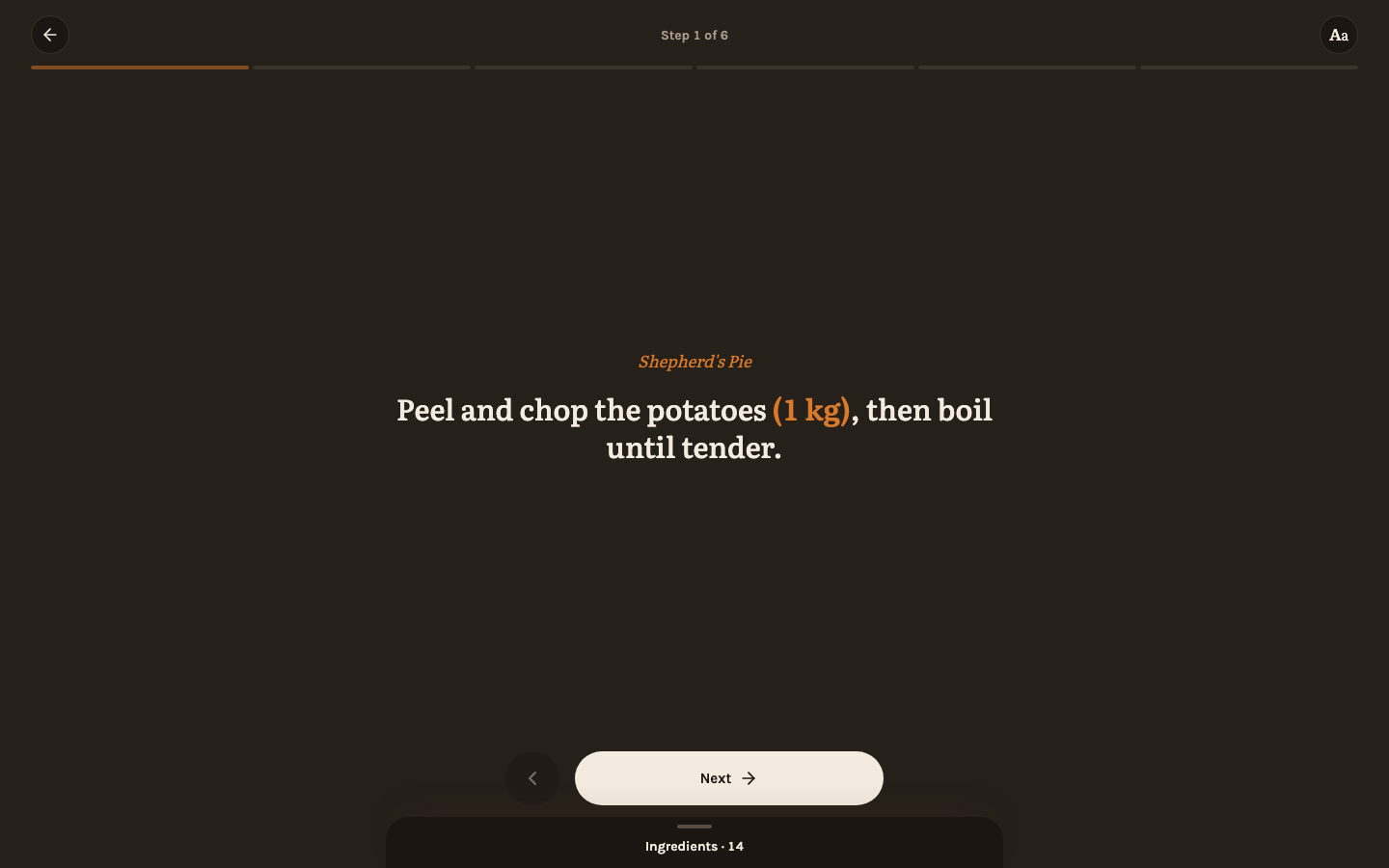
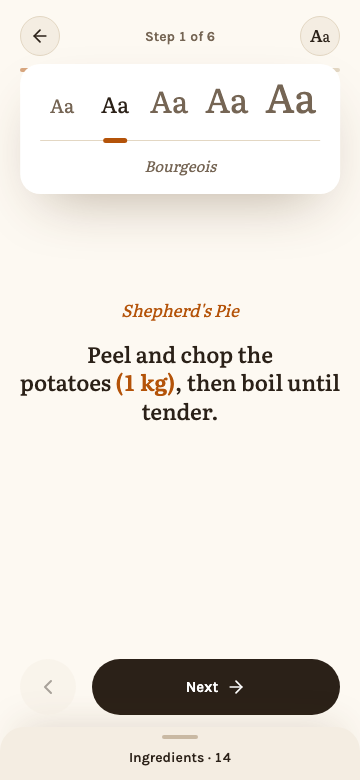
One step shows at a time, in large type. Swipe left/right, use the on-screen buttons, or the ←/→ arrow keys to move between steps; a progress bar at the top shows how far along you are. "Done" on the last step returns to the recipe. Where a step's wording was linked to an ingredient in the editor, that ingredient's quantity shows right after it in parentheses — "onion (1)" — scaled to whatever servings you chose, so the amount is there without leaving the step to check the ingredient list. Durations marked in the editor — "25 minutes" — are underlined with a small clock, so you see where a step waits; see Recipes.
Resize the text
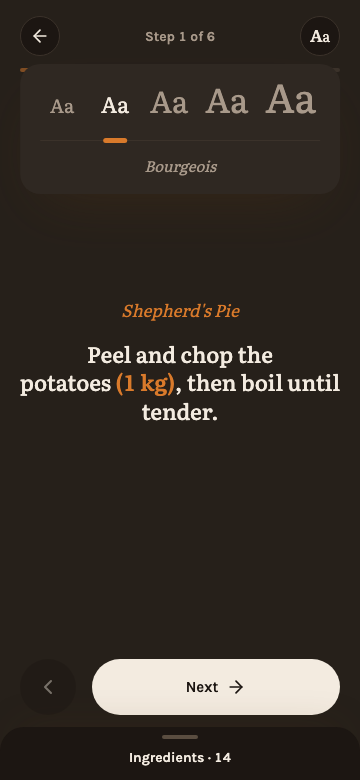
A long step can fill more than a phone screen. The "Aa" button in the header opens a row of five type sizes, from small enough to fit a long step to large enough to read from across the kitchen; tap one and the step is set in it at once. The size holds for every step until you leave cook mode, and the next time you start cooking it is back at the default.
Check ingredients
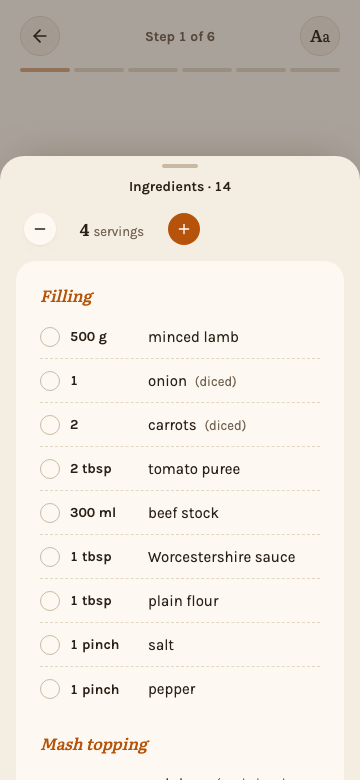
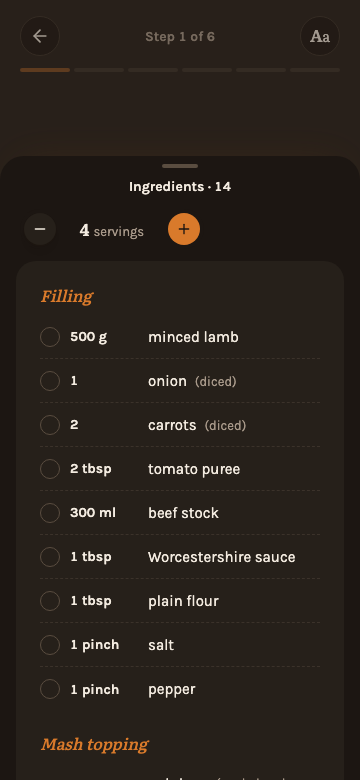
Tap the "Ingredients" bar at the bottom of the screen (it shows how many there are) to open the ingredient list without leaving cook mode. It is scaled the same way as on the detail page, using whatever servings you last chose (see Servings), and carries its own −/+ stepper and "Reset", so you can change the servings right there. The checkboxes are the same ones as on the detail page: an ingredient checked off there is checked here, and the other way around. Escape, the handle at its top or a tap beside it closes the list again; while it is open, the arrow keys do not change the step.
Good to know
While cook mode is open, the screen is kept from sleeping (a "Screen stays on" note appears when this is active). Escape, or the back arrow in the header, leaves cook mode and returns to the recipe.
Keeping the screen on relies on the browser's Wake Lock API, which requires a secure context. Over plain HTTP on a local network (no TLS) the browser silently does not grant it, so the screen can still turn off — see Reverse proxy for adding HTTPS.
A recipe with no steps shows a short message instead of the step view.