First login
Change the owner password and add the rest of the household
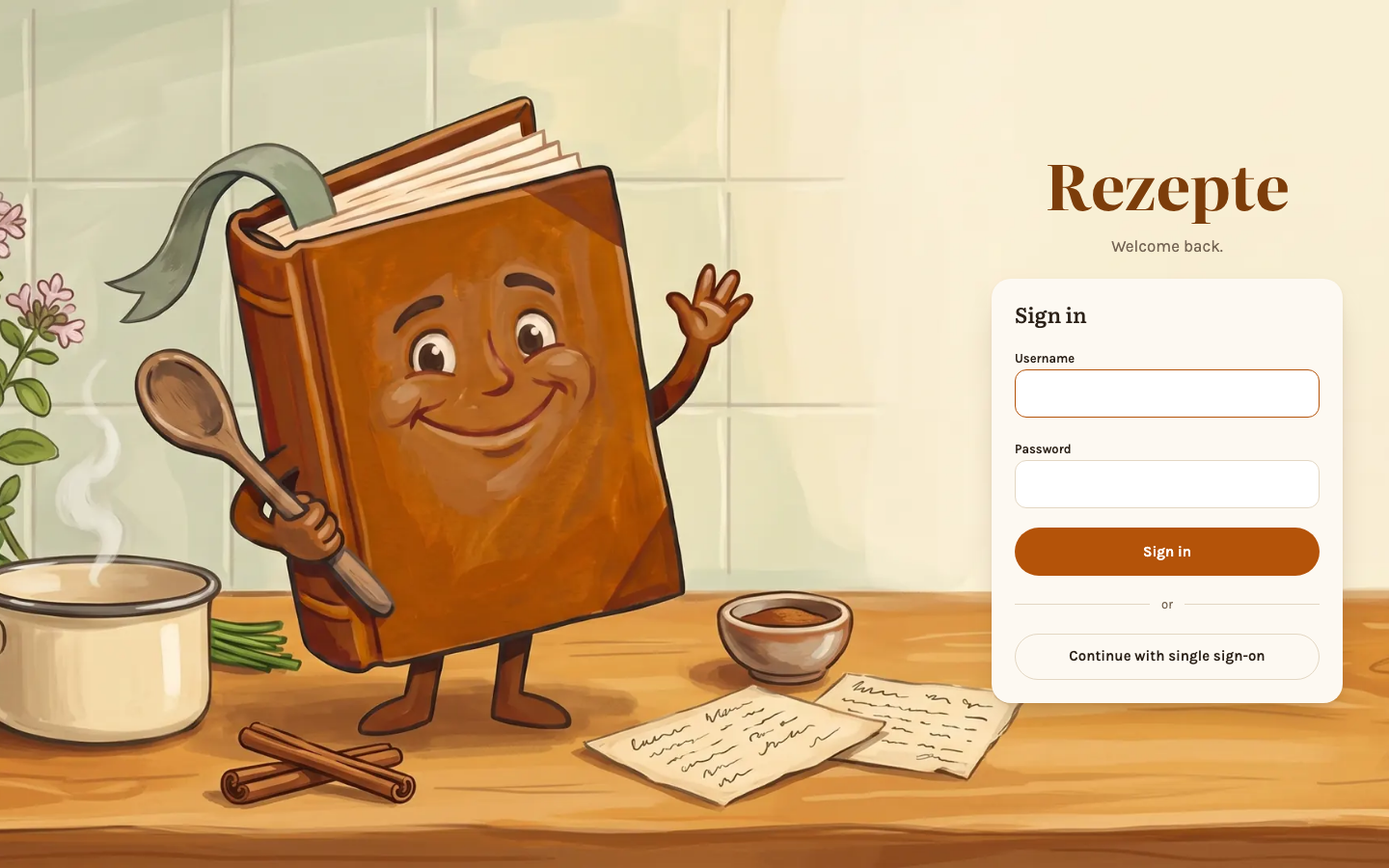
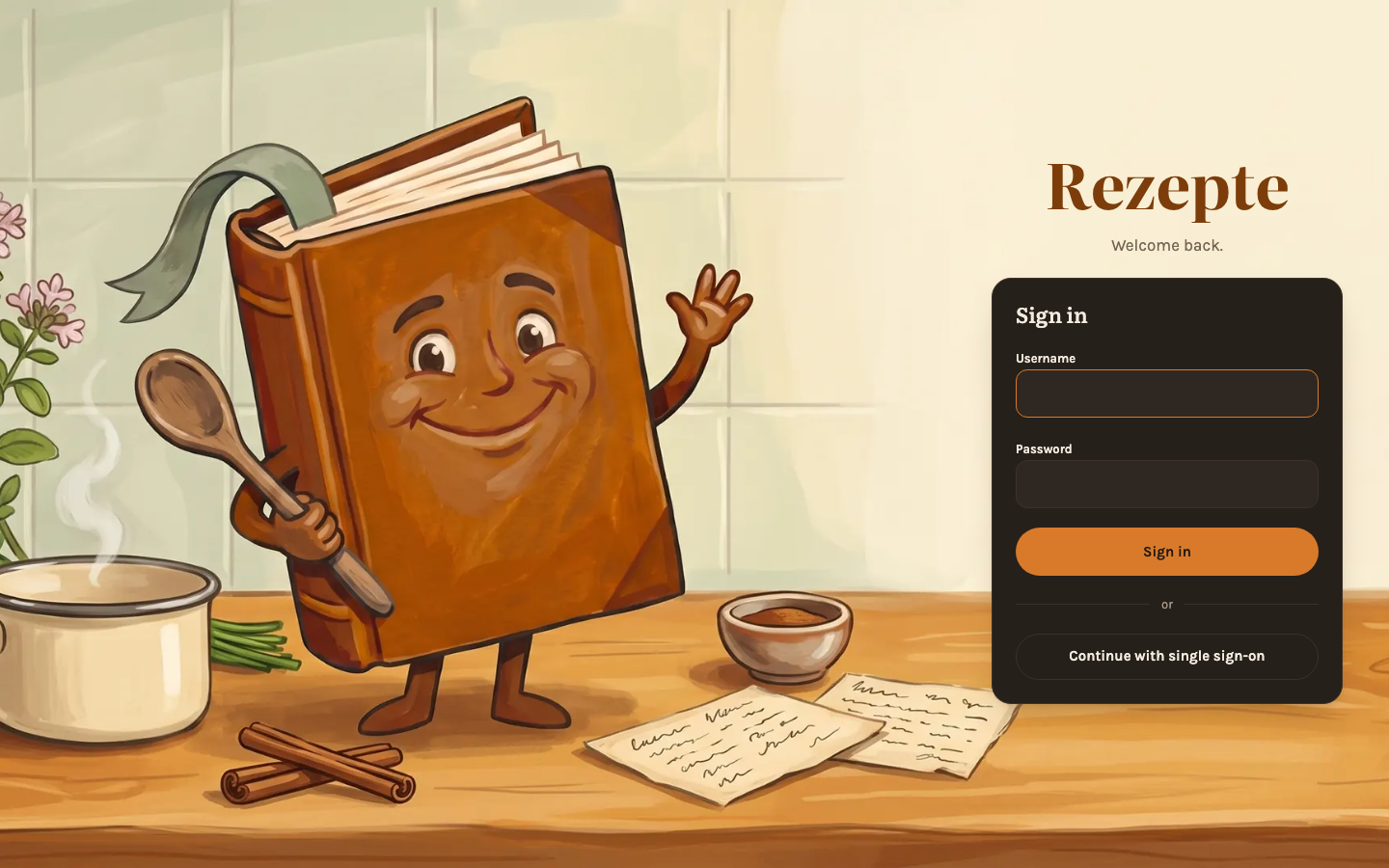
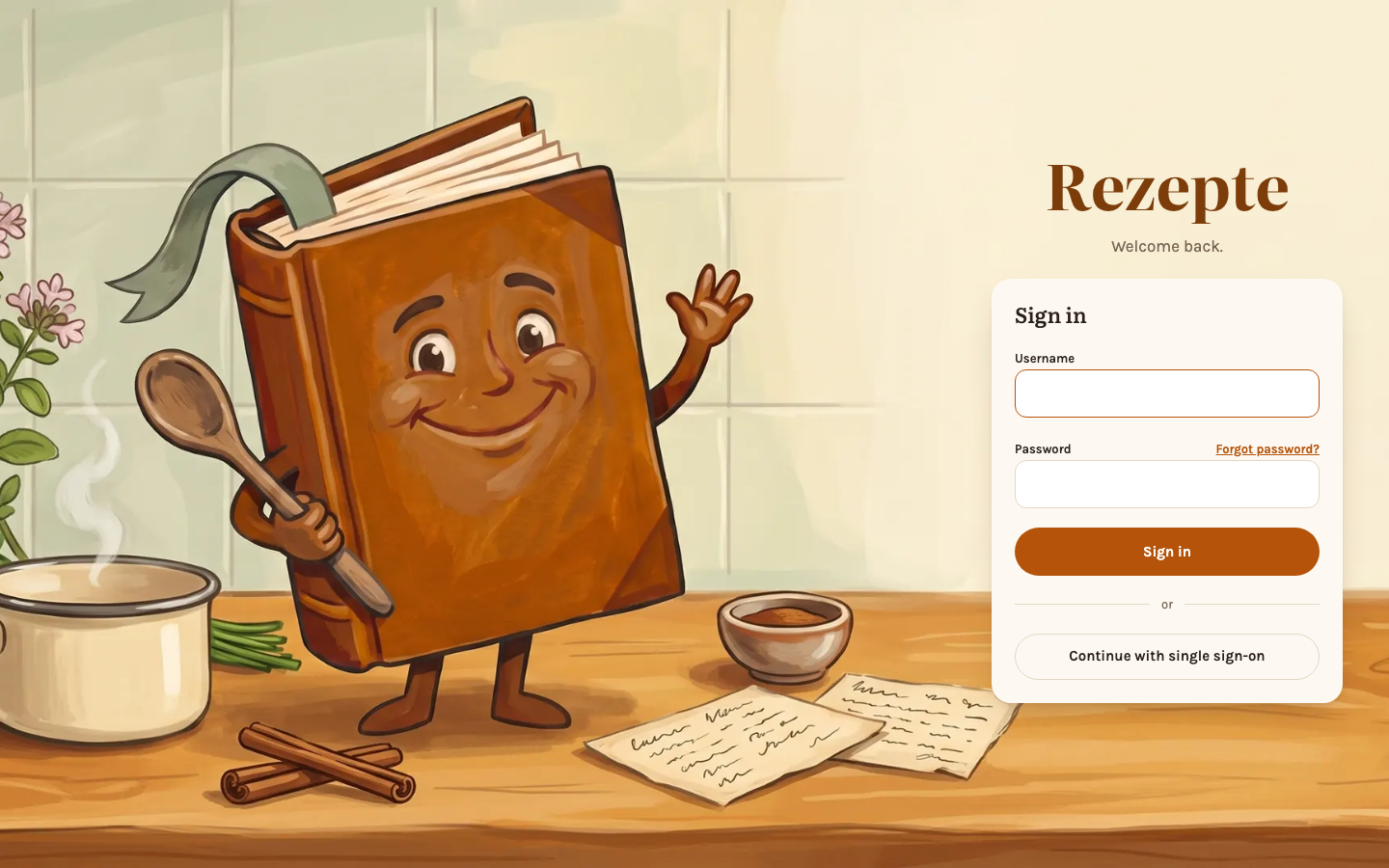
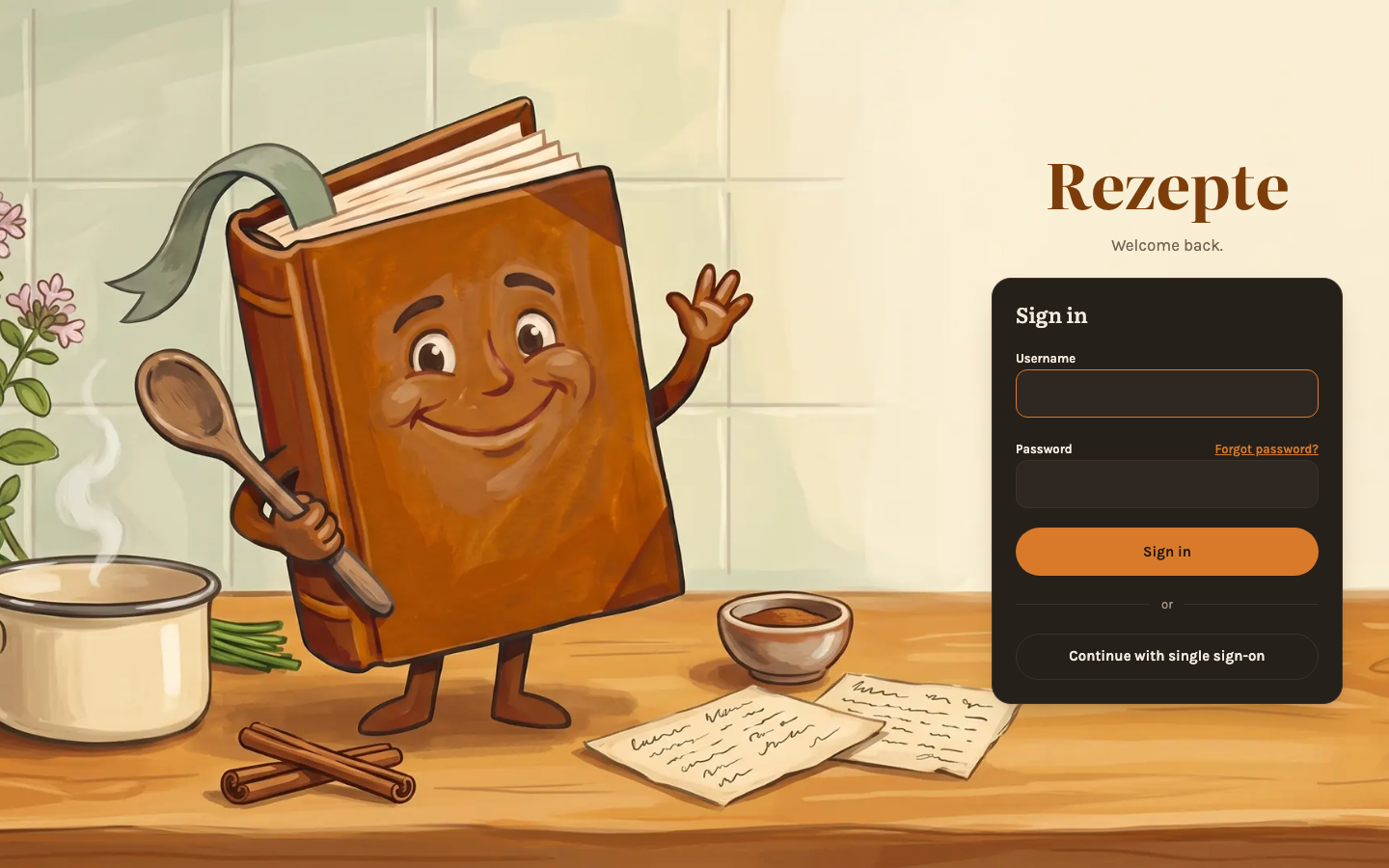
Log in as the owner
Use the username and password from Quick start (admin by default, or the value of REZEPTE_ADMIN_USER).
The login page speaks your browser's language if Rezepte has it, and English otherwise; once you are signed in, your account's language takes over. Signing out switches the login page back to the browser's language. Only when your session simply ran out does it keep the language of the account that was signed in.
After five wrong passwords in a row, a username is locked for 30 seconds, and every further wrong try doubles the wait, up to 15 minutes. The login page says so instead of "wrong password". Devices that are already signed in are not affected. Once the wait is over, a correct password clears the count.
This first account owns the instance. It cannot be deleted, it cannot be turned into an ordinary member, and it is the only account that can make someone else an admin.
Change the owner password
Open "Settings" and change the password under "Change password" (8–128 characters). Doing this signs every other device out of that account.
Nobody else can change this password for you — not even another admin — so put it in a password manager before you go on.
Add the household
Open "People" and use "Add account" to create an account for each household member: a username and a role — "Admin" manages accounts, "Member" cooks and edits recipes. Leave "Send a setup link" selected and you get a one-time link to send them yourself — or, once mail is set up and you enter their email address, Rezepte mails it to them — instead of a password you would have to choose and hand over; opening it greets them by name and lets them pick their own password. See People for the link's details and for "Set a password now", the alternative for setting an account up together in person. If your instance offers single sign-on, the link's page also lets them continue with the provider instead of choosing a password.
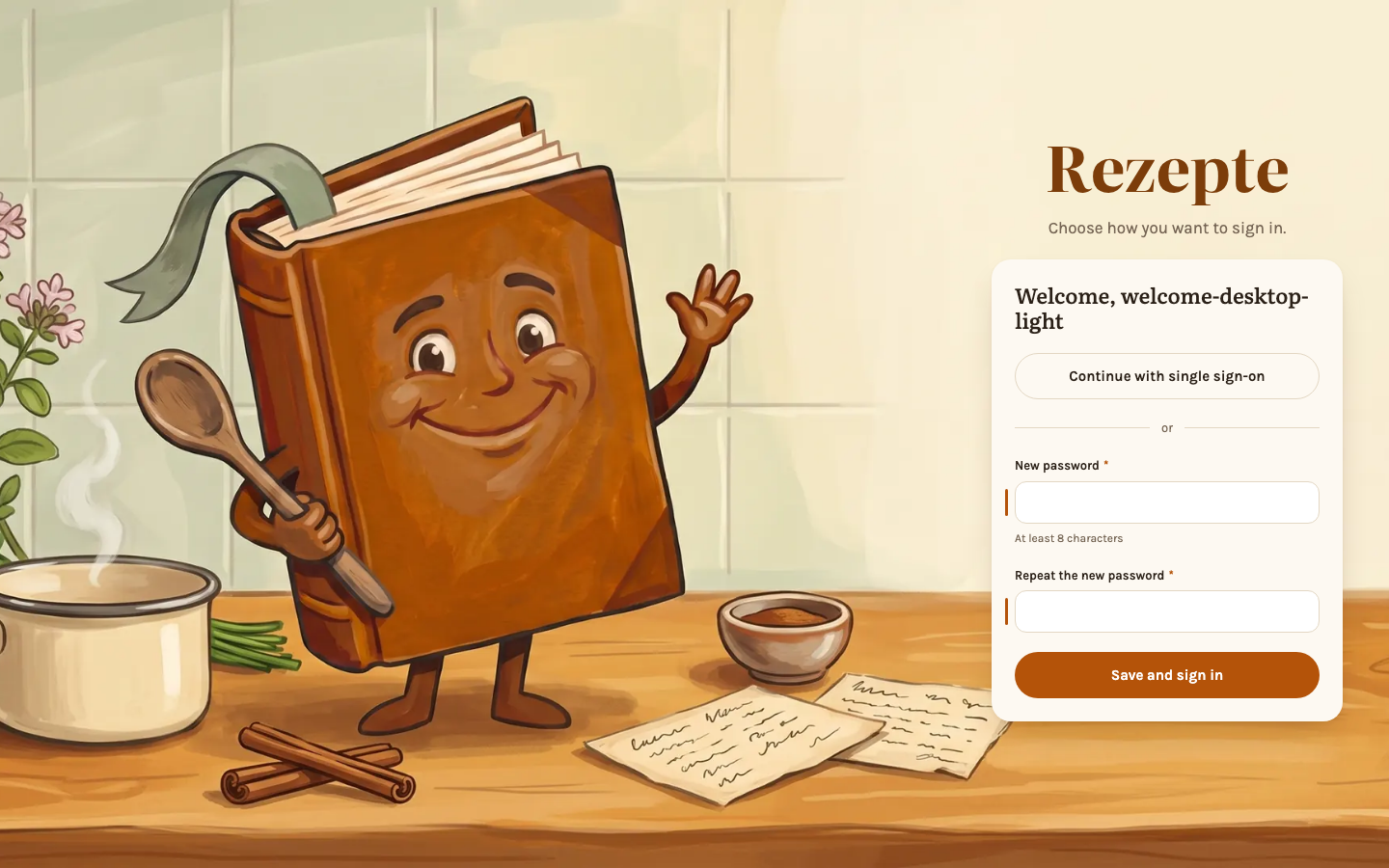
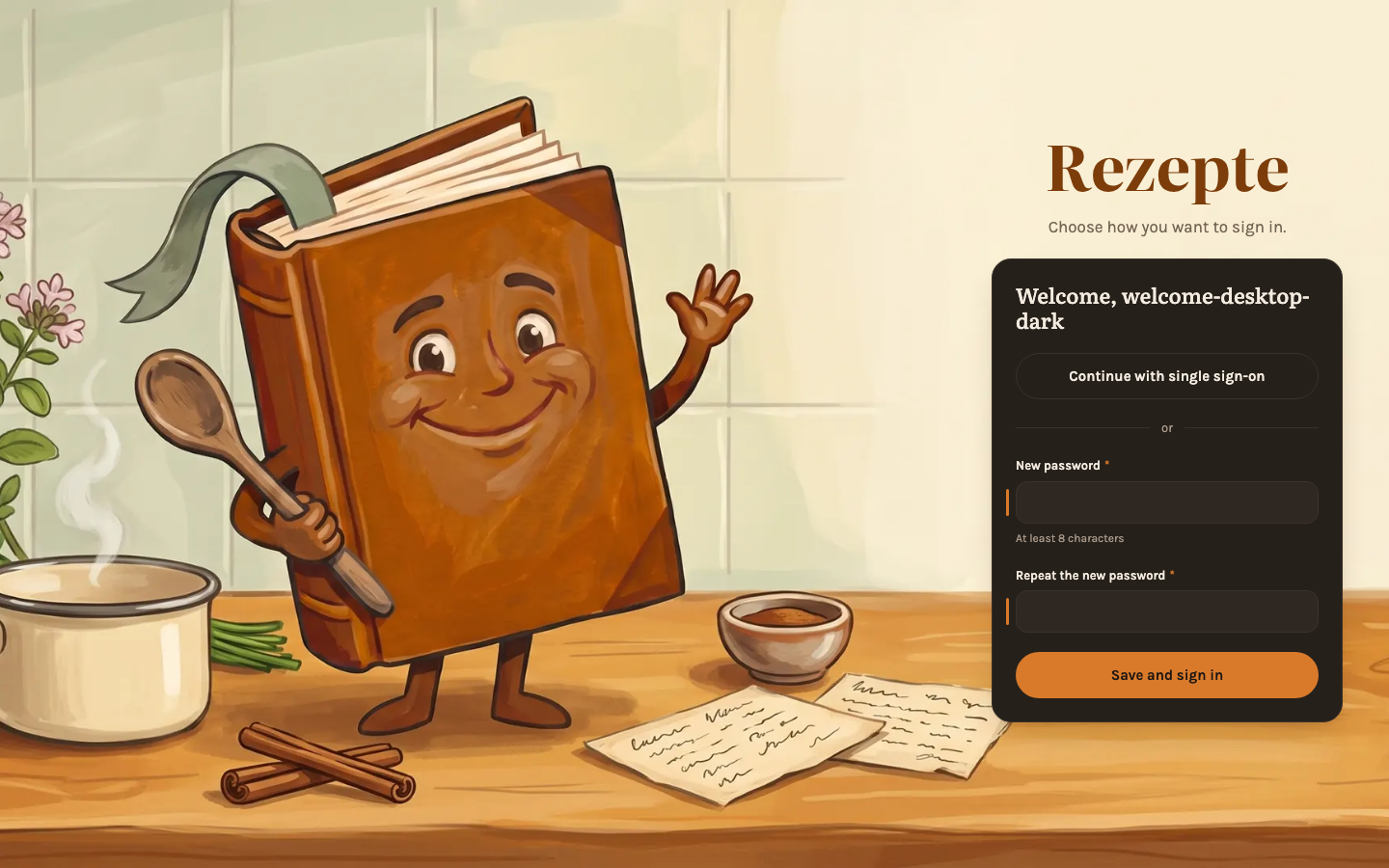
There is no handover
The owner account stays the owner for the life of the instance; there is no way to move ownership to somebody else. If its password is lost, whoever runs the server is the only way back in: they start Rezepte once with --reset-superadmin-password and REZEPTE_ADMIN_PASSWORD set to the new password — see Configuration.
See People for changing roles, resetting passwords and deleting accounts later on.
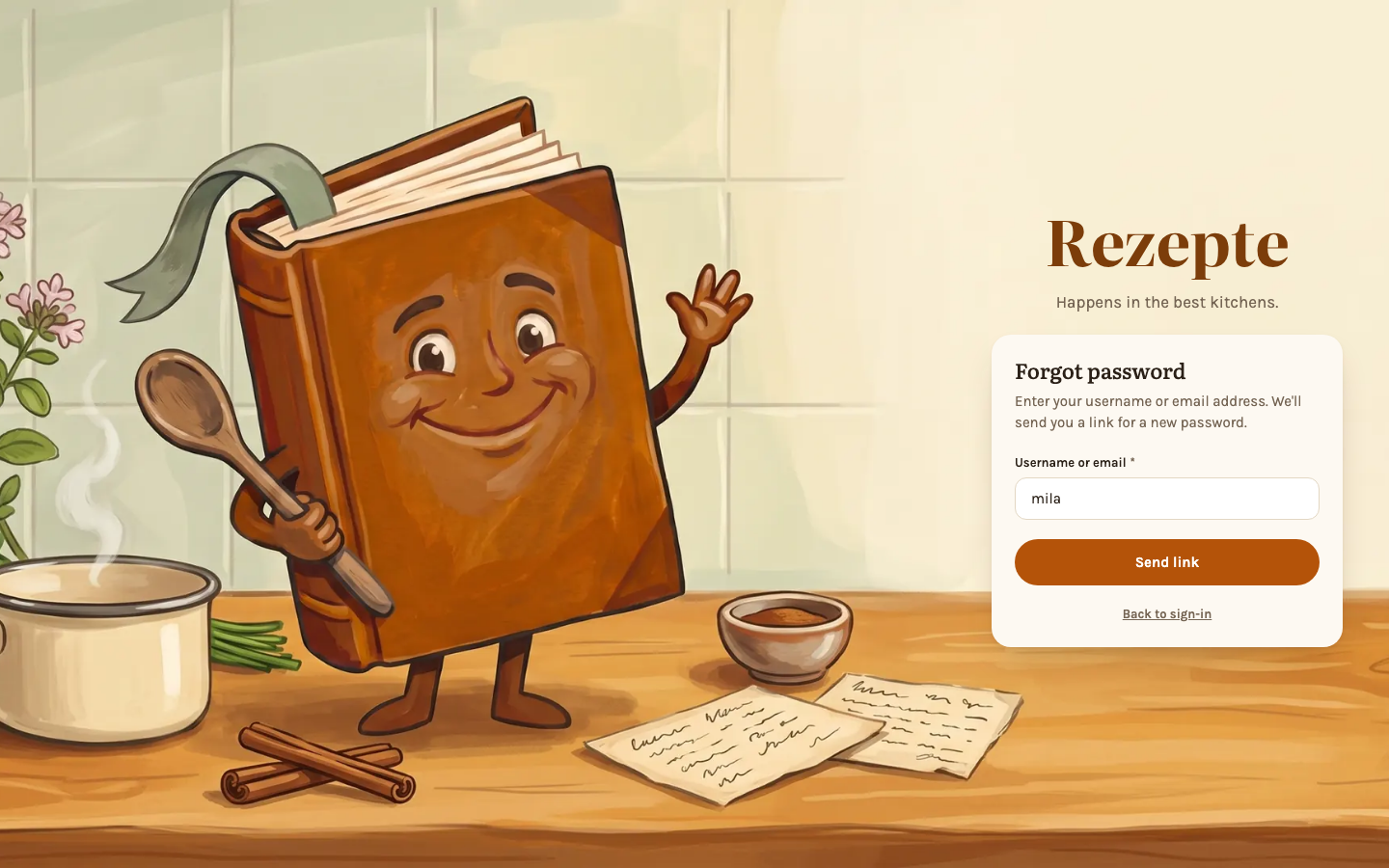
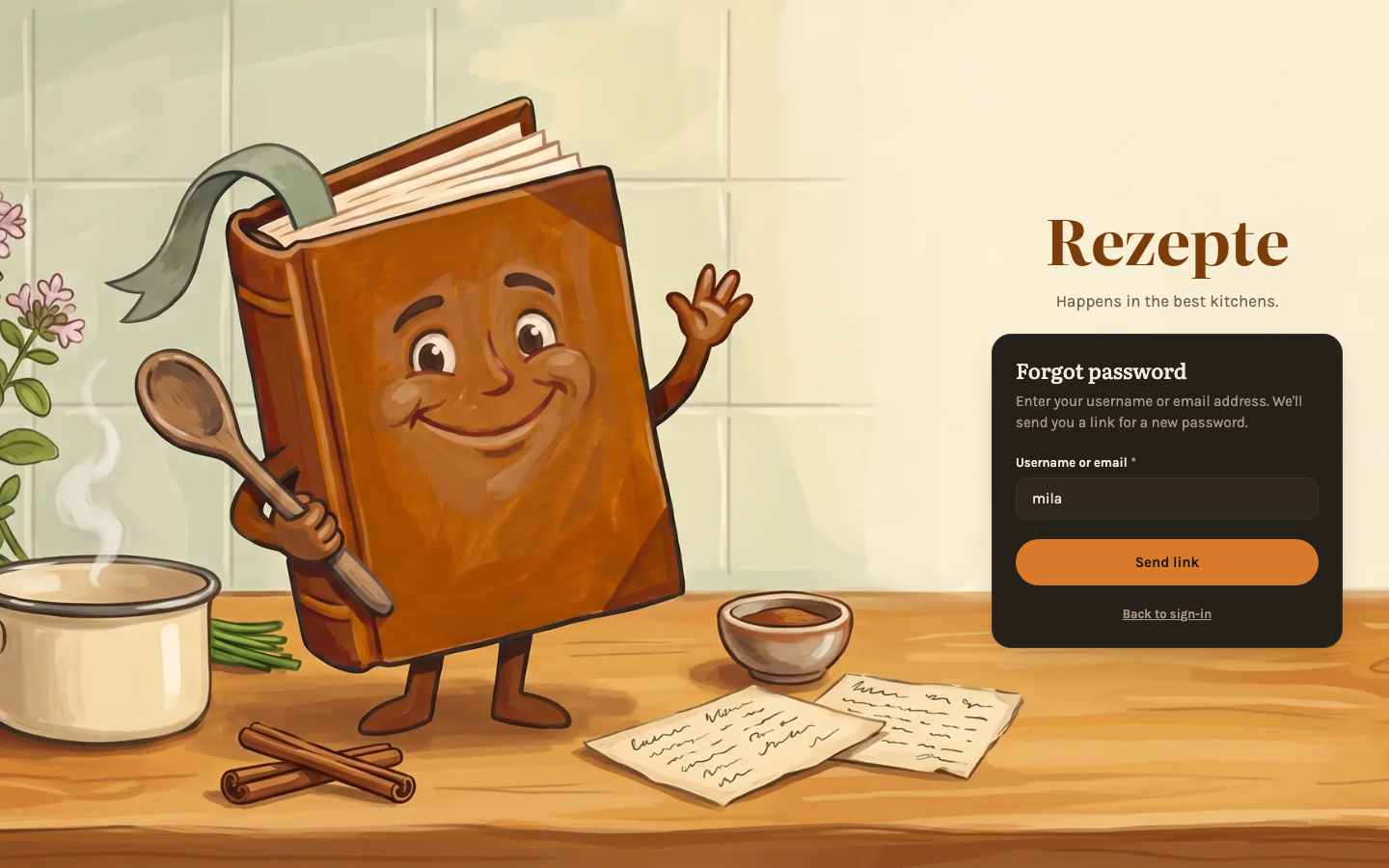
Forgot your password?
When the owner has set up mail, the login page shows Forgot password? next to the password field. Enter your username or your email address and Rezepte mails a link for a new password to your confirmed address; it is valid for one hour and works once, and setting the new password signs you out everywhere else. The page always answers the same, so nobody can find out which accounts exist. It works only for an address you confirmed (see Settings → Profile); if you sign in with an identity provider and have no password, the mail tells you so. While a setup link an admin gave you is still open, no mail goes out: use that link instead. The owner cannot reset by mail — see Configuration for --reset-superadmin-password.