
Importing a recipe
Turn a recipe from a website or from copied text into a recipe of your own
Found a recipe on a website, or got one in a mail or a chat? Paste it into Rezepte instead of typing it. Everyone can import, not only admins.
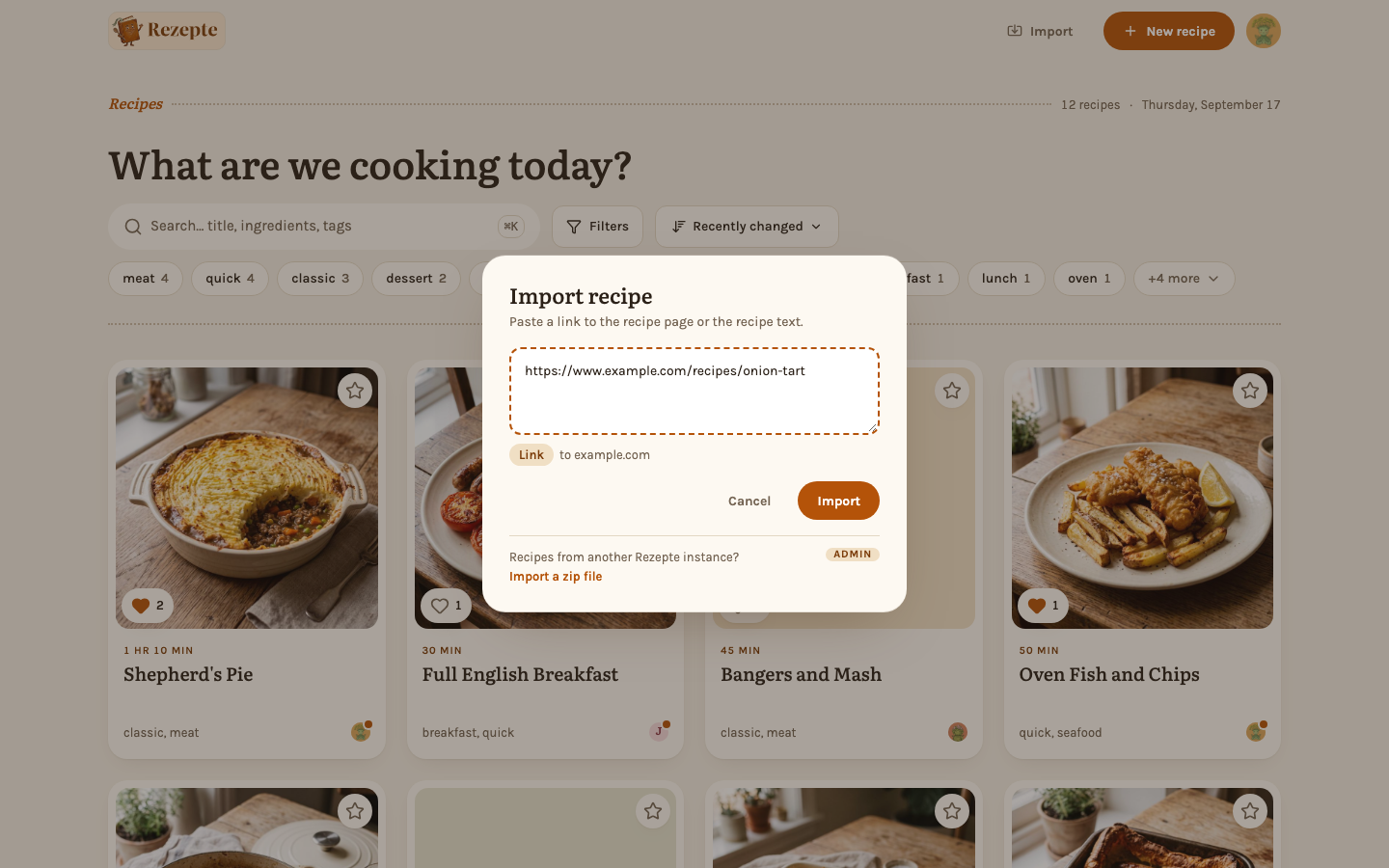
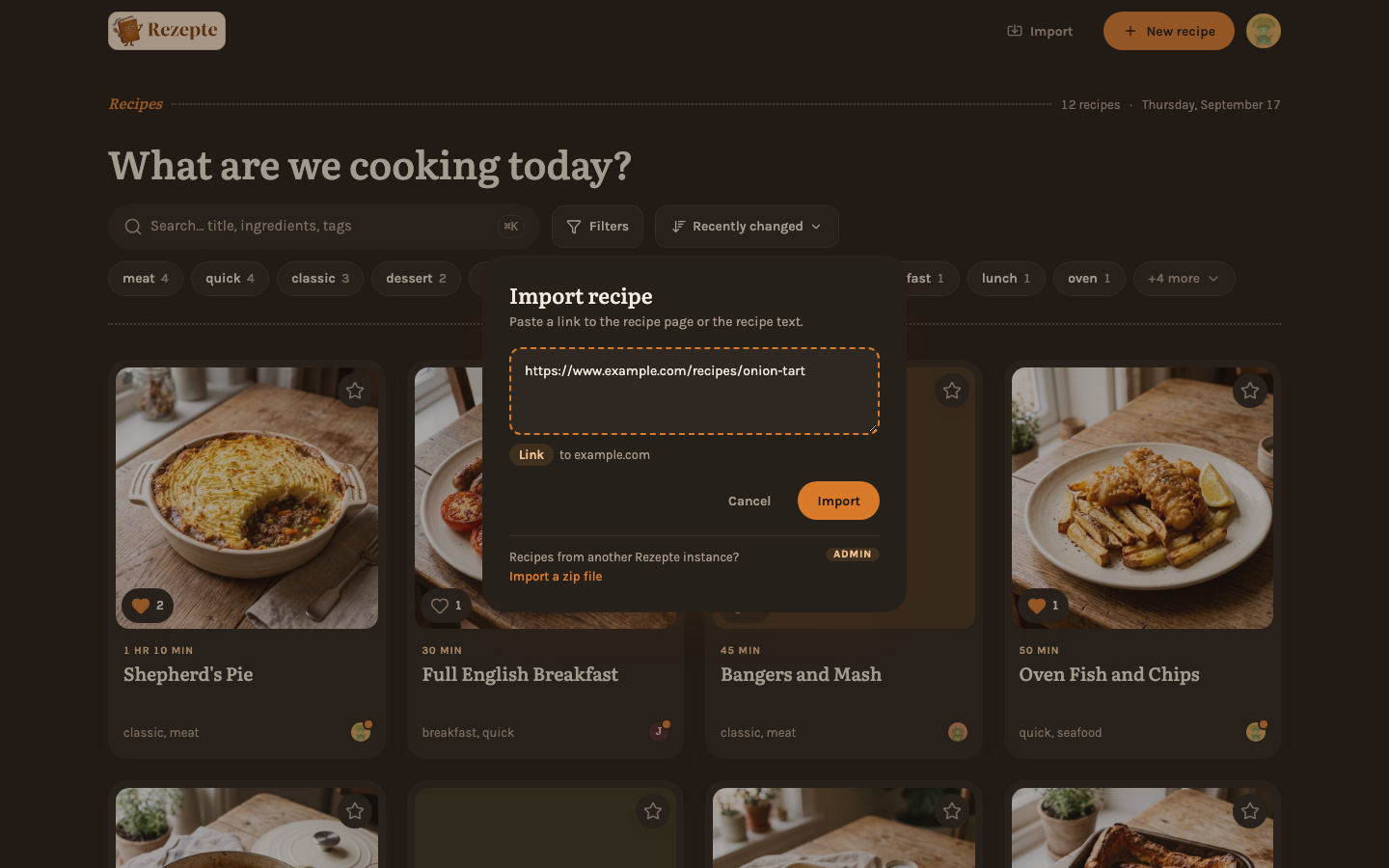
Paste a link or the text
Click Import in the top bar, use "Import recipe" in the command palette, or — on a phone — tap + and then Import. While there are no recipes yet, the overview offers "Import" too.
Paste one of two things into the field:
- A link to the recipe page. The line under the field says "Link to …" with the site's name.
- The recipe as text, copied from a mail, a chat, a note or a page. The line says "Text". Put the title on the first line; headings like "Ingredients" and "Method" (or "Zutaten" and "Zubereitung") help Rezepte tell the ingredients from the steps, and numbered steps are kept apart. The empty field shows a short example, and "What should the text look like?" under the field shows it again once you have pasted text.
Then choose Import. Nothing is saved yet.
Check the draft, then save
The recipe opens in the editor, filled in: title, description, servings, times, ingredients, steps, tags, the source, and from a link usually the photo as well. Read it through, change what you like, and choose Save. If you leave instead, nothing is kept.
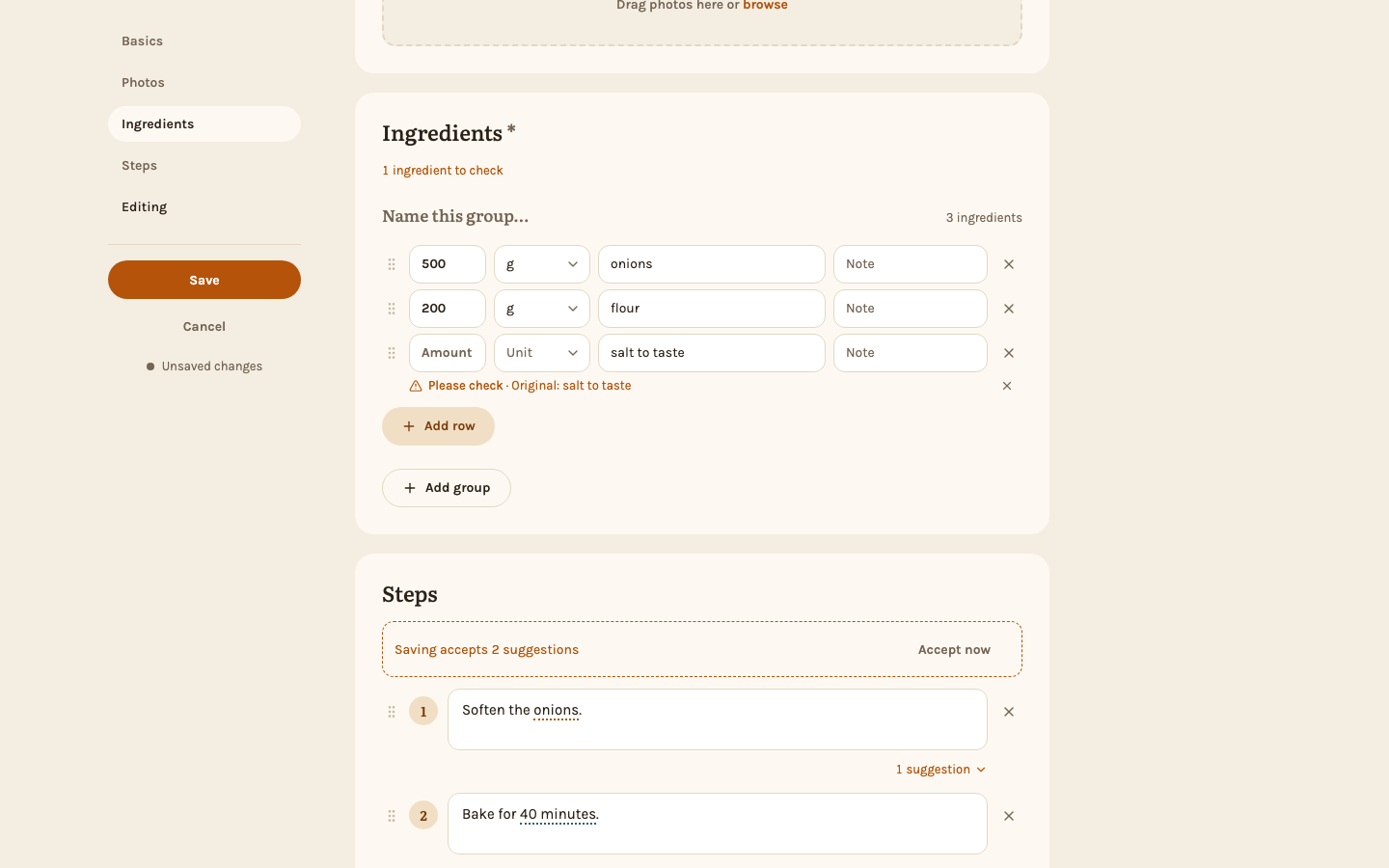
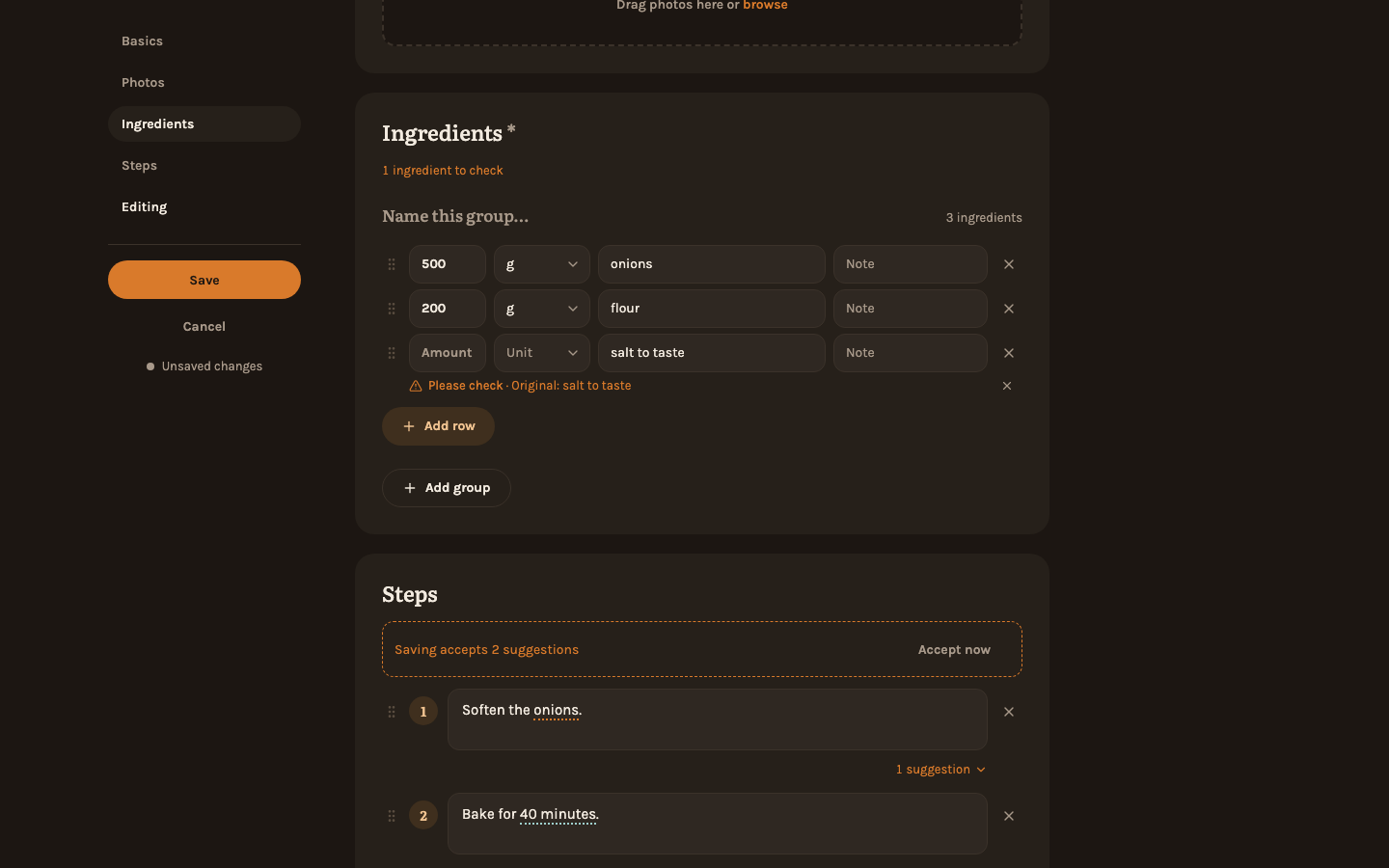
- Ingredients to check. When Rezepte was not sure how to read an ingredient line — "salt to taste", or a number in an odd place — it keeps the line whole and marks it Please check, with the original line beneath. A line above the list counts them. Fix the row, or choose Looks right to keep it as it is; the hint never stops you from saving.
- Tag suggestions. Keywords that match tags you already use are set as tags. Keywords that would be new tags are only suggested: open "… suggestions" under the tag field and take each one with ✓ or drop it with ✕. The recipe author's name is never suggested. Suggestions you leave open are not saved, so your tag list only grows when you agree.
- The photo. If the photo could not be taken over, the recipe opens without it and says so; add one yourself under "Photos".
- Long recipes. If the page had more than a recipe here can hold — too many ingredients or steps, or a very long text — Rezepte shortens it and says so once.
The editor keeps an imported recipe only until you save or leave: reloading the page starts an empty recipe.
Imported photos and texts still belong to the people who made them. Keeping a recipe for your own cooking is fine; don't share an imported recipe through a public link without their permission.
Already here?
When a recipe from the same page is already in your collection, the dialog says "This recipe is already here" and names it and who added it. View opens that recipe; Import anyway carries on and makes a second one; Back returns to the field with your link or text still in it.
When a page does not work
- "We found no recipe on …" — the page has no recipe Rezepte can read. Many sites build their recipe in a way only a browser shows. The field empties: copy the recipe text from the page, paste it and import again. The link stays as the recipe's source.
- "We couldn't open this page." — the page did not load: it is down, blocks programs that are not browsers, sits behind a paywall or login, or the address is wrong. Here too, copying the text works.
- "We couldn't find a recipe in this text." — the text has no ingredients or steps Rezepte recognizes. Start a new recipe and write it in the editor.
What Rezepte fetches
The page is fetched by the Rezepte server, not by your browser. It only opens pages on the public internet: addresses in the network Rezepte runs in — your router, other machines at home or in the data center — are refused with the same "We couldn't open this page.", so an import never reaches anything behind the server.
Limits
- One photo per recipe.
- Nutrition, ratings, videos and the source's author are not taken over.
- A recipe counts as already here only when it came from the same link, not when it has the same title.
- The import understands amounts and units in English and German, the languages Rezepte speaks. In other languages it still takes the amounts, but units stay part of the ingredient's name ("cuillères à soupe de farine"), and only lines it cannot split at all are marked Please check.
- To move many recipes at once between two Rezepte, an admin uses Import and export.
From a program
POST /api/v1/recipe-drafts with {"url": "…"} or {"text": "…"} returns the draft without saving it, for any API token with recipes:write; POST /api/v1/recipes saves it. See the API reference.