
Let Rezepte mail setup links, links for a new password and address confirmations; the owner sets up the mail server and sends a test
Rezepte can mail the setup link to the people you invite, so you do not have to pass it on yourself. With mail set up it also sends a link for a new password to anyone who forgot theirs (or a sign-in hint to someone who signs in with an identity provider), and a link to confirm an email address. It needs an SMTP server to send through — the one your mail provider lists under "SMTP" or "set up a mail program" — and REZEPTE_PUBLIC_URL set, so the link in the mail points back to your Rezepte (see Configuration). Without mail, you get every setup link on screen and pass it on yourself, the login page offers no Forgot password?, and email addresses stay unconfirmed.
Set up mailOwner only
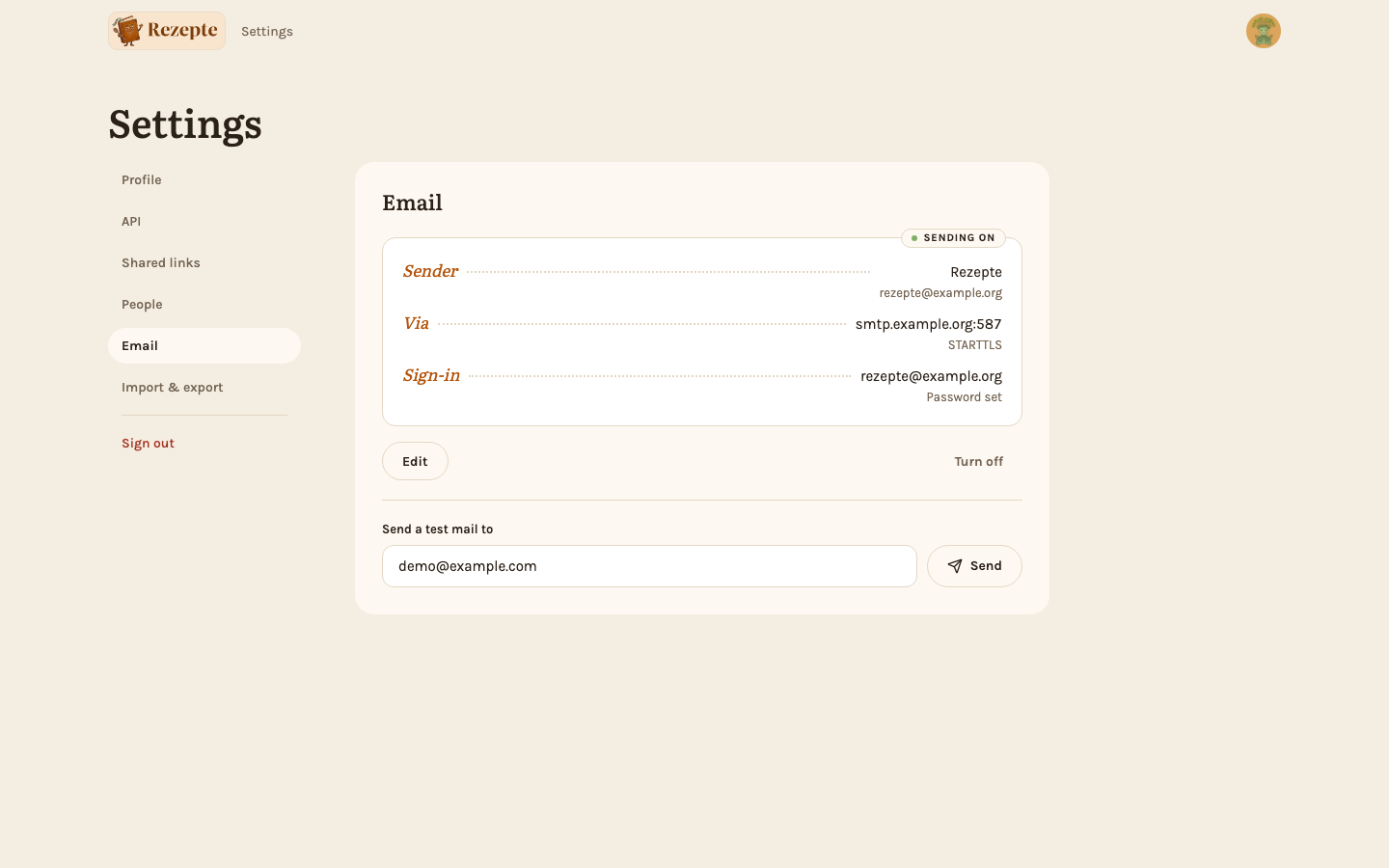
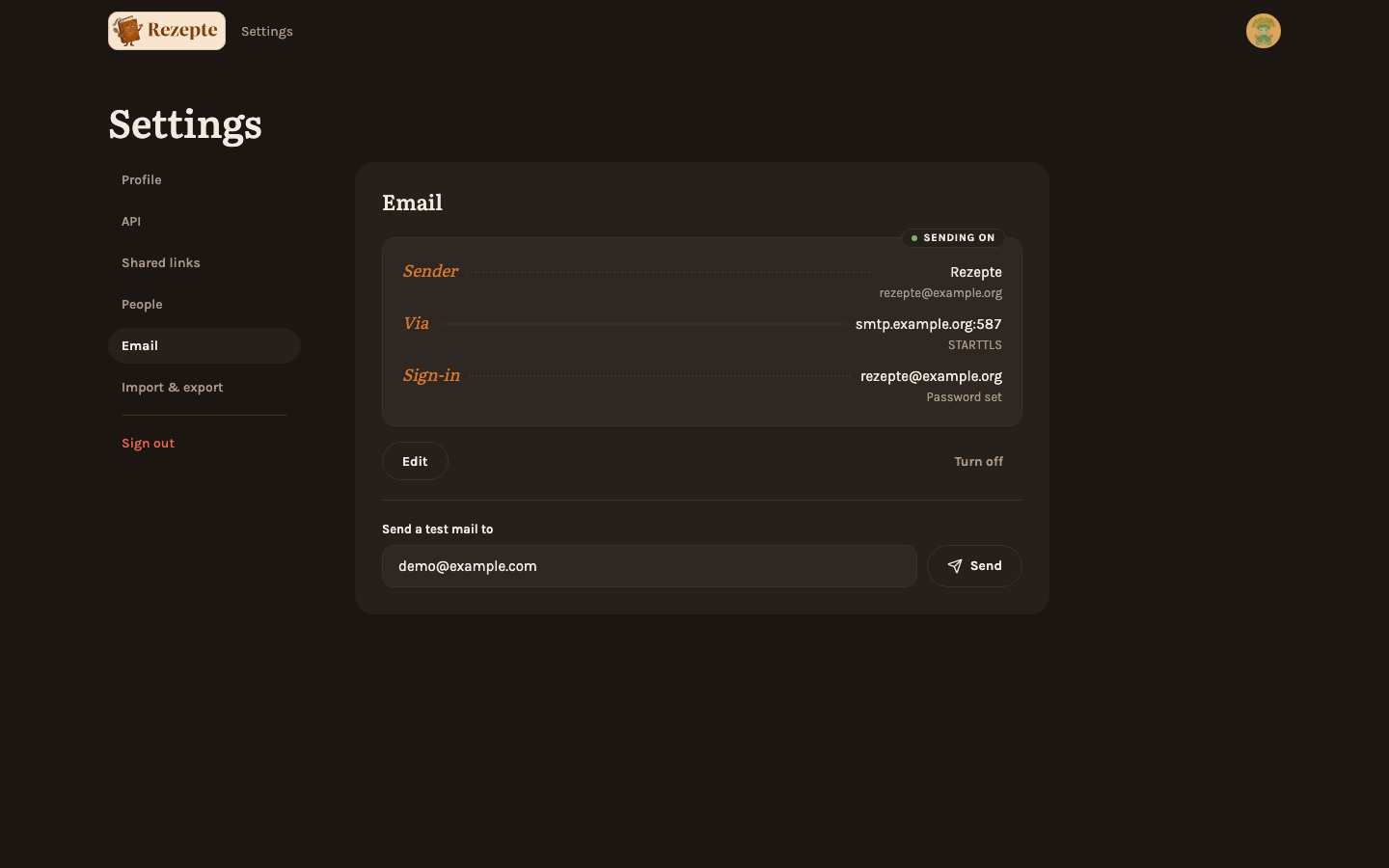
The owner finds the Email card on its own page, Settings → Email, which nobody else sees. It is a letterhead: who mail comes from, which server it goes through and how it signs in, with a stamp saying whether Rezepte is sending.
Open the setup
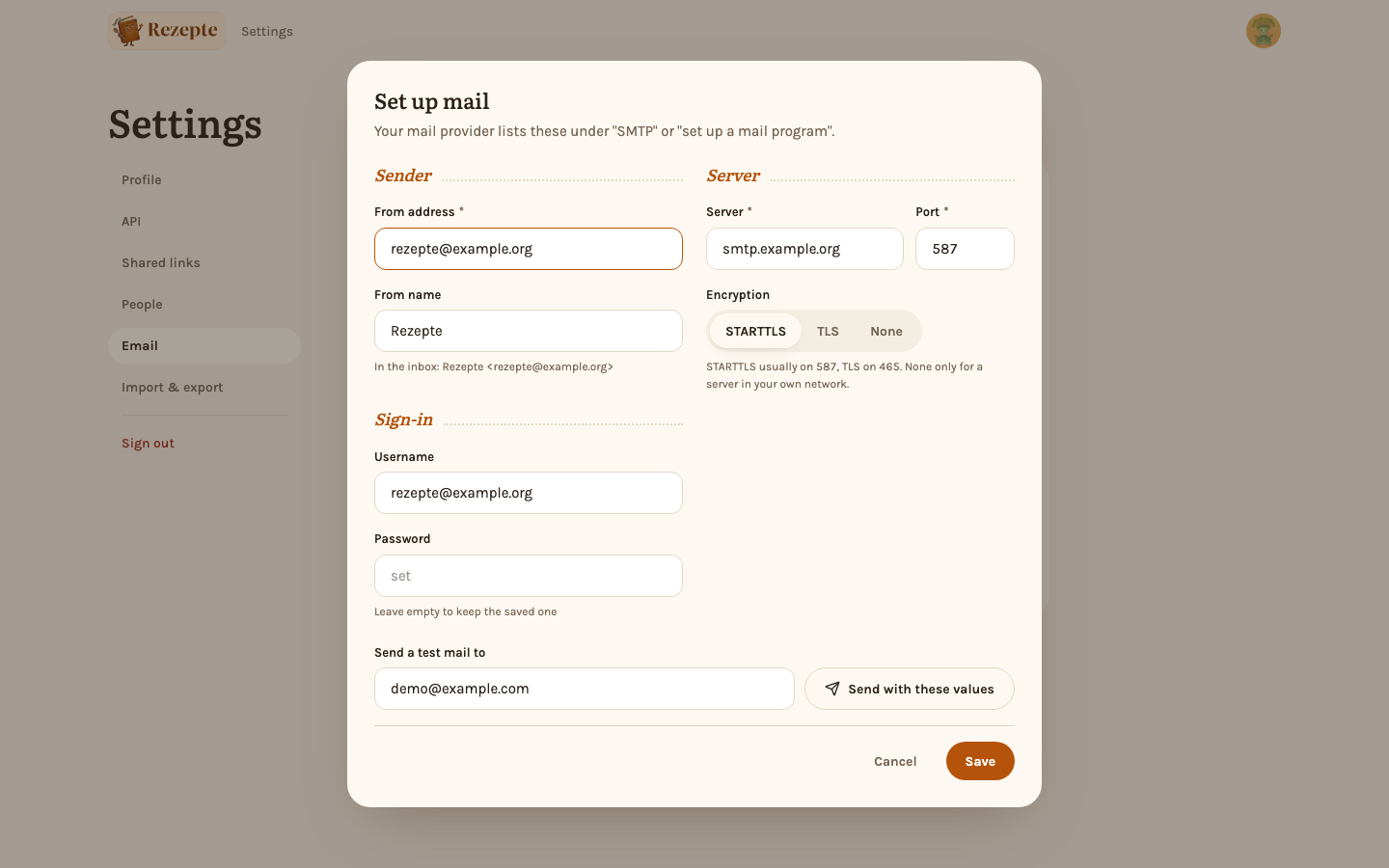
Click "Set up mail" — or "Edit" when it is already set up. The window has three parts.
Fill in the parts
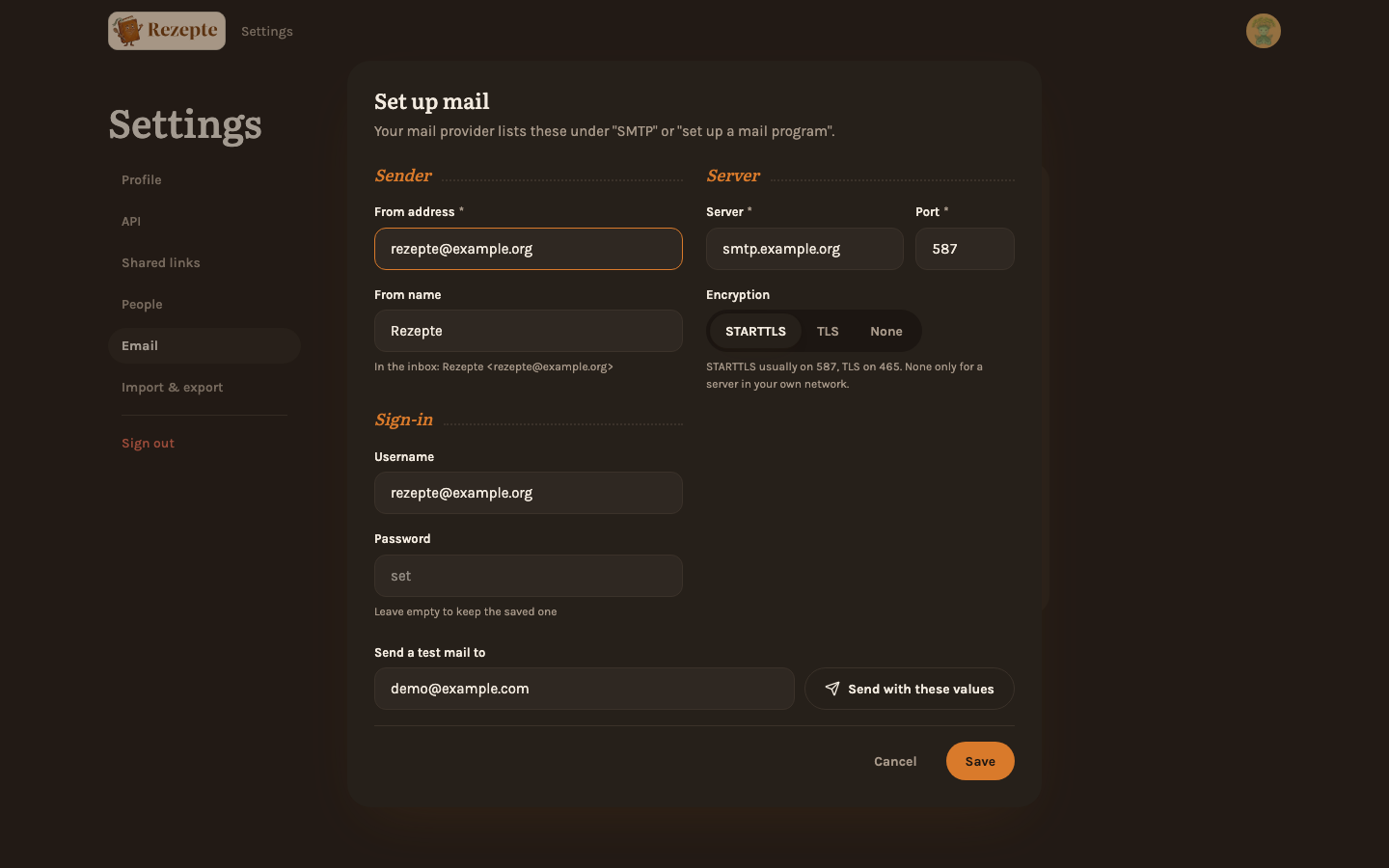
Sender: the address mail comes from and the name people see in their inbox; a line under the name shows how it will look. Sign-in: the username and password of your mail provider; leave both empty for a server that needs none. A saved password stays when you leave the field empty, but only for the same server and username; change either and type the password again. Server: its address and port, and the encryption. STARTTLS usually goes with port 587 and TLS with 465; "None" is only for a server in your own network.
Send a test mail
Above "Save", the window has a "Send a test mail to" field with your own address filled in. "Send with these values" tries the values as they are, before you save them, and tells you right under the field what the server answered. Fix what it complains about, then "Save". Saving does not connect to the server; the test does.
On the card, the same field sits under the letterhead, filled in with your own address; change it to test another inbox. "Send" (or Enter) shows the result right under it: "Test mail sent to …", or the server's own reply when it refuses. This is also where to look when an invitation did not arrive, since only the owner sees what went wrong.
"Turn off" asks first, then clears the settings, and the stored password with them: a saved password can only be removed this way. When the server is set with REZEPTE_SMTP_* variables, the stamp reads "Set by the server", the settings cannot be changed here, and only the test works.
What a person receives
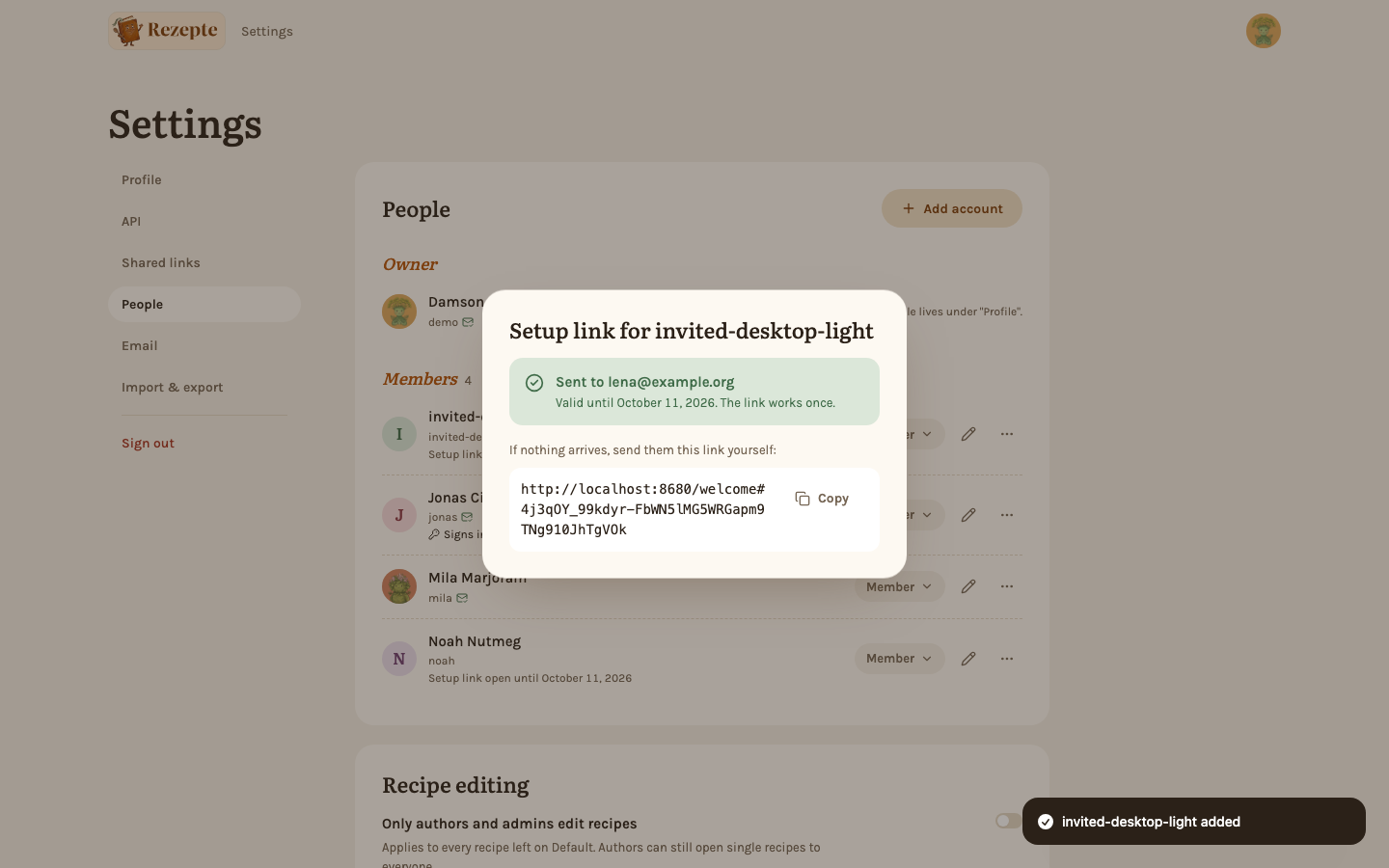
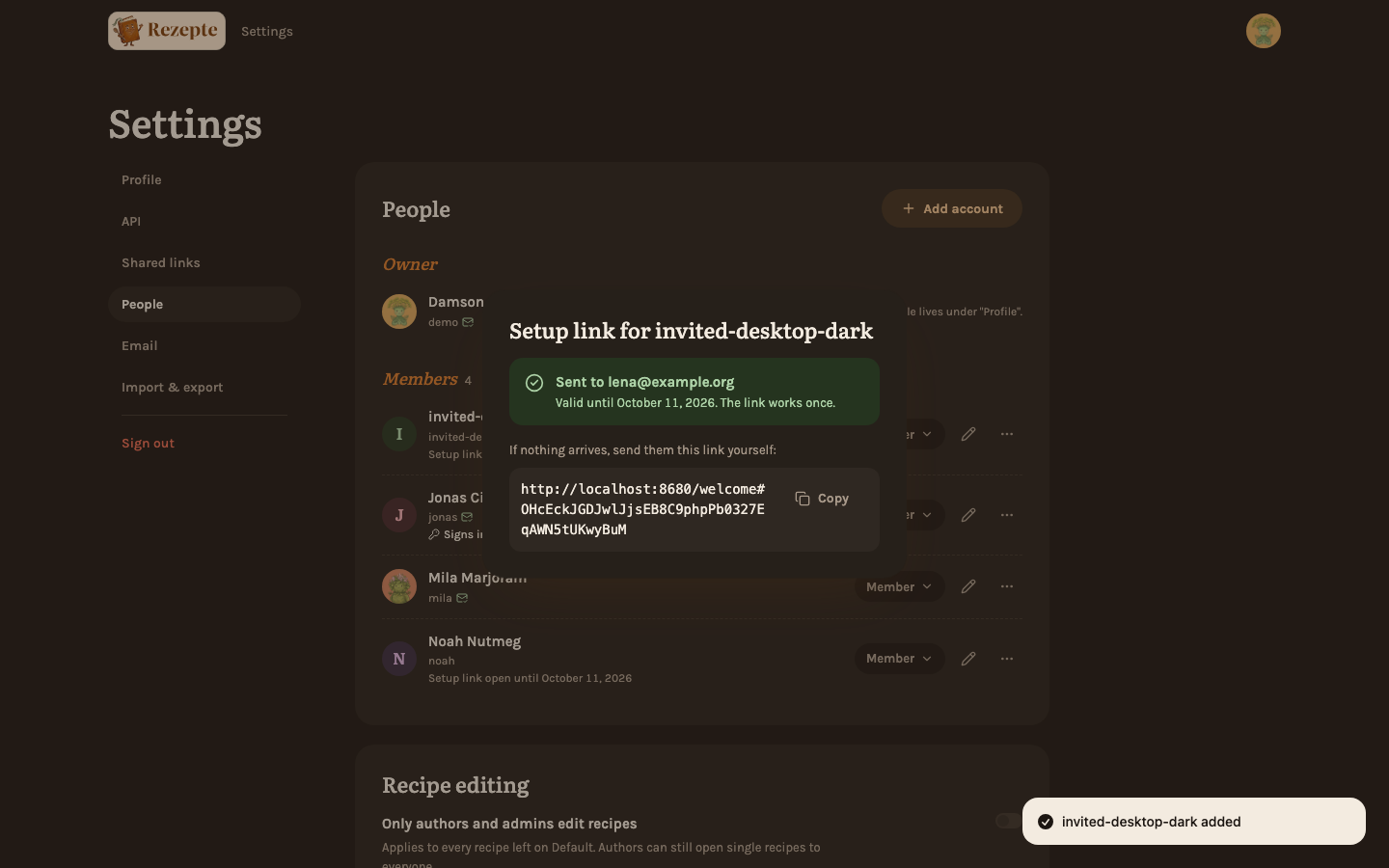
An invitation from the admin's name: "Hi Lena, Mila created an account for you on Rezepte", a button "Set up account" and the link spelled out beneath it, for mail programs that hide buttons. It is in the language of the invited account, works once and is valid for 7 days. Opening it greets the person, lets them choose a password and signs them in — and that confirms their address, as long as it is still the one the mail went to.
Three more mails go out on their own:
- A link for a new password, when someone asks for one on the login page. It names the account, is valid for 1 hour and works once. The button "Set a new password" opens a page titled "A new password for …", where the person types the new password twice and "Save password" signs them in.
- A sign-in hint, instead, for an account that has no password because it signs in with an identity provider: it names the provider and says to ask an admin for a setup link if access to it is lost.
- A confirmation, when an address is entered or changed in a profile or by an admin (who is named in it). It names the account too, so accounts sharing an address can tell their mails apart. It is valid for 7 days. The link opens a page that confirms the address right away and says "Address confirmed"; it never signs anyone in.
When a mail does not arrive
- The window after "Create and send link" or "Send link" says "Mail to … could not be sent" when the server refused it. The account and the link exist anyway: copy the link and pass it on yourself.
- Rezepte waits at most 10 seconds for the server. A wrong port or a server that does not answer shows up as a failed send, not as a stuck window.
- A mail that was accepted but never shows up is the mail provider's business: look in the spam folder, and check that the sender domain has the SPF and DKIM records the provider documents.
- Only the owner sees the server's reply, through the test mail. Admins only learn that sending failed.