
Sharing recipes
Send a recipe link to the household, what the chat preview shows, and public links for people outside it
A recipe's page has two ways to hand out its address: Copy link in the "…" menu, and Pass on — the share button over the cover photo on a phone, a button in the top bar on a computer — which offers the link or the recipe as an image. The link is the recipe's normal address. Whoever opens it needs an account on your instance to see the recipe; the link does not let anyone in.
For someone who does not have an account, and should not need one, the same "…" menu offers Share publicly… instead — see Public links below.
The link preview
When a link lands in WhatsApp, Signal, Telegram, iMessage, Slack, Discord or a similar app, the app shows a small card for it. For Rezepte that card shows either the Rezepte logo or the recipe itself: its title, the start of its description and its cover photo.
To build the card, the chat app fetches the link without being signed in to Rezepte. So a link from Copy link or the share button carries a code that shows the recipe's title, description and cover photo for a limited time — never its ingredients, steps or other photos, and never the rest of your recipes. After that time the link still works, but a new preview of it shows the logo.
The household settingOwner only
The owner of the instance finds Link previews under Settings → People. It is off until the owner switches on Show recipes in link previews; while it is off, every link shows the Rezepte logo. Once it is on, the owner picks how long a shared link shows the recipe: 15 min (the default), 1 hour or 1 day.
Switching it off applies at once, also to links already sent. A new time applies to links shared from then on. Admins see the card too, with a sentence saying what applies right now, but only the owner can change it.
Good to know
- A card that has already been sent stays as it is. Switching previews off does not change what a chat already shows.
- A recipe address copied from the browser's address bar has no code and shows the logo. Use Copy link or the share button.
- A recipe without a photo shows its title and description with the Rezepte logo.
- Anyone the link is forwarded to within that time sees the preview too; the recipe itself still needs an account.
- Some chat apps only show a picture from an
httpsaddress. Behind a reverse proxy, setREZEPTE_SECURE_COOKIES=trueas Reverse proxy describes, so Rezepte names its pictures overhttps.
Pass on as an image
Pass on also turns the recipe into one picture: the cover photo, title, description, servings and times, every ingredient and every step, in the theme you are using. Whoever gets it needs nothing to cook from it — no account, no link, no connection to your instance.
- On a phone, Image opens the phone's share sheet with the picture, for WhatsApp, Signal, Photos and the like. Long recipes make a long picture; in WhatsApp, send it in HD so it stays sharp.
- On a computer, Copy image puts it on the clipboard for pasting into a chat, Save image downloads it, and Share… appears where the browser can share files.
- Quantities follow the servings you set on the page.
- The picture leaves out the recipe's source, tags, other photos and anything that points to your instance. Its foot names Rezepte unless the owner switched that off (see People).
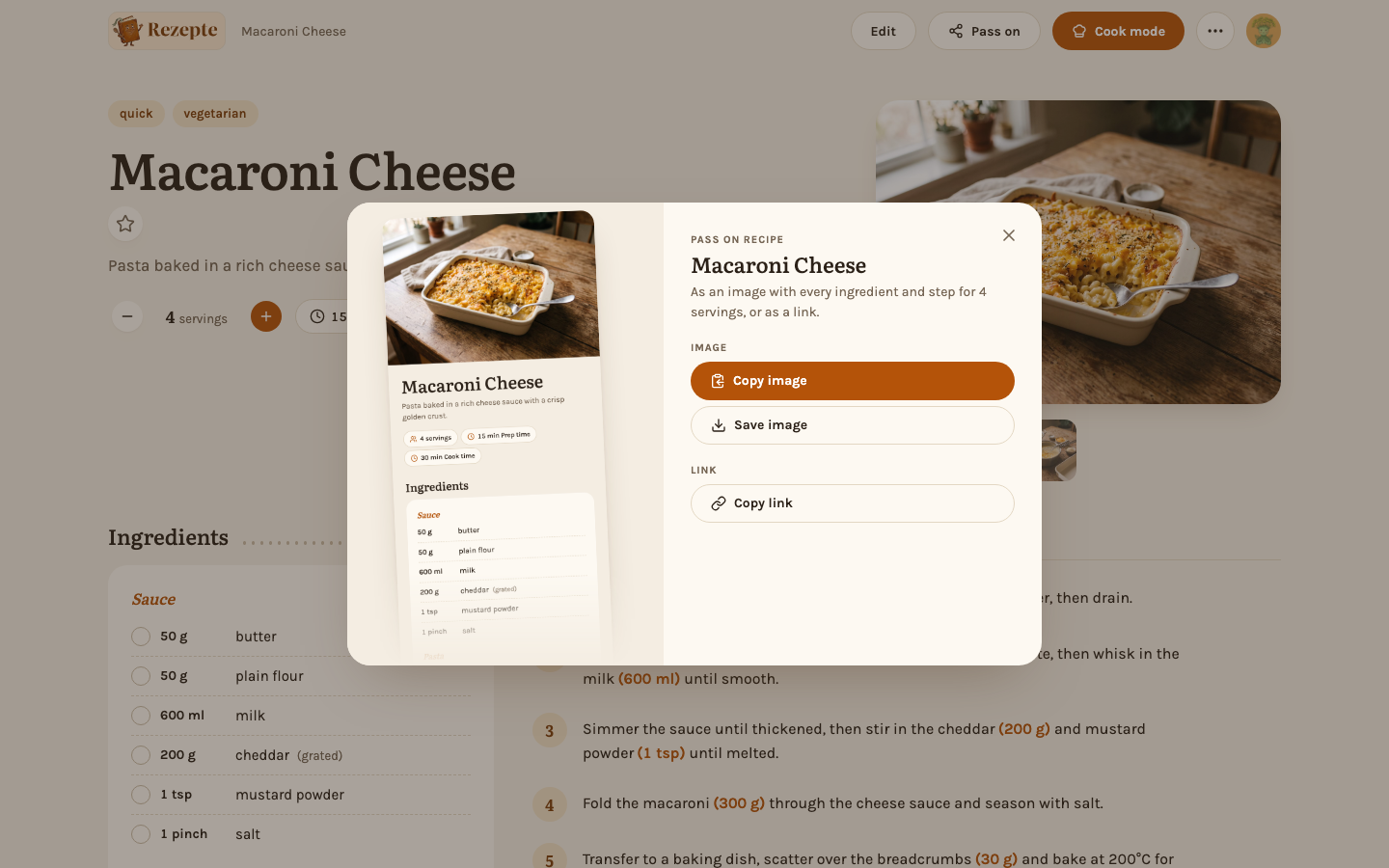
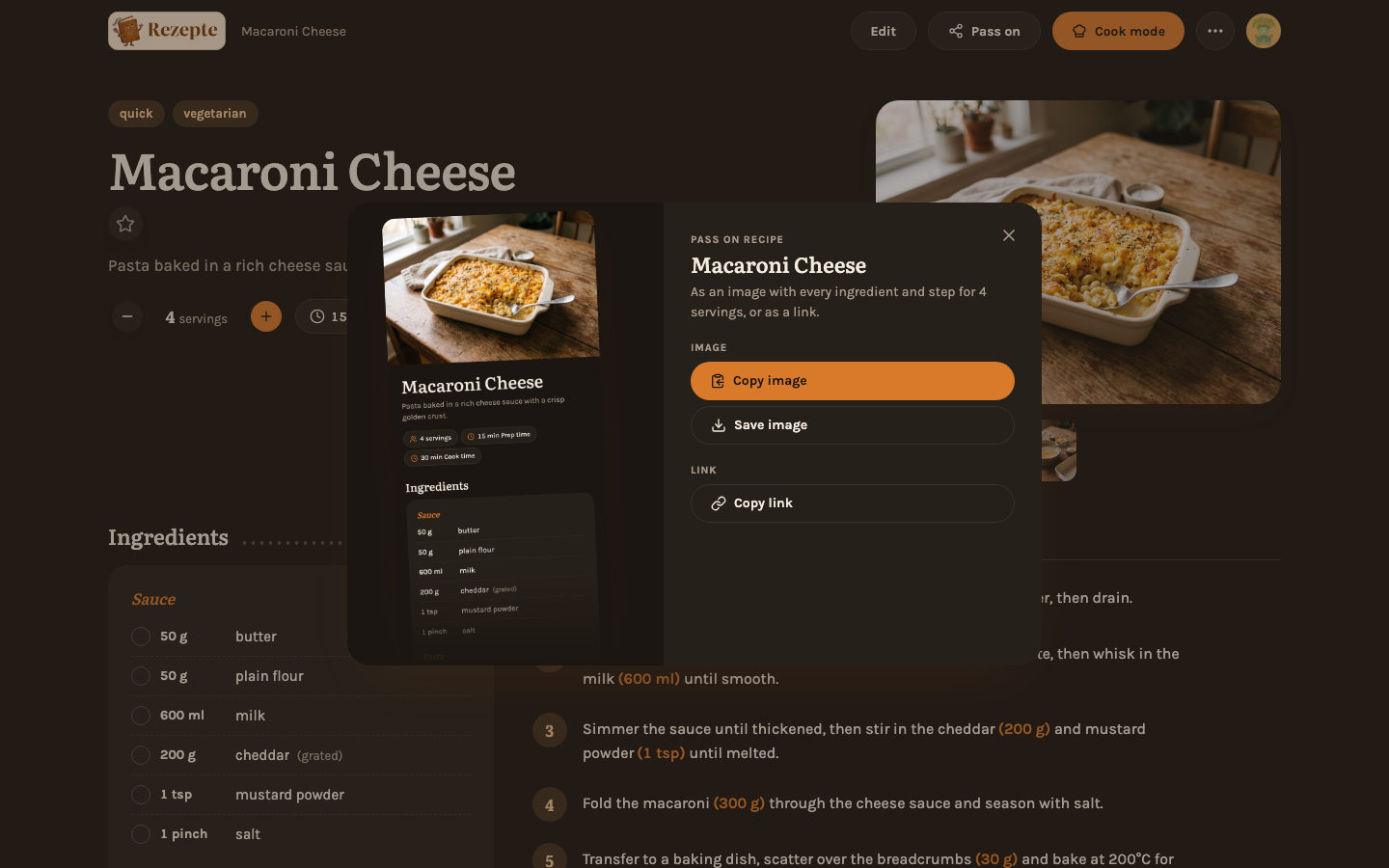
Browsers offer the share sheet and the clipboard only over https (or on localhost). If you open Rezepte over plain http — say by its address on your home network — Image saves the picture instead, and the sheet says to press and hold it: your phone's own menu on the picture then shares it or saves it to Photos. Link and Copy link still copy; where even that is not possible, a message shows the link to copy by hand. Behind a reverse proxy with https, as Reverse proxy describes, everything works as above.
Public links
A public link is different from Copy link above: it opens the recipe for anyone who has it, with no account at all, until you revoke it or it expires. Making one is deliberate, and it stays deliberate for as long as it exists — your instance's owner decides whether public links are allowed at all, and every one you create shows up in a list you can take back at any time.
Your instance's owner turns public links on for the household before this section applies to you. Until then, "Share publicly…" is not in the menu.
Create a link
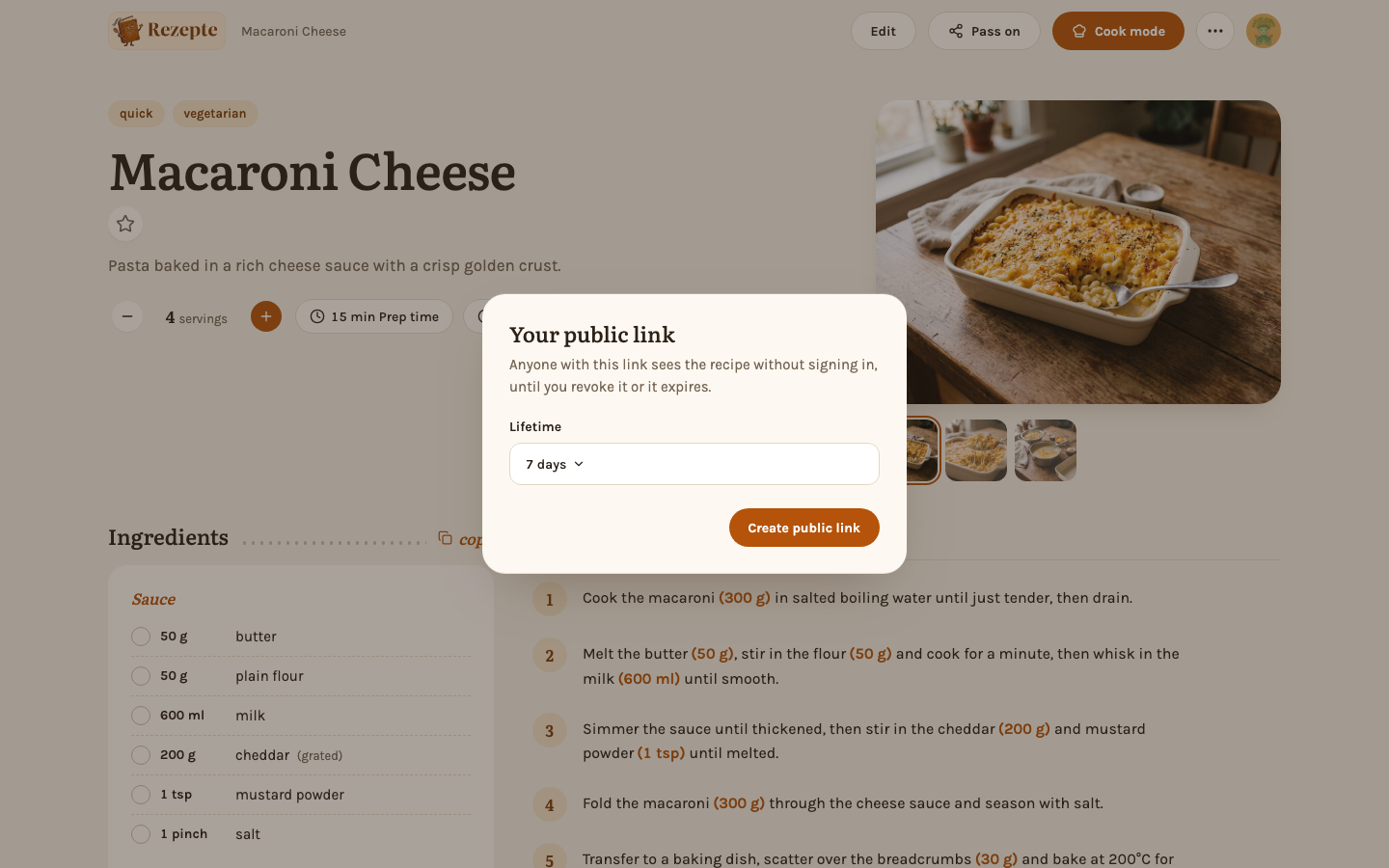
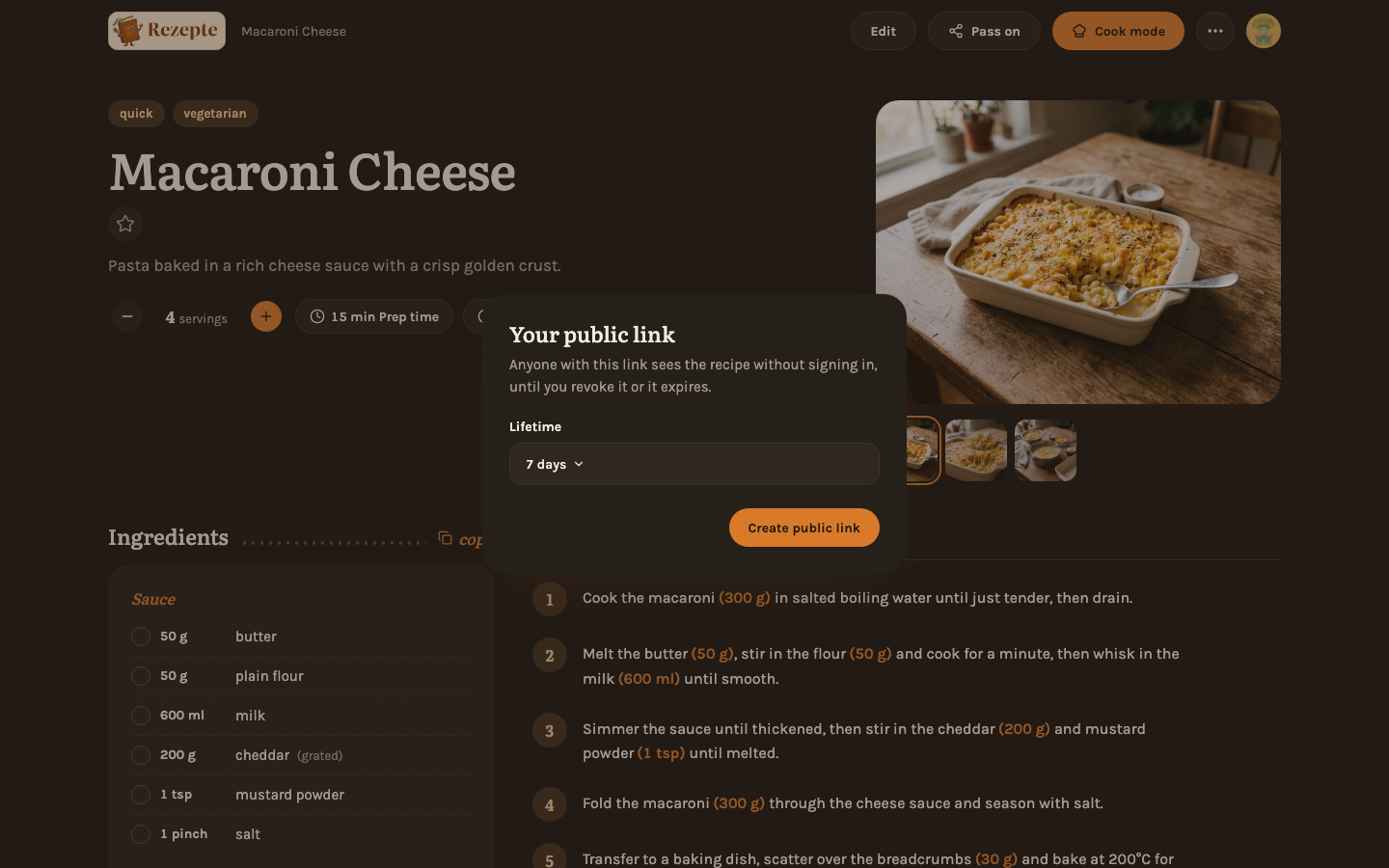
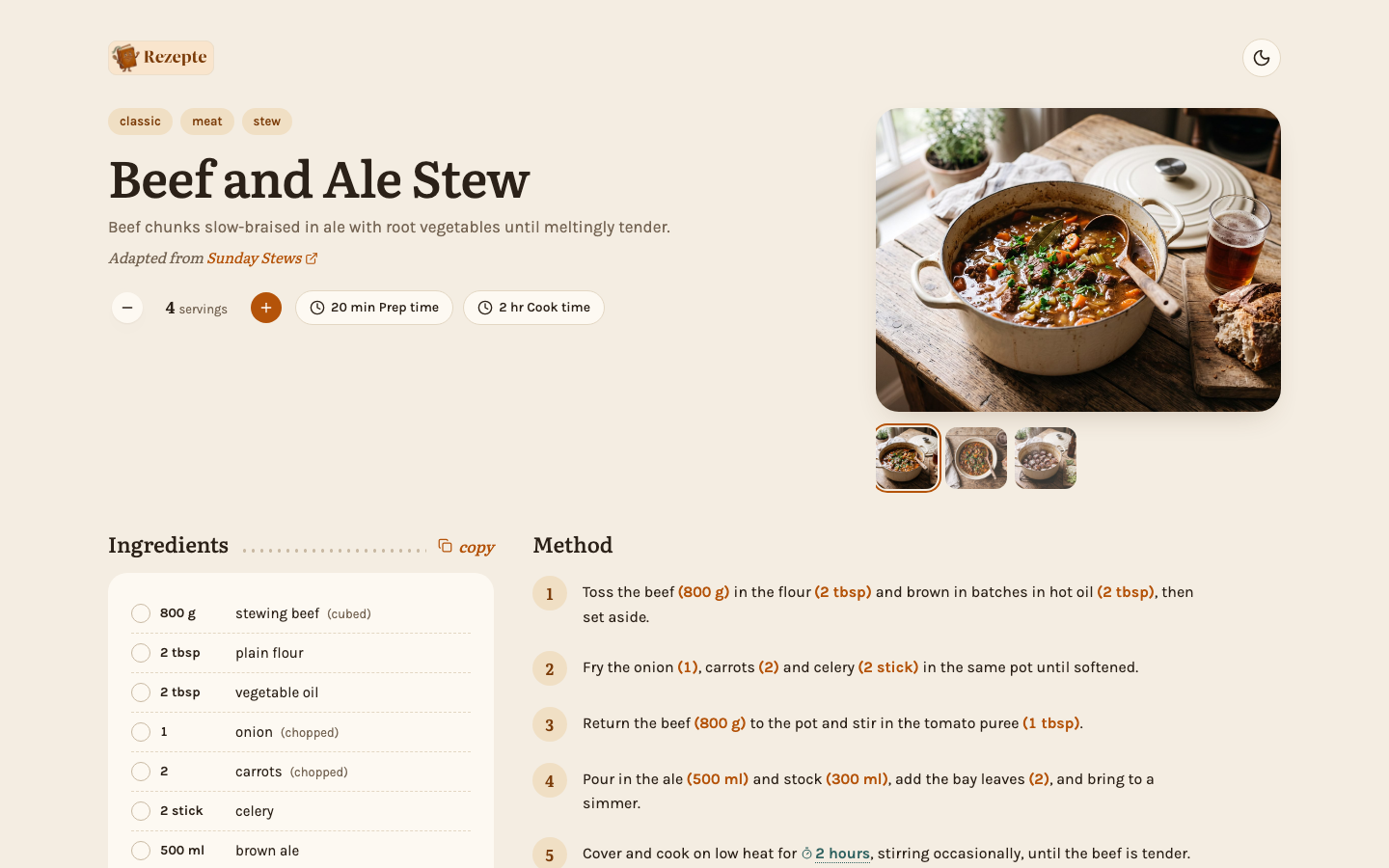
Open a recipe and choose Share publicly… from the "…" menu. Pick how long it lasts — a day, a week, a month, a year, or permanent, whichever your instance offers — and confirm. The link opens a read-only page: the recipe's photos, ingredients and steps. Visitors can still change the servings, check ingredients off and copy the list, the same as on the recipe page. The page shows nothing about who wrote it or the rest of your collection.
Share it
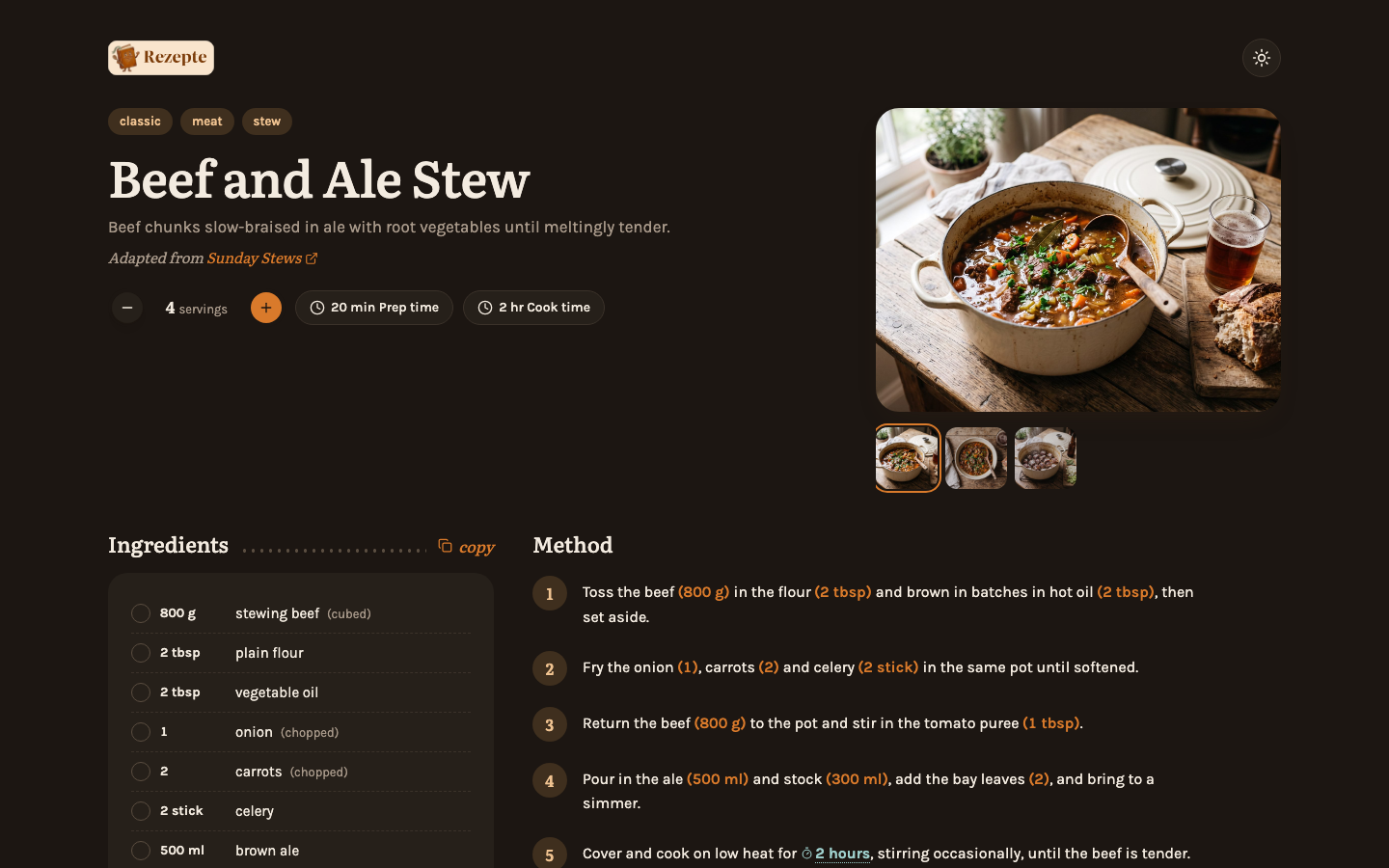
Copy the link, or use the share button where your browser offers one, and send it however you like — it works for anyone who opens it, signed in or not. The page follows the reader's device into light or dark, and a button at its top right switches between the two.
Unless the owner has switched it off, a small bar at the foot of the page says the recipe was kept with Rezepte and invites the reader to get their own, with links to the project and its source code — so whoever you send it to knows where it came from.
Manage or revoke it
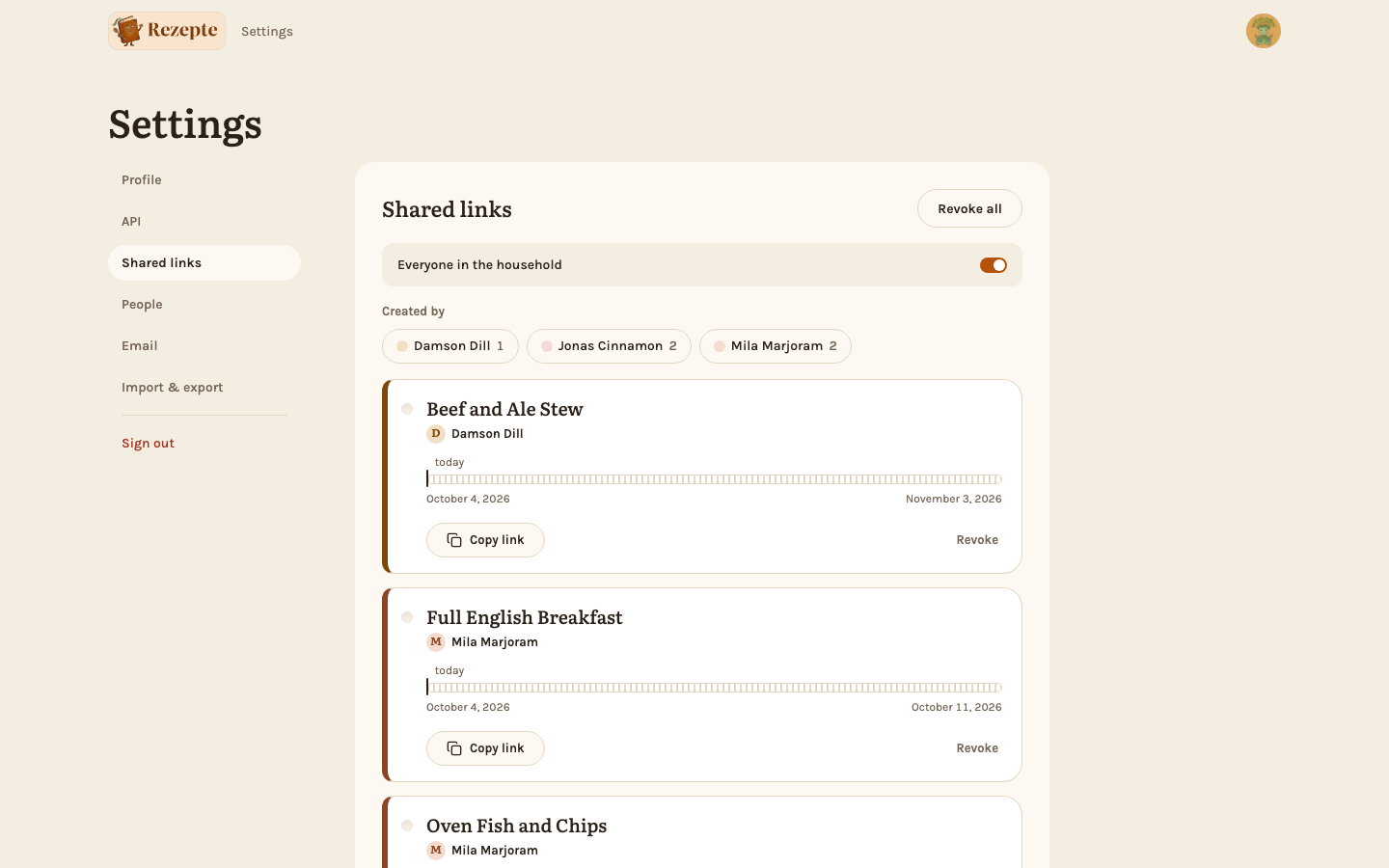
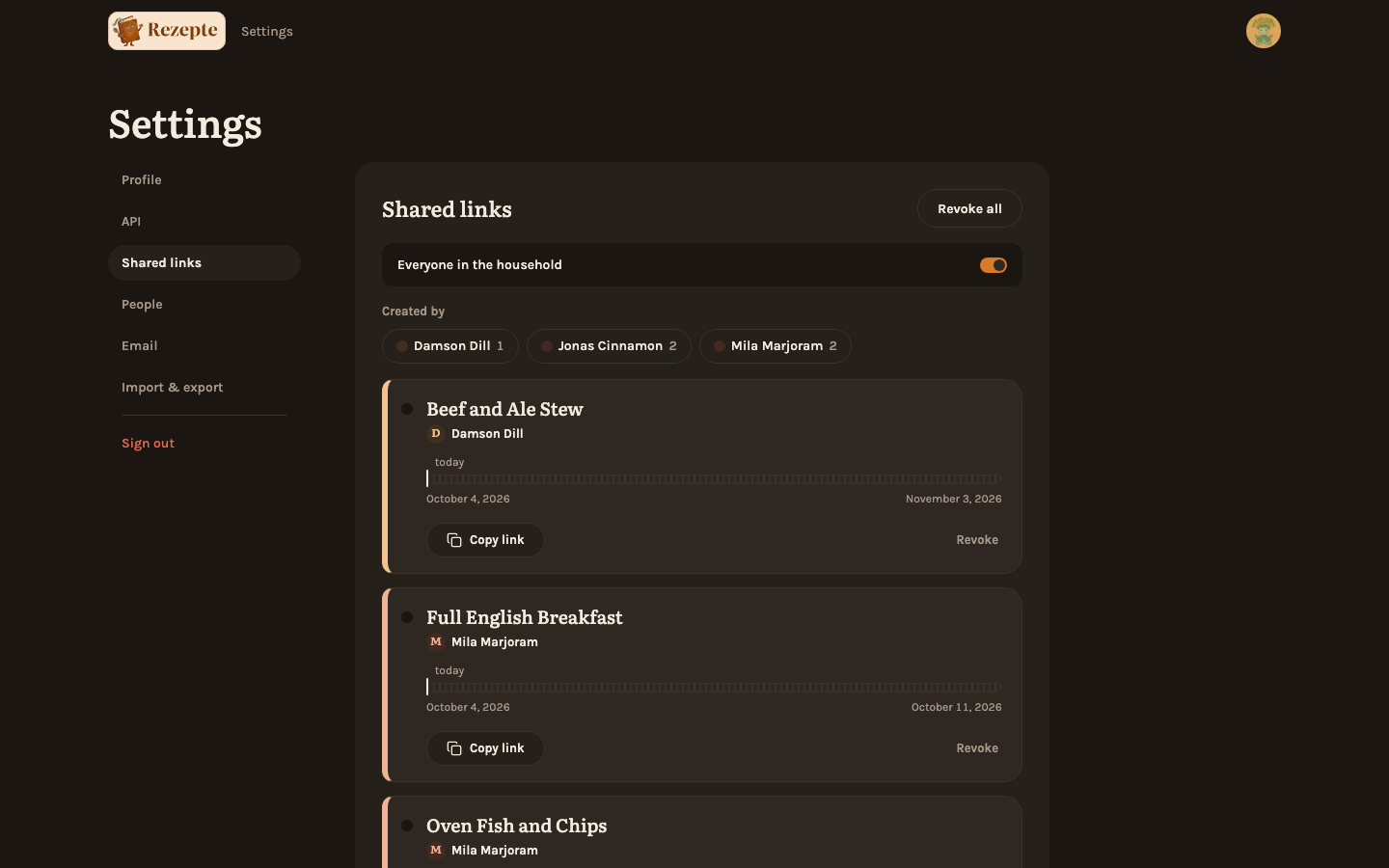
Once you have a link, the same menu item reads Public link…, a Shared publicly marker sits among the tags above the recipe's title, and the end of the page says how long your link runs, with Manage link. Only you see these: every member has their own link to a recipe, and nobody else's shows on the recipe page — an admin finds everyone's under Shared links. Any of them opens the same dialog, where you can copy the link again or Revoke it. Revoking stops the link working at once. Settings → Shared links lists every public link you have created, across all your recipes, with the same actions — useful once you have more than one. Each link hangs there like a key tag: the bar under the recipe shows how much of the link's lifetime has passed, with today as a mark. Once your links are in more than one state, Status narrows the list to active, paused or limited ones; a note above the list says when public sharing is switched off or your own right to share was withdrawn.
- A public link shows the recipe as it is right now. Editing the recipe afterwards changes what the link shows.
- A link that reaches the end of its own lifetime is gone for good the moment it does: it stops working and leaves Shared links on its own, without you having to revoke it.
- A link the owner switches off for the household, or one now past a lowered maximum lifetime, is different: it stops working but stays in Shared links, stamped "Paused" or "Limited" with a sentence saying why, and starts working again on its own once the setting is reversed.
- An admin can withdraw your own right to share publicly, without touching the household switch. Your existing links pause the same way — they stop working but stay in your list, marked "Paused" — until it is restored; "Share publicly…" disappears from the menu meanwhile.
- Only one public link exists per recipe per person: sharing the same recipe again shows you the link you already have, rather than making a second one.
- Deleting the recipe, or your account being deleted, removes its public links with it.