
Photos
Upload, reorder and remove recipe photos
Photos follow the recipe's editing rights: whoever may edit a recipe may add, reorder and remove its photos and choose its cover. See Editing rights.
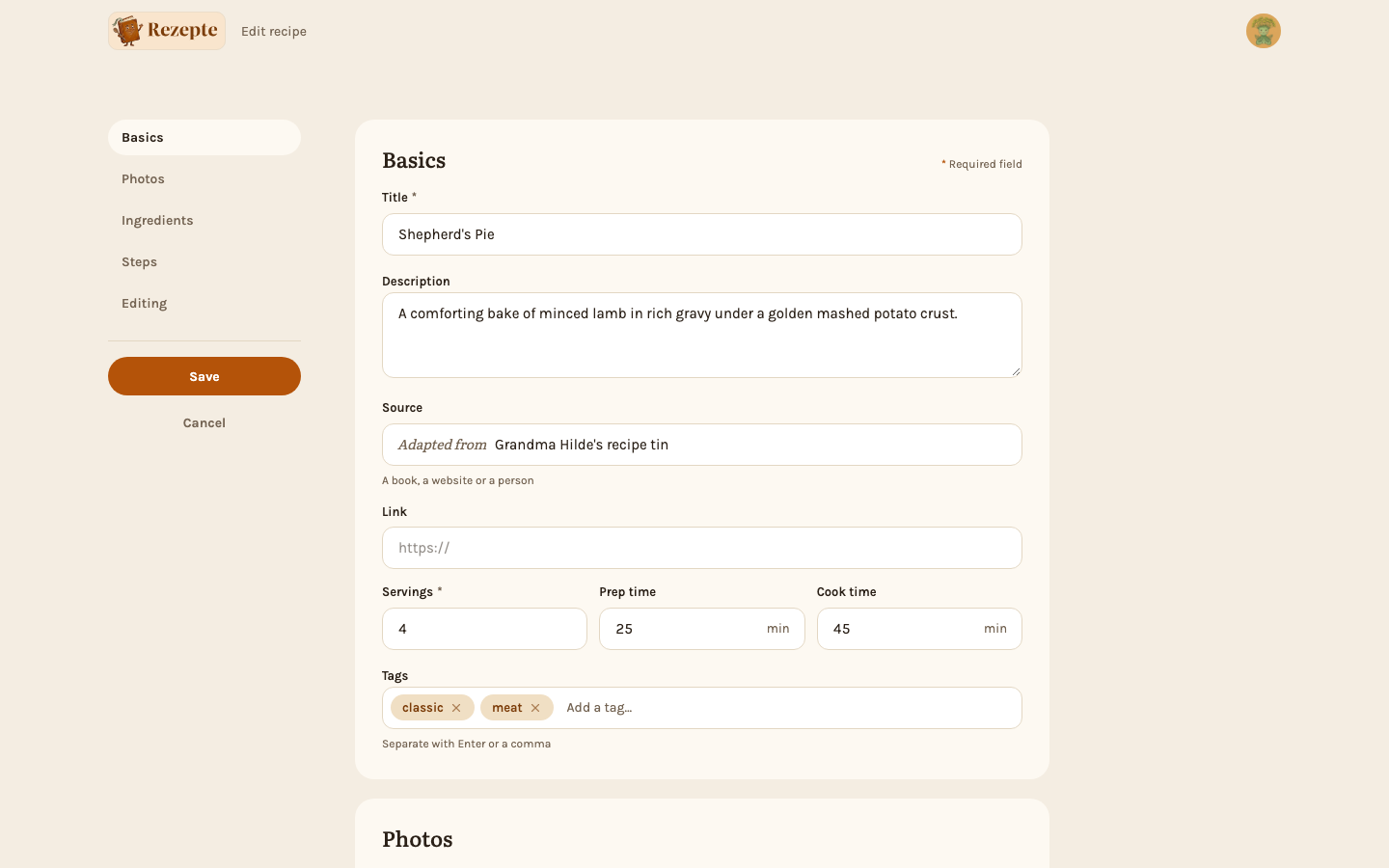
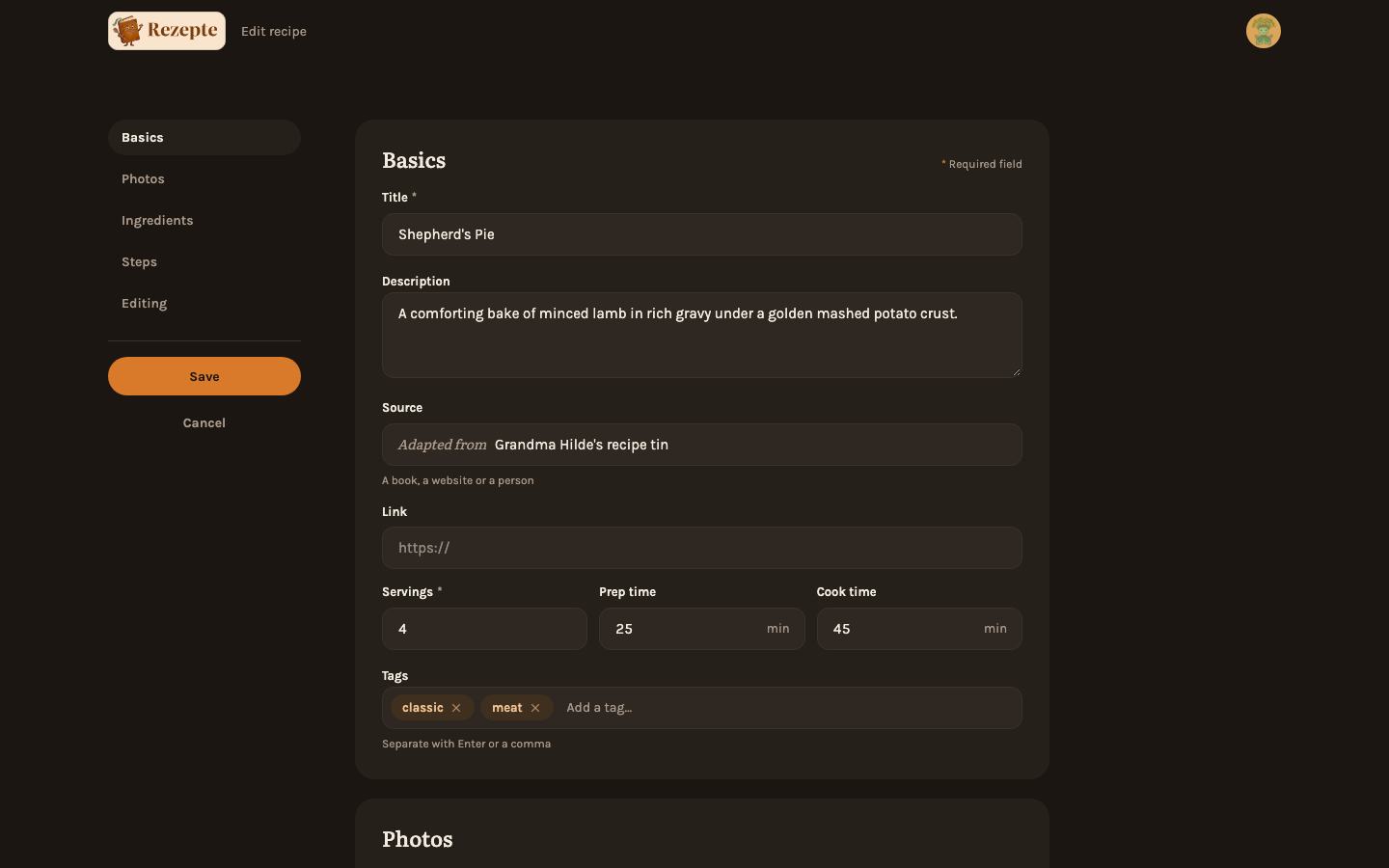
Add photos
In the editor's "Photos" section, drop image files onto the drop zone or click "browse" to pick them from disk.
Choose the cover
The first photo uploaded becomes the recipe's cover automatically. Pick a different one any time with "Make cover" on that photo.
Reorder or remove
Drag a photo by its handle to reorder it, or use "Remove photo" to delete it.
Good to know
On a recipe that already exists, photos upload immediately as soon as they are added. On a new, unsaved recipe they are queued and upload only once you click "Save".
On the detail page
On a wide screen, the cover photo shows large, with the other photos as thumbnails below it. Clicking a thumbnail puts that photo in the large spot; clicking the large photo opens the lightbox. On a phone, the photos form a carousel at the top of the page that starts on the cover: swipe through them, follow the dots, and tap one to open it in the lightbox.
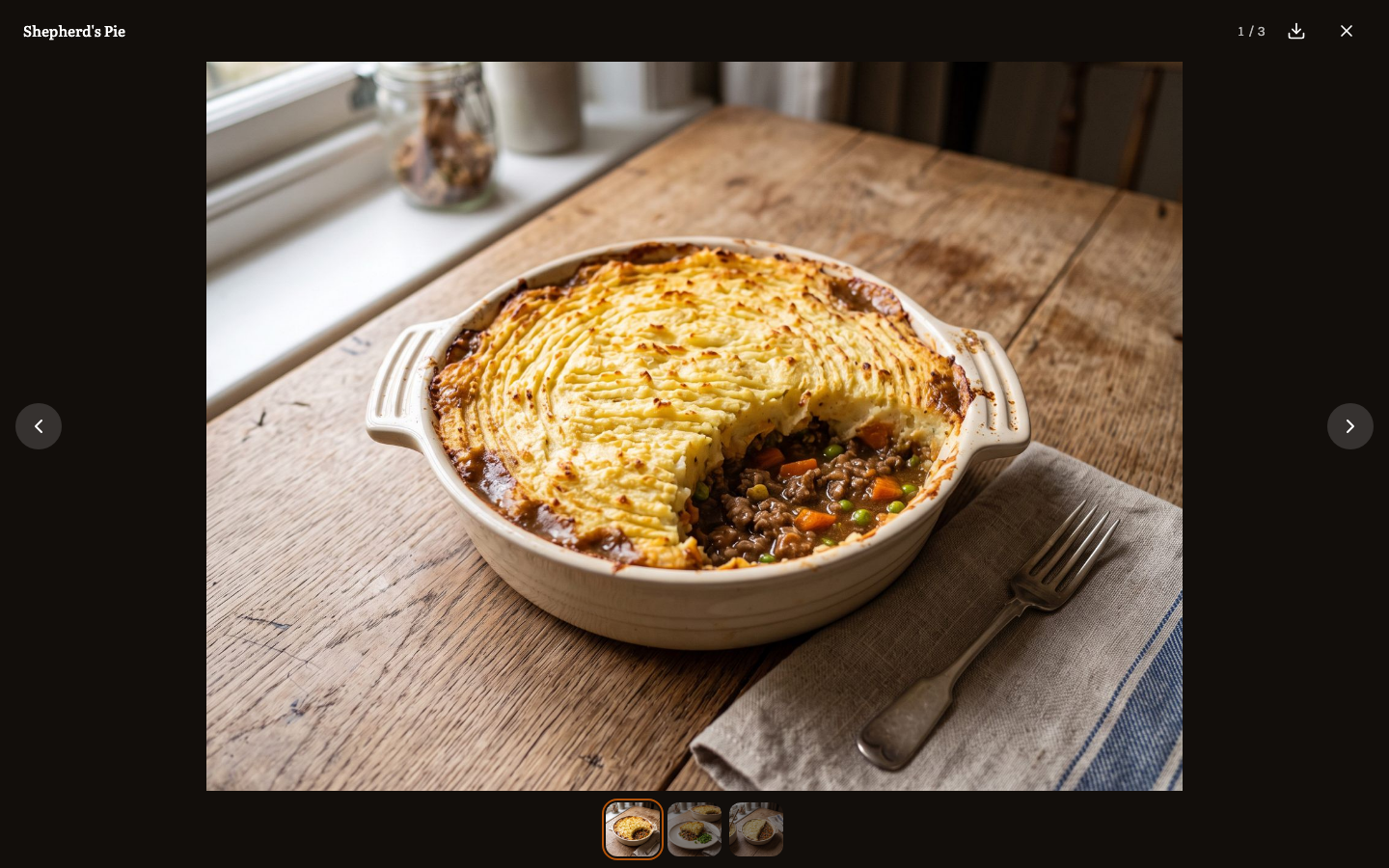
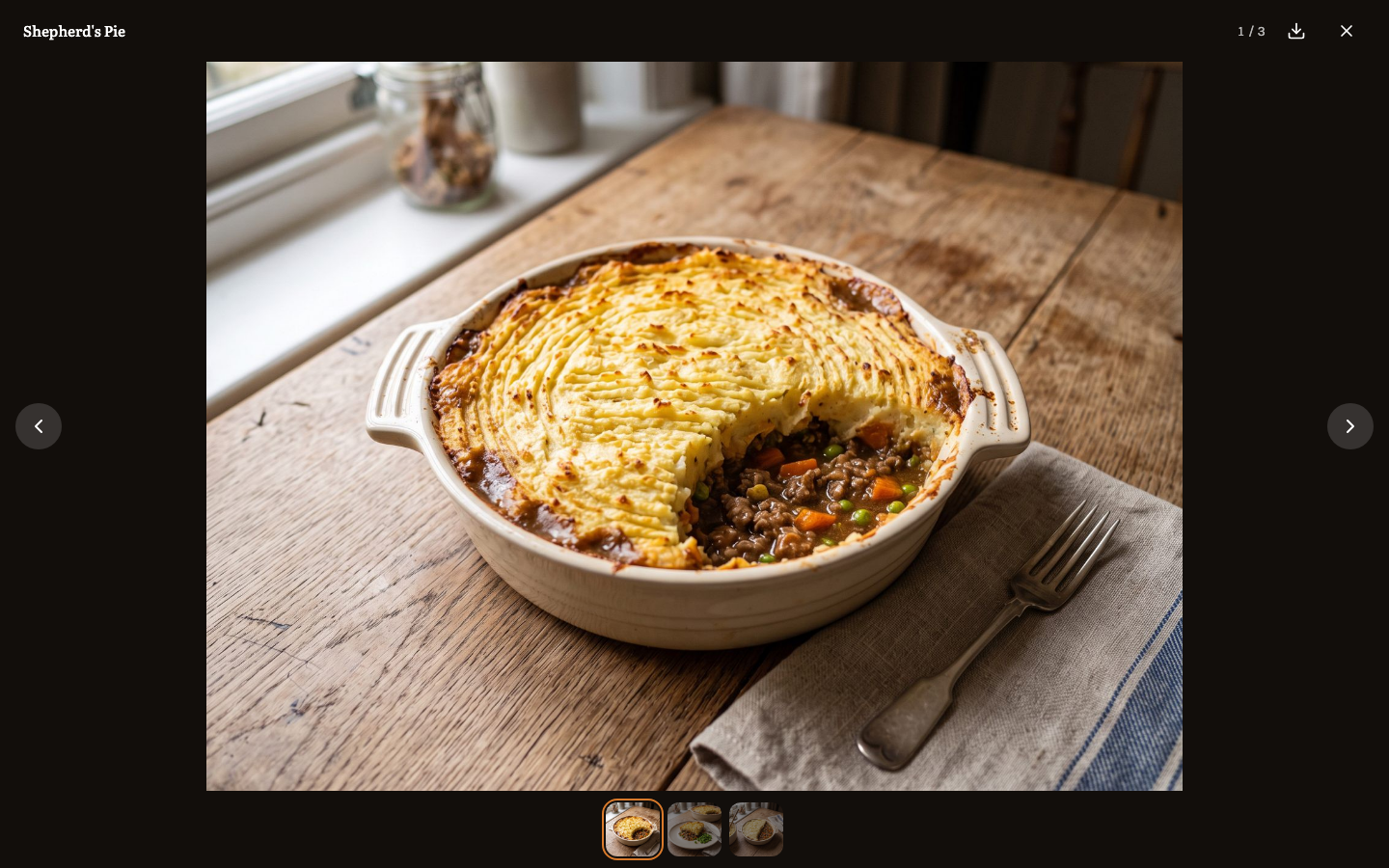
"Download the original" downloads the largest copy Rezepte keeps — the uploaded photo scaled to at most 2400 px on its longest side, not the file as it came off the camera.
JPEG, PNG and WebP are accepted, up to 10 MiB per file and up to 20 photos per recipe. Each side of a photo must be between 64 and 12000 px, and the whole photo at most 60 megapixels.
A photo's orientation is fixed from its EXIF data on upload, so it always displays upright regardless of how the camera recorded it. Three JPEG sizes are stored for every photo: the original (resized to at most 2400 px), a detail size (1600 px) and a thumbnail (960 px).
Removing the current cover photo makes the first remaining photo, by its place in the order, the new cover automatically.