
v1.0.0-rc1 — Your household's recipes, on your own server
The first release candidate of Rezepte: write, find and cook your household's recipes on your own server, in English or German, with an API and an MCP endpoint for AI assistants.
Released
This is the first release of Rezepte, published as a release candidate: everything below is what 1.0.0 is meant to ship, and it is out for you to try before it is called stable. Because it is a prerelease, latest does not point at it; pull ghcr.io/s-frei/rezepte:1.0.0-rc1, or pick an archive from the release page, and follow Quick start. Try it on a fresh data directory, or back up the one you use.
Your recipes in one place
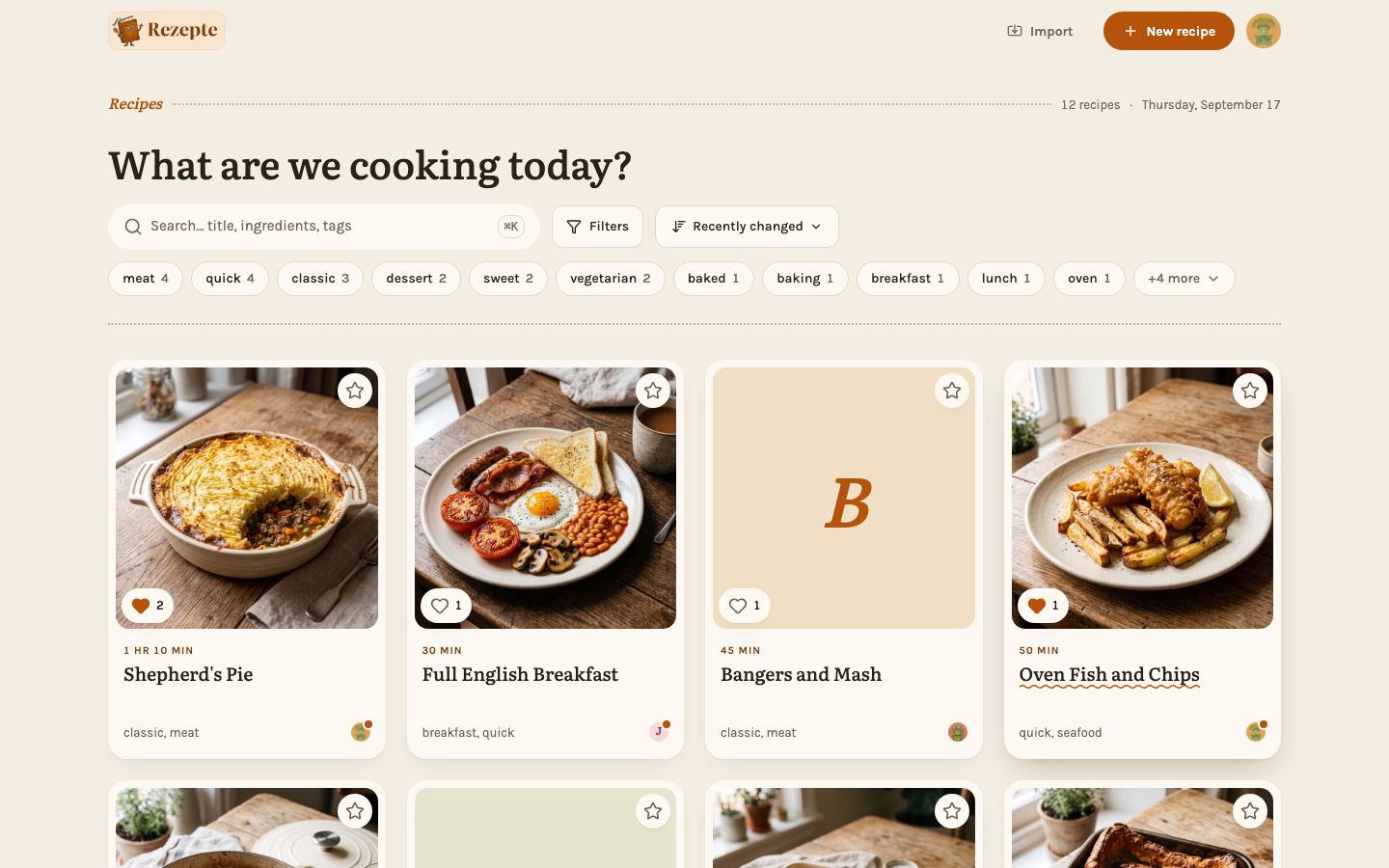
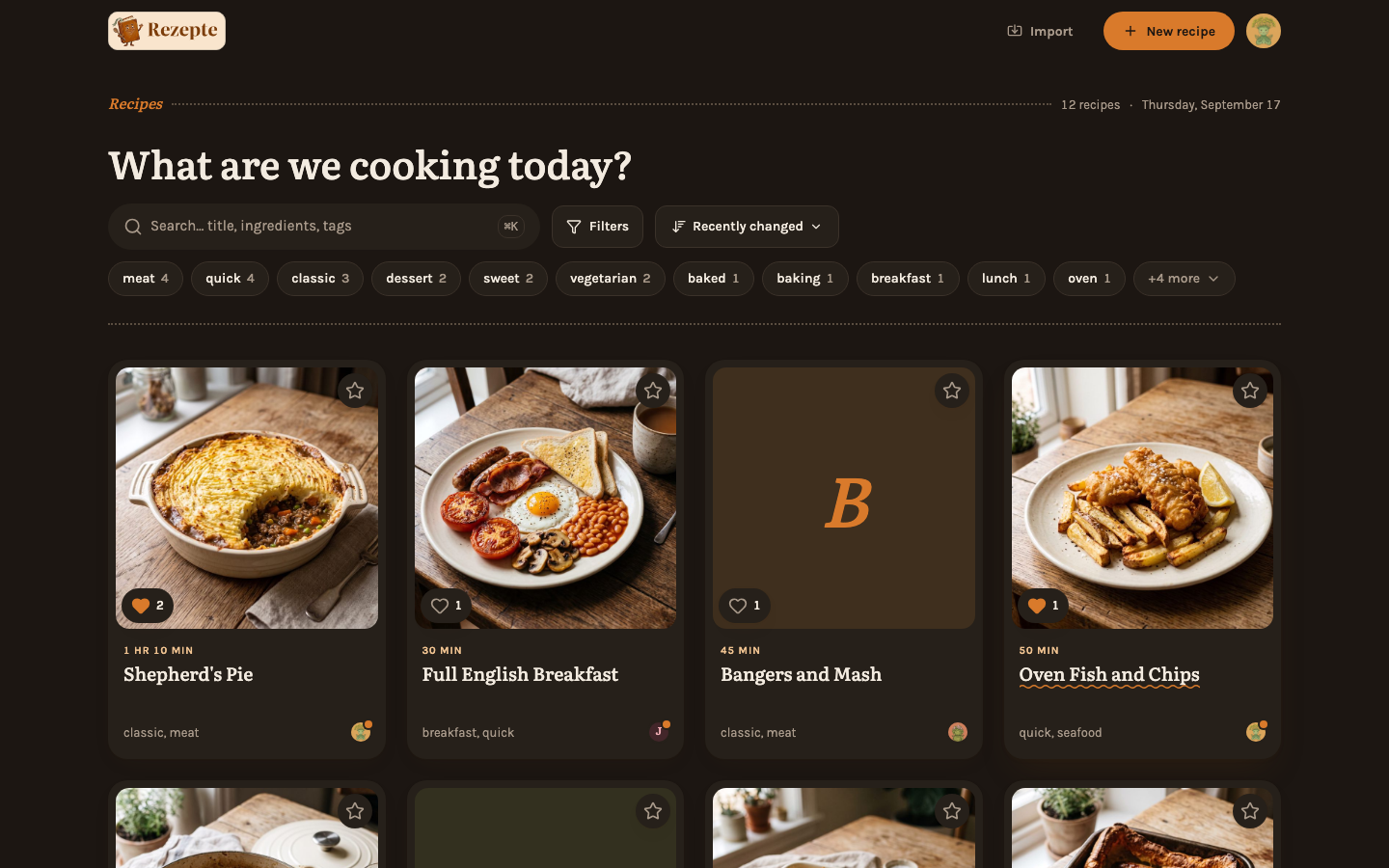
Rezepte is one binary, or one container, that keeps your household's recipes in an SQLite database and your photos next to it in a single data directory. Write a recipe with ingredient groups, preparation steps, tags, times and photos, and find it again by title, ingredient, tag, time, favorite or author. The Recipes and Tags and search guides cover it, and --demo starts an instance filled with sample recipes to look around in.
Cook from your phone
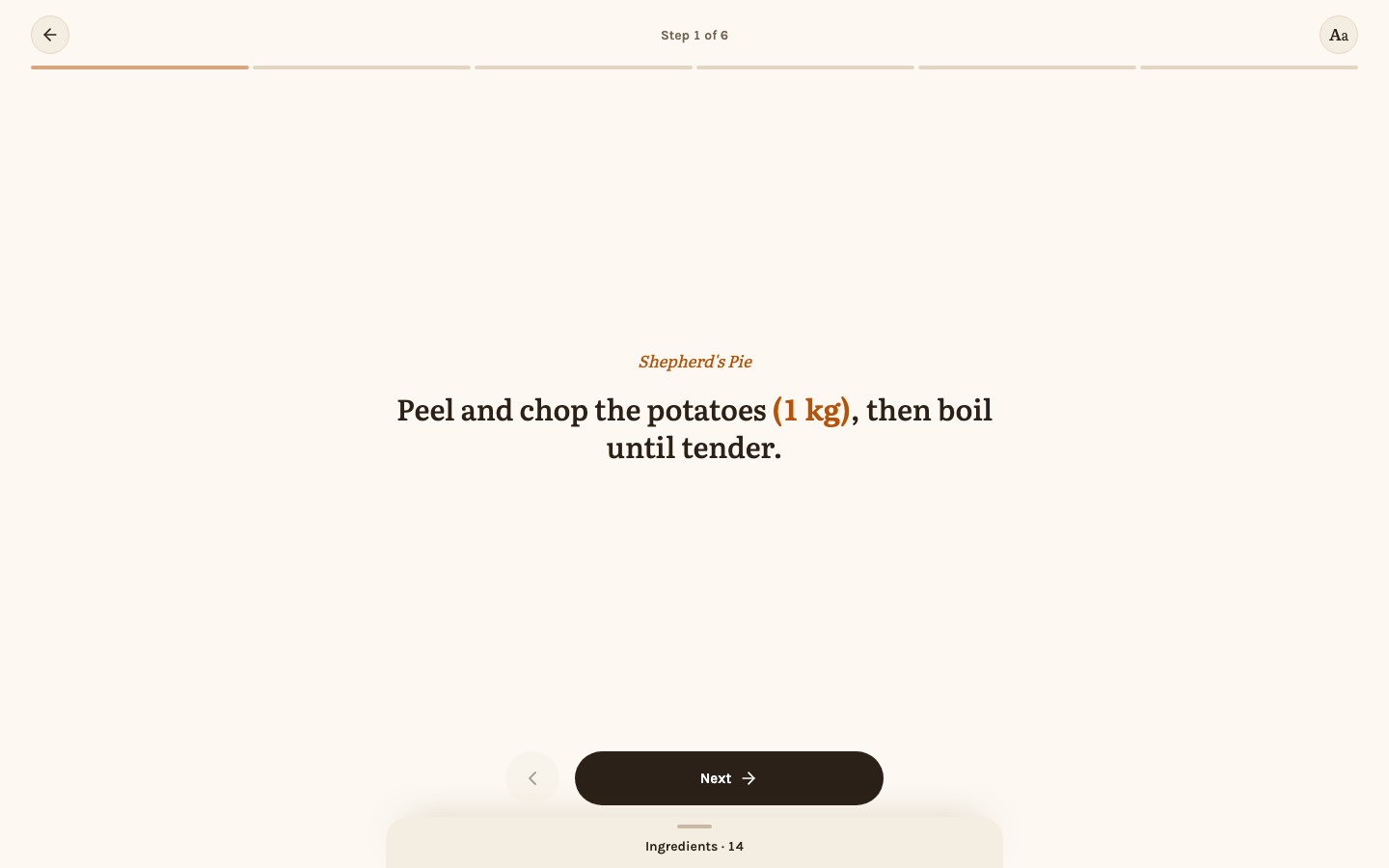
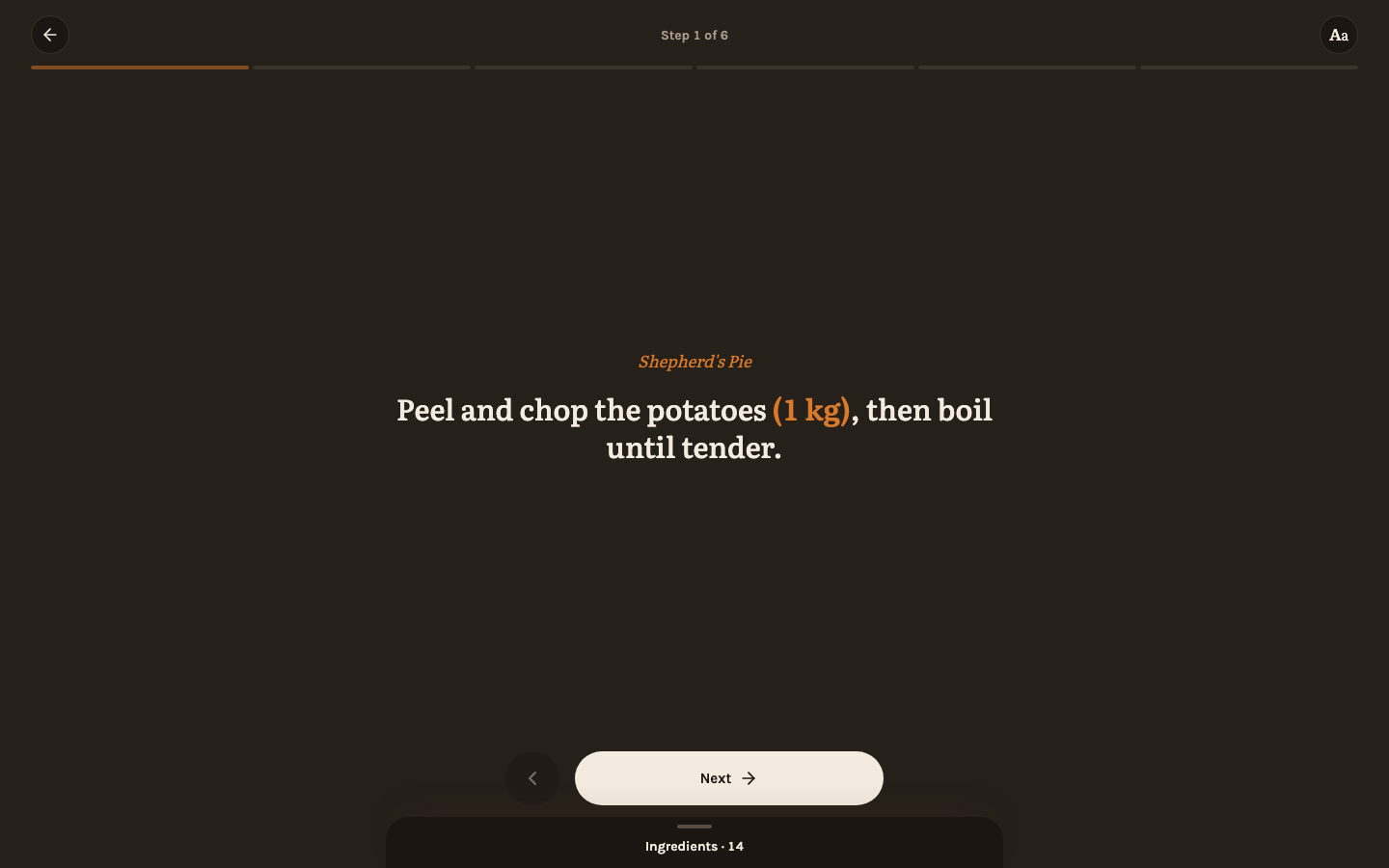
Cook mode shows one step at a time in large type, with the ingredient list a tap away and a choice of five text sizes. Steps can link the ingredients they use, so the amount shows right in the step, scaled to the servings you chose. See Cook mode and Servings.
Let programs and AI assistants in
Admins issue API tokens under Settings → API, each with its own access to recipes and to members: reading, reading and writing, or, for recipes, full access that may also delete. The same token connects an AI assistant to the MCP endpoint at /mcp, and the token dialog hands you the command or configuration to paste. See API tokens and Connect an AI assistant.
Also in this release
As the first release, everything in Rezepte is new, so this page names only the highlights. Features walks through the rest — members and roles, editing rights, English and German, favorites, photos, settings and keyboard shortcuts — and Operations covers running it.