
Tags and search
Find recipes by title, ingredient, tag, time, favorite or author, and sort the list
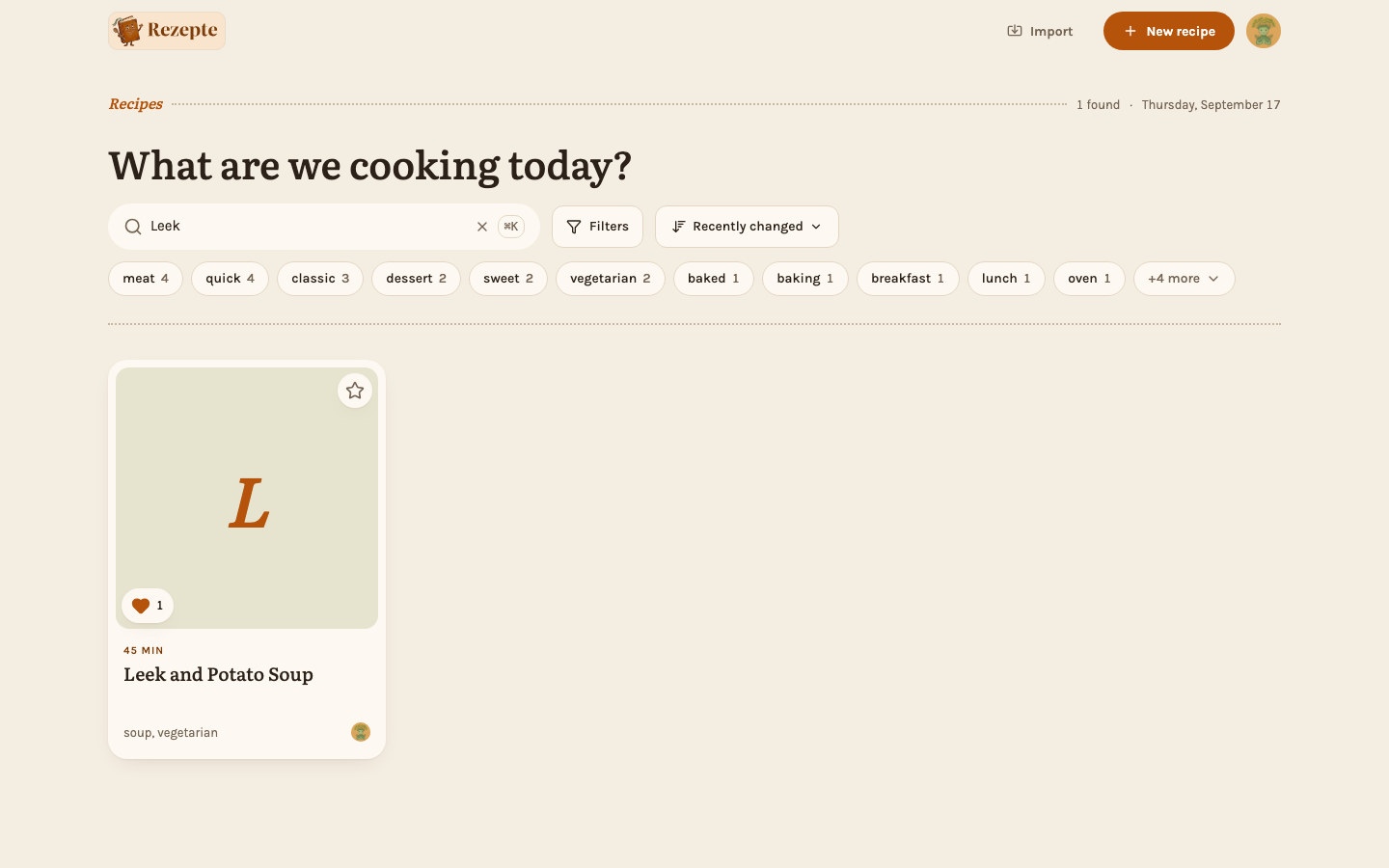
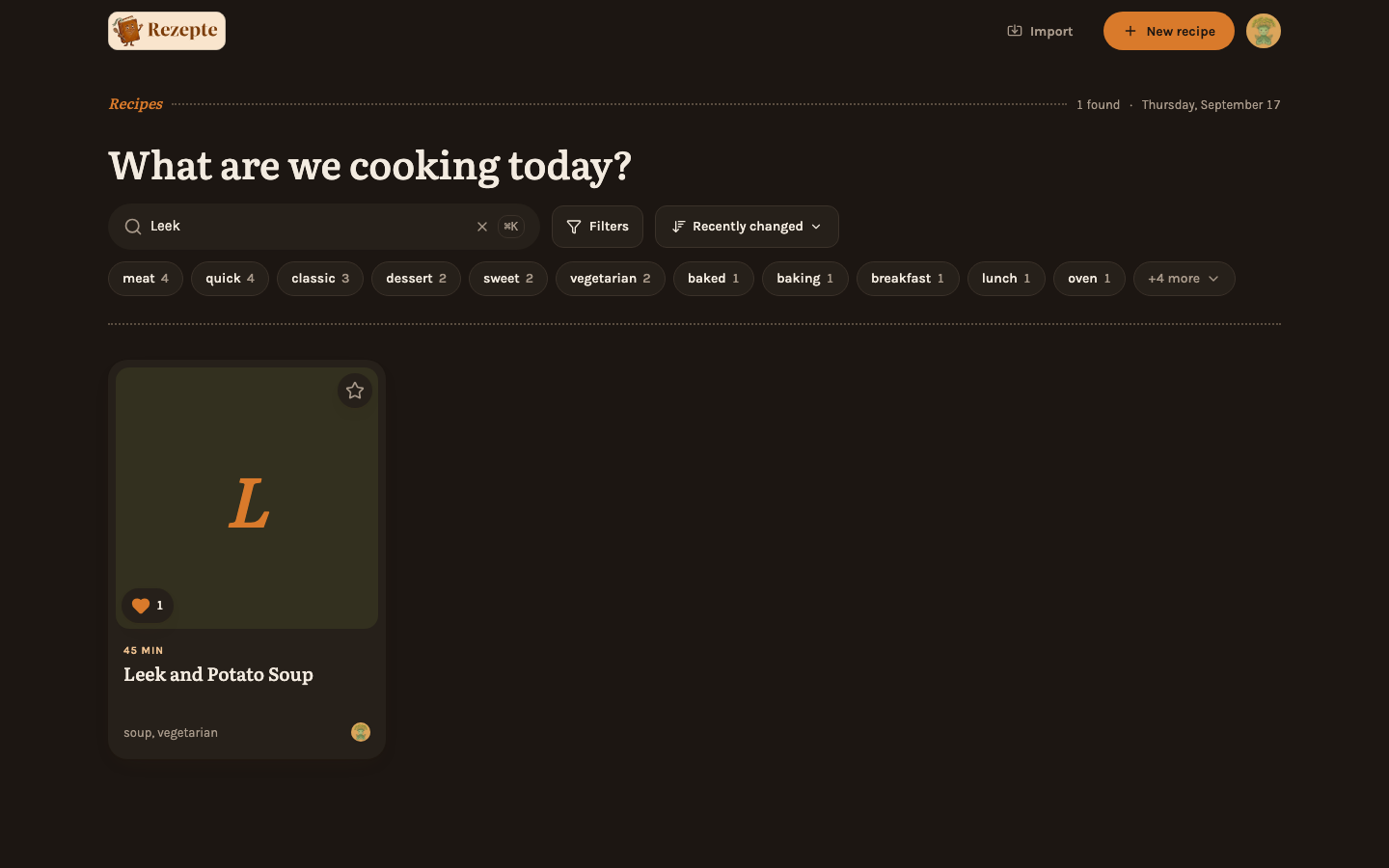
Type into the search box to filter the overview. It matches the beginning of words in the title, description, ingredient names and tags — so "pota" finds "potatoes" wherever it appears. German umlauts can be typed either way: "kaese" finds "Käse", and "käse" finds "Kaese". "Load more" loads the next page of results.
Tags
Under the search box sits every tag in use, each with the number of recipes carrying it, most-used first. Click one to narrow the list to it; click a second and you get the recipes carrying both, not either.
The row is one line. When the tags do not fit, the ones that do not are folded away behind a "+N more" button at its end — click it to unfold the row over as many lines as it takes, and "Less" to fold it back. A tag you have switched on stays in sight when the row folds, wherever it sits in the list: a filter that is narrowing your list should never be one you cannot see.
Filtering
Everything that narrows the list without being a tag lives behind the "Filters" button. The number on that button counts how far the list is narrowed: every filter that is set, plus every tag switched on in the row above.
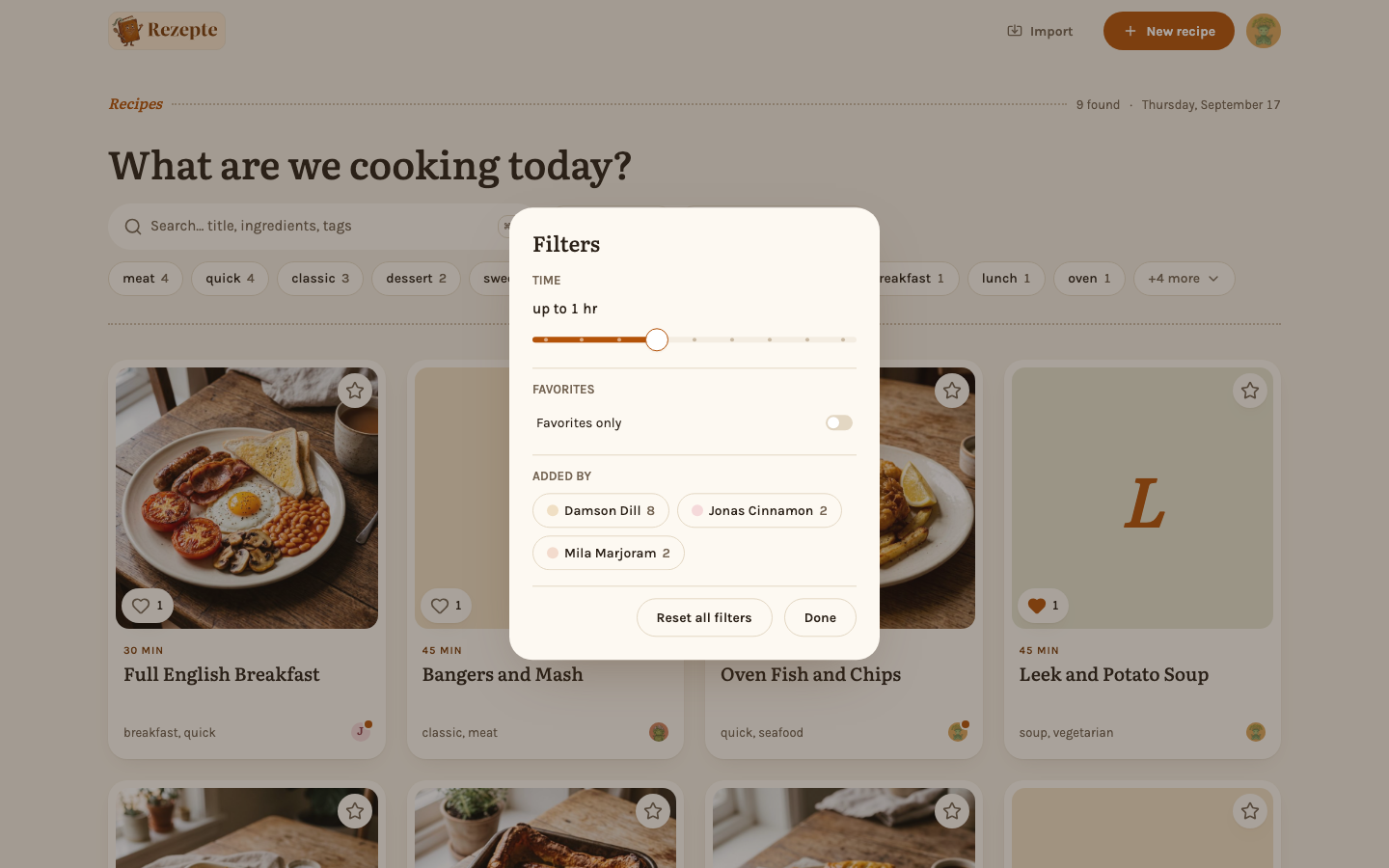
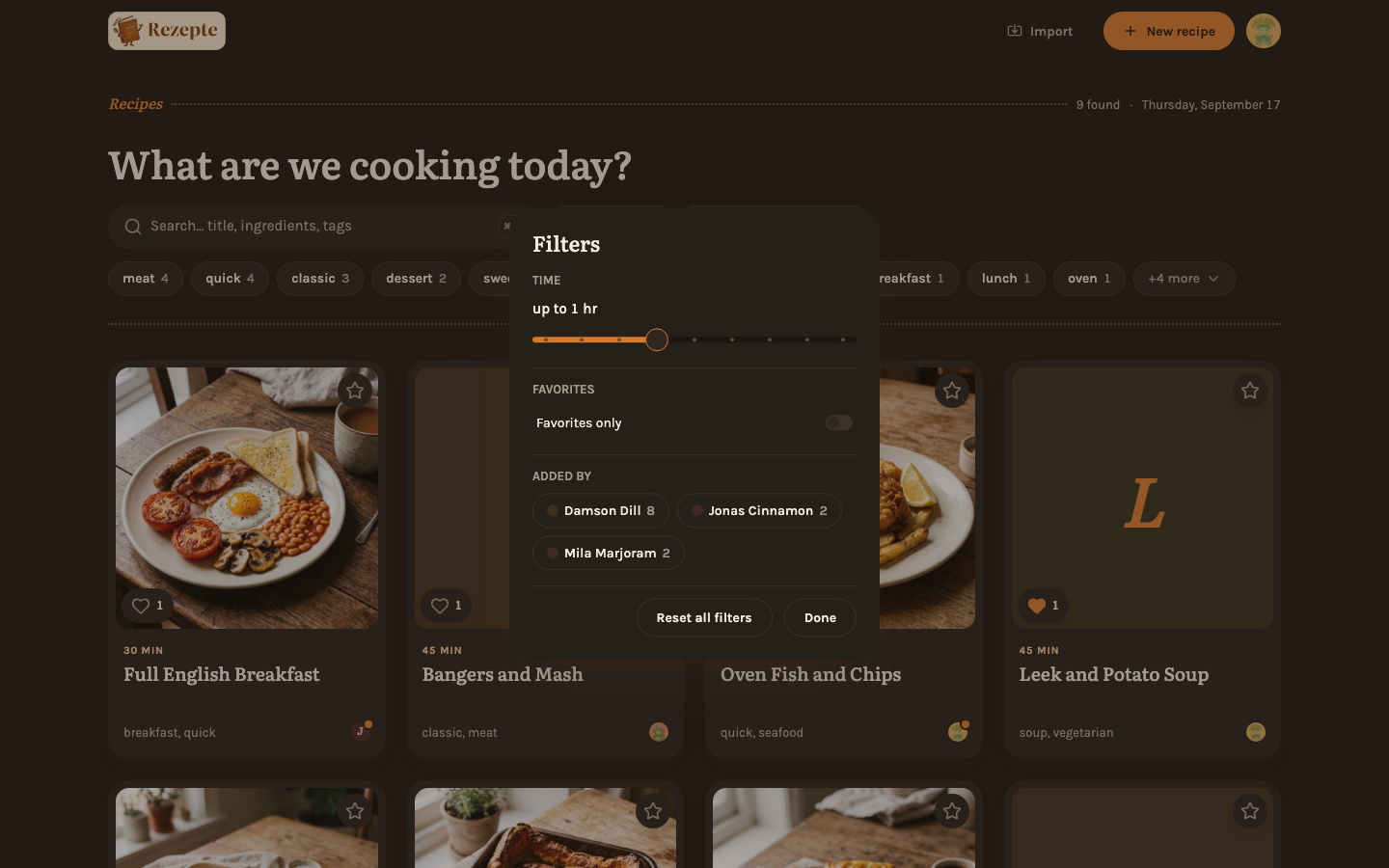
Time is the total time a recipe takes, preparation and cooking together. The slider moves in steps — a quarter hour at a time up to an hour, then in larger jumps up to four hours — and its right-hand end means "Any": no limit at all. The list updates when you let go of the slider, not while you drag it.
Favorites only limits the list to the recipes you have starred (see Favorites). Stars are your own; another household member's favorites are not in your list.
Added by limits the list to the recipes one person added: pick them from the chips, each with a dot in their color and the number of their recipes; pick the same chip again to let go. The section appears only once at least two people have added recipes.
Sort by orders the result — "Recently changed", "Newest first", "A–Z" or "Tastiest", which puts the recipes most members marked tasty first. It sits next to the search box on a wide screen and moves into this panel on a phone. Sorting is not counted on the "Filters" button: it reorders the list rather than shortening it.
"Reset all filters" appears in the panel as soon as a tag or a filter is on — a search term alone does not bring it up — and clears the search term along with every tag and filter. It leaves the sort order as it is.
Good to know
Every filter is part of the page address, so a narrowed list can be bookmarked or sent to someone — they open it on the same result. Tags are lower-cased and de-duplicated automatically, and a recipe can carry at most 20 of them.
When nothing matches
The overview shows an empty state instead, with "Reset filters" to clear everything:
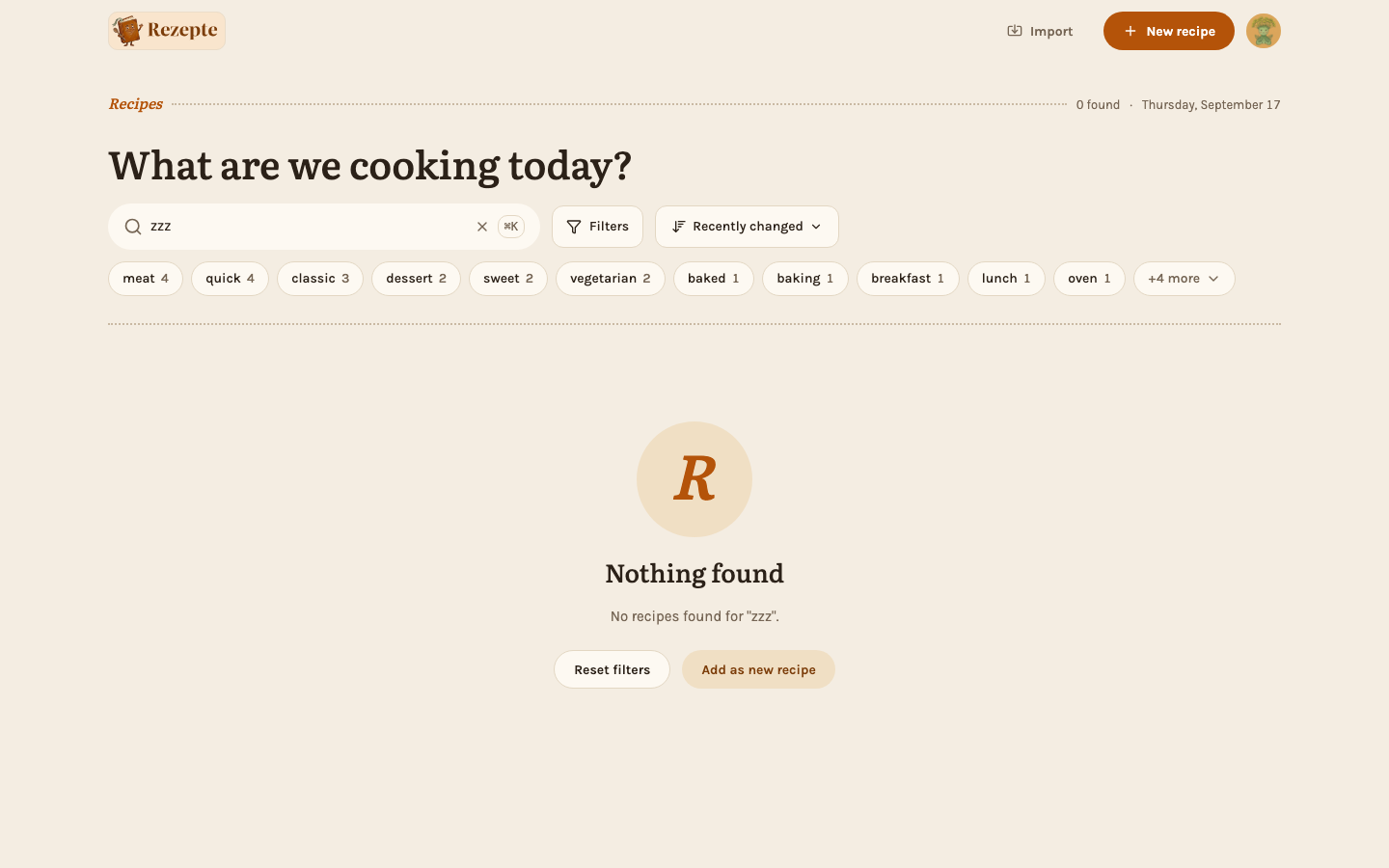
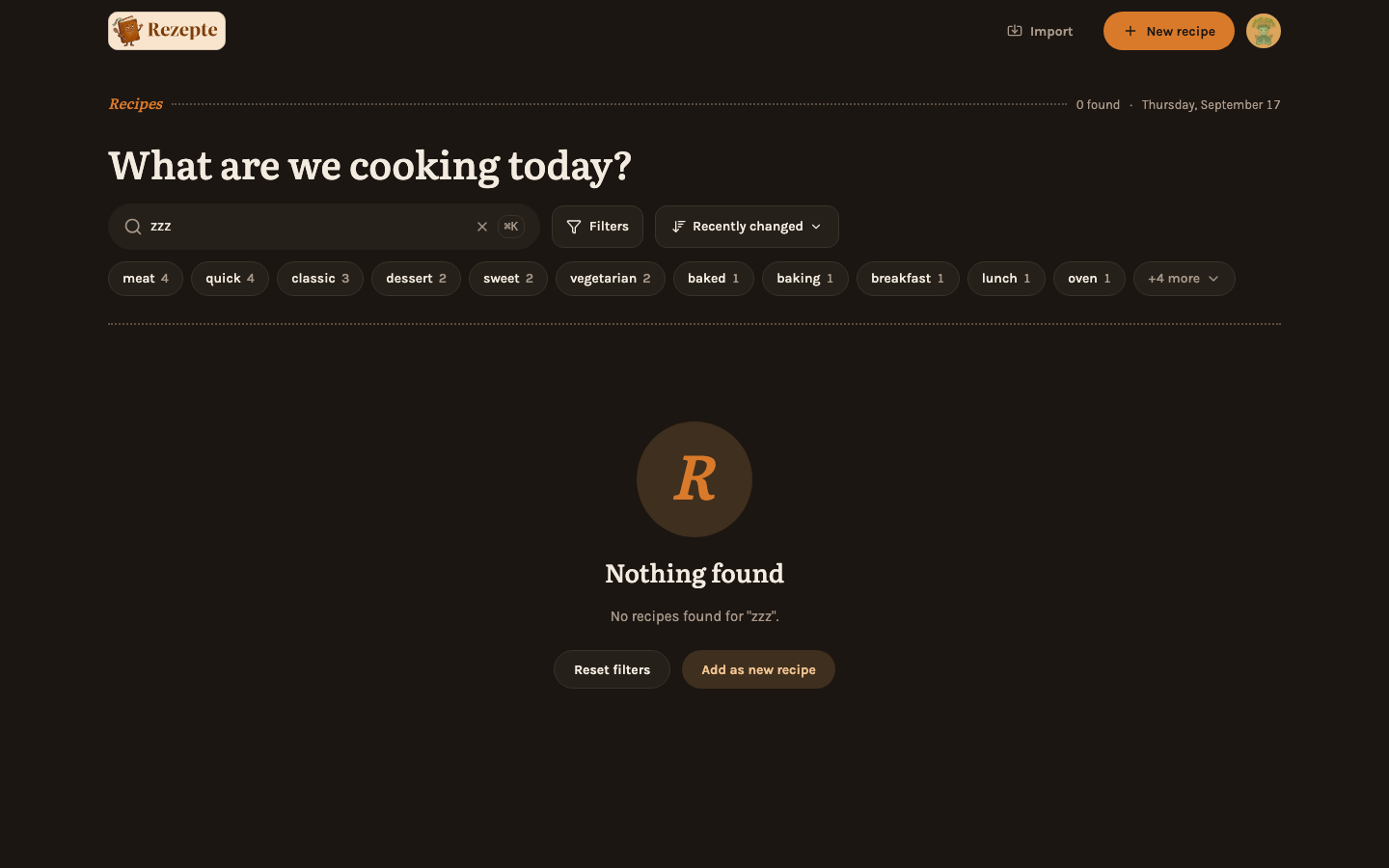
Next to it, "Add as new recipe" opens the editor with the search term already in the title — for when the dish you looked for is one you have yet to write down. Nothing is saved until you press "Save", so it costs nothing to look. When the list came up empty because of the filters rather than a search term, there is no term to carry over and the same button reads "New recipe".