
Editing rights
Who may change, re-photograph and delete a recipe
Out of the box, everyone in the household may edit every recipe. Two settings narrow that down: one for the whole household, set by the owner, and one on each recipe, set by its author.
The household settingOwner only
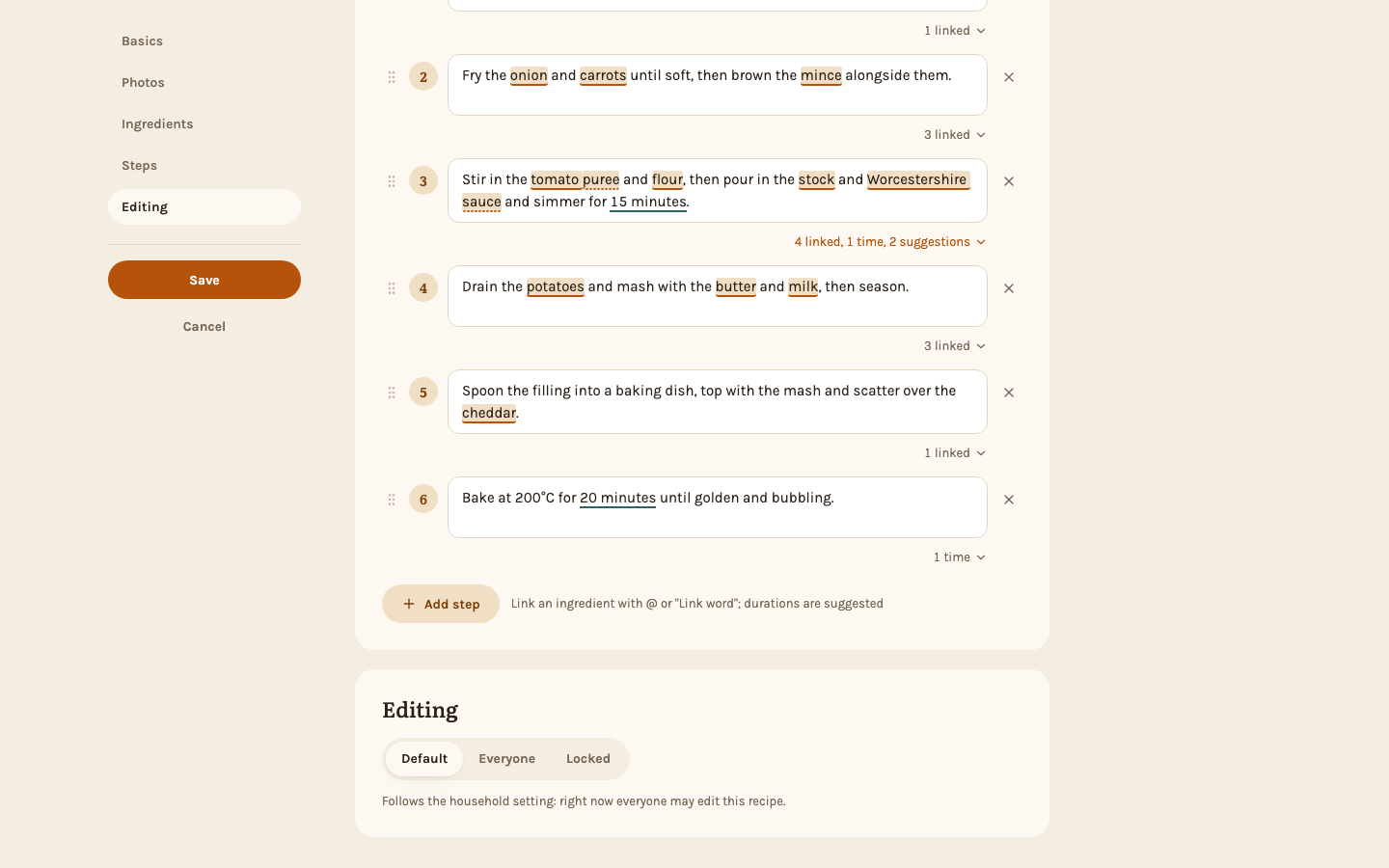
The owner of the instance finds Recipe editing under Settings → People. With "Only authors and admins edit recipes" switched on, every recipe left on Default can only be edited by its author and by admins. The switch applies as soon as you flip it. Admins see the card too, with a sentence saying what applies right now, but only the owner can change it.
The setting on a recipe
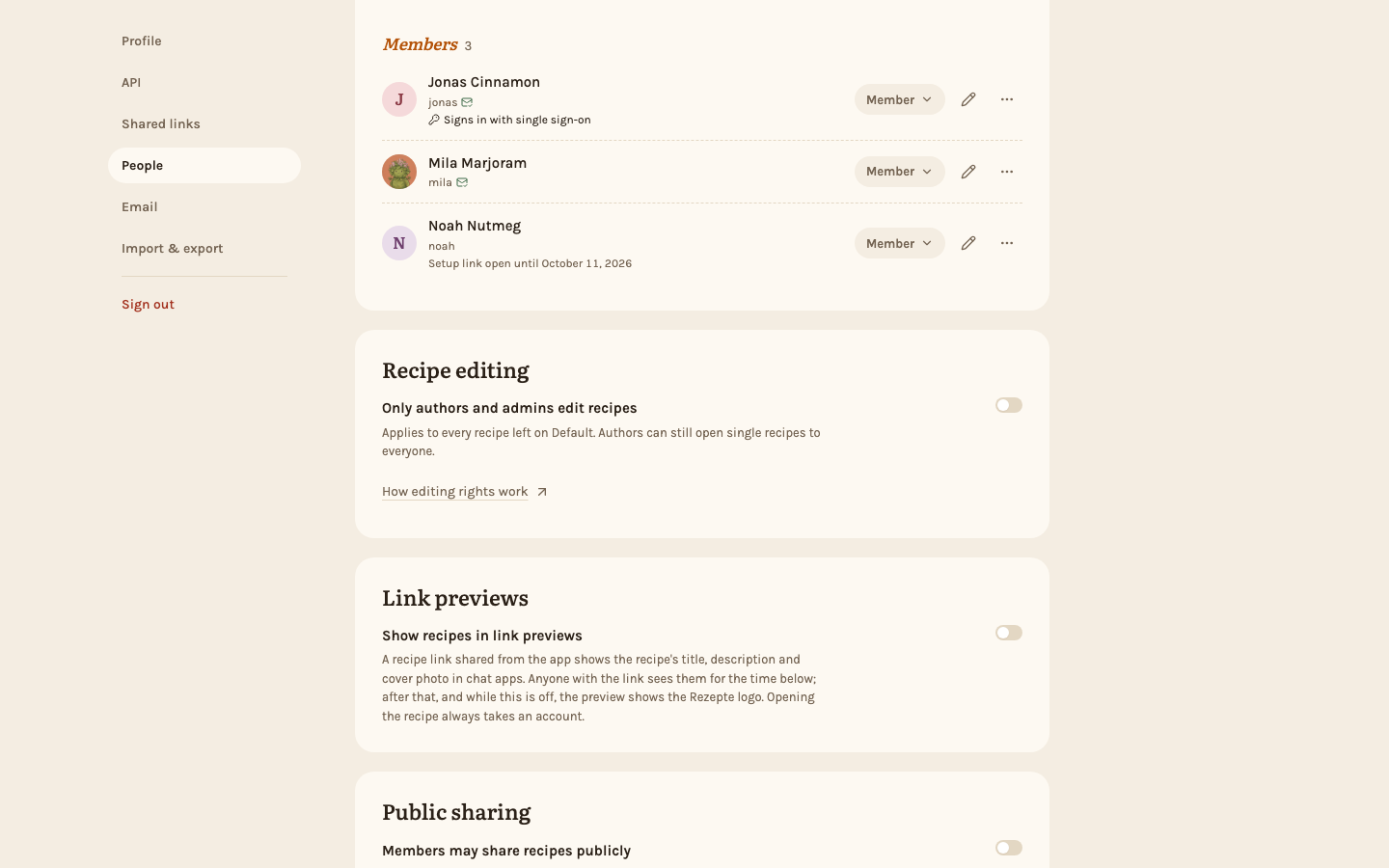
The last section of the editor, Editing, has three choices:
- Default follows the household setting, and keeps following it when the owner changes it later.
- Everyone lets every member edit the recipe, even when the household setting is on.
- Locked keeps the recipe to its author and admins, even when the household setting is off.
The line under the choices always says what applies right now. A new recipe starts on Default.
Only the author and admins can change this setting. Anyone else who may edit the recipe sees a sentence instead of the choices: on a recipe set to Everyone, who opened it to everyone; on one left on Default, what the household setting allows right now.
What comes out
| Household setting | Recipe | Who may edit |
|---|---|---|
| off | Default | everyone |
| on | Default | author and admins |
| off or on | Everyone | everyone |
| off or on | Locked | author and admins |
Who may do what
| Edit and photos | Delete | Change the recipe's setting | |
|---|---|---|---|
| The author | always | always | always |
| Admins and the owner | always | always | always |
| Other members, recipe open | yes | no | no |
| Other members, recipe locked | no | no | no |
Deleting is never opened up: only the author and admins can delete a recipe.
Editing rights cover the recipe itself, not what people say about it: everyone in the household can write comments on every recipe, locked ones included, star it, and mark it tasty unless they wrote it.
When a recipe is locked for you, Edit and Delete are not shown, and a line at the bottom of the recipe says who can edit it. The line is there for everyone, the author included, whenever the recipe is locked; an open recipe has none.
Examples
- A fresh instance. The household setting is off and every recipe is on Default: everyone edits everything.
- Anna keeps her bread to herself. She sets it to Locked. Ben can no longer edit it; every other recipe stays open.
- The owner switches the household setting on. Every recipe on Default is locked at once. Anna's bread was locked already.
- Ben opens his lasagna. He sets it to Everyone. Despite the household setting, everyone may edit it — but not delete it.
- The owner switches the household setting off again. Recipes on Default are open again. Anna's bread stays locked and Ben's lasagna stays open, because both were set on purpose.
- A member is deleted. Their recipes pass to the admin who deleted them, with their setting unchanged. That admin is now their author, and also takes the member's place as last editor on any recipe the member was the last to change.
Through the API
The API follows the same rules as the app. API tokens are issued by admins and act as the admin who issued them, with that account's role as it is now: while its issuer is an admin, a token that may write recipes can edit every recipe, locked or not, and one with the Delete recipes level can delete every recipe too. A token whose issuer loses the admin role stops working altogether. The household setting itself can only be changed in the browser, by the owner.